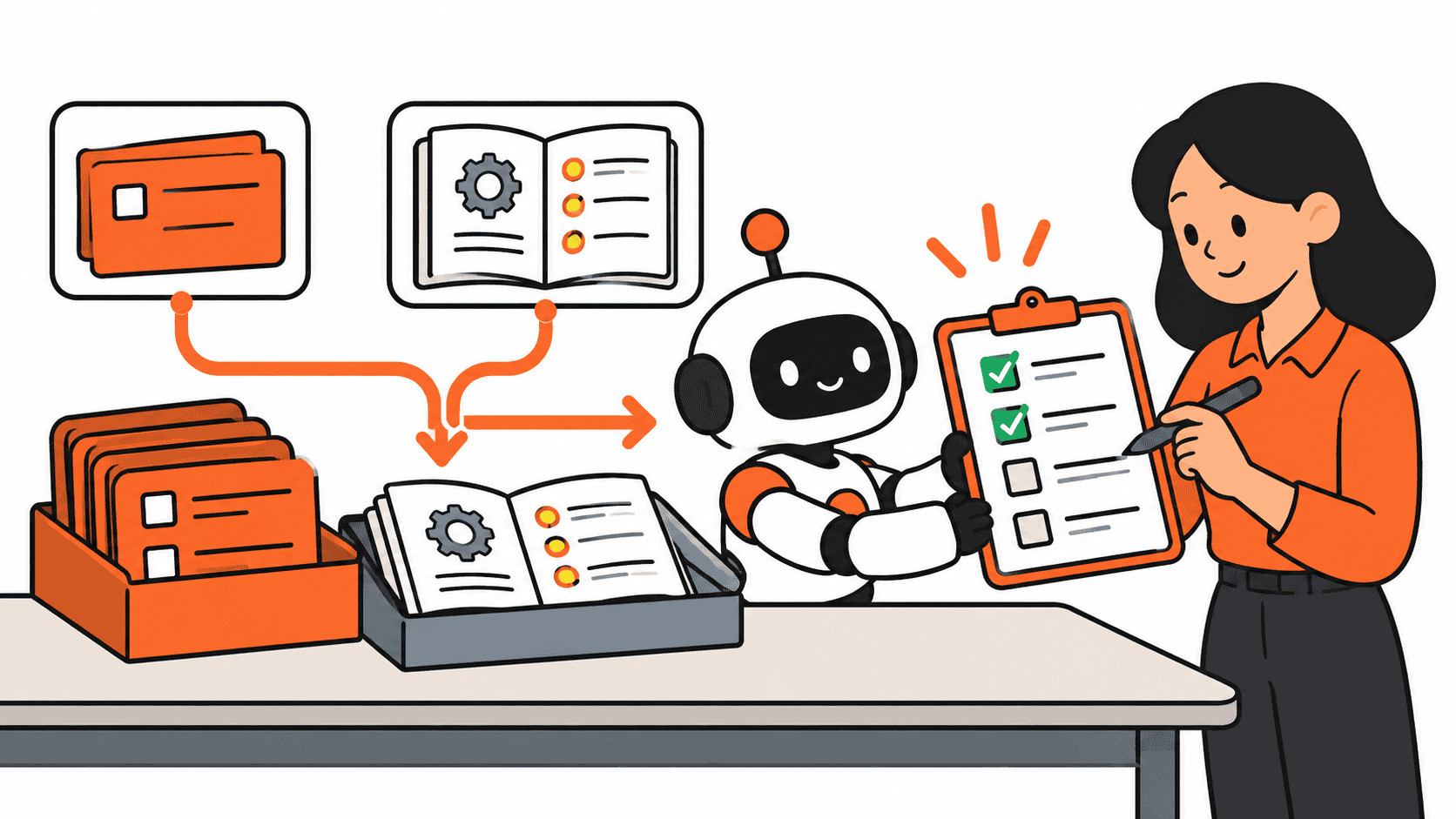
ChatGPT Jira and Confluence connections can help an operations team bring a work item and its instructions into the same conversation. The useful starting point is small: select one task, select the relevant procedure, and ask for a draft that shows where its claims came from.
A task board knows what is open. A procedure explains what should happen. Putting them together can make a handoff easier to review, provided you check the sources and keep control of changes.
What changed this week
On October 6, 2026, OpenAI and Atlassian announced an expanded partnership. The announcement describes existing ways to bring Atlassian context into ChatGPT and Codex. It also says deeper Jira integrations for assigning work to agents and reviewing results are being explored. Those future plans are not a promise that every account can do them today.
Atlassian’s plugin update describes selecting Jira work items, Confluence content, and people through composer mentions, plus a pinned Home view for picking up work. Access remains subject to your permissions and organization’s controls.
This is a researched starter guide. The workflows below are proposals to try with approved sample content, not a DigiDaddy deployment or a measured productivity result.
Before using ChatGPT Jira and Confluence together
Check whether your organization allows the connection and whether it is available in your account. Atlassian’s Rovo MCP documentation explains the connection and shared Rovo credit usage. Review current allowances and restrictions before building a recurring workflow.
- Use your own authorized account and the approved connection method.
- Choose a current page and work item you already understand.
- Start with non-sensitive sample content and a draft-only task.
- Check that the source links open and that the expected information is visible.
- Agree on who reviews the result and who can approve changes.
A ChatGPT Jira and Confluence connection cannot fill in information your account cannot access. An empty result might mean a permission gap, an outdated page, or missing context. Ask the AI to mark that uncertainty rather than politely inventing a complete answer.
Our guide to delegating safely to AI at work is a useful companion when setting task scope and deciding which actions require approval.
1. Turn a blocked task into questions someone can answer
Suppose a vendor onboarding task is stuck. The Jira work item says a document is missing. The Confluence procedure lists the required checks. Select those two sources and ask for the requirements that are satisfied, the requirements that lack evidence, and the next questions to ask.
Request a source link for each finding. If the task has no confirmed owner or deadline, the result should say unknown. A plausible name is not an assignment.
Try this prompt: Using only the selected work item and procedure, draft a blocker list. For each blocker, show the requirement, the evidence available, the source link, and the question a human must answer. Mark missing owners and dates as unknown. Do not change the work item or contact anyone.
Review the draft against the procedure yourself. A document being absent from the selected sources does not prove it does not exist elsewhere. Turn that gap into a question for the responsible person.
2. Prepare an onboarding handoff from the actual procedure
For a ChatGPT Jira and Confluence handoff, select the current onboarding procedure and the related work items you want included. Ask for a handoff checklist grouped by confirmed complete, still open, and needs clarification.
Require a source beside each row and a distinction between an assigned owner and a suggested owner. This makes the draft easier for the coordinator to correct before sharing it.
Try this prompt: Draft a handoff checklist from these selected sources. Include the action, confirmed owner if present, evidence of status, and source link. Separate missing information from unfinished work. Keep suggestions in a separate paragraph. Do not mark any task complete.
You may discover that the procedure is current but the task status is stale, or the reverse. Keep both statements visible until someone resolves the mismatch. A clean checklist should not erase a messy fact.
3. Compare a revised procedure with linked open work
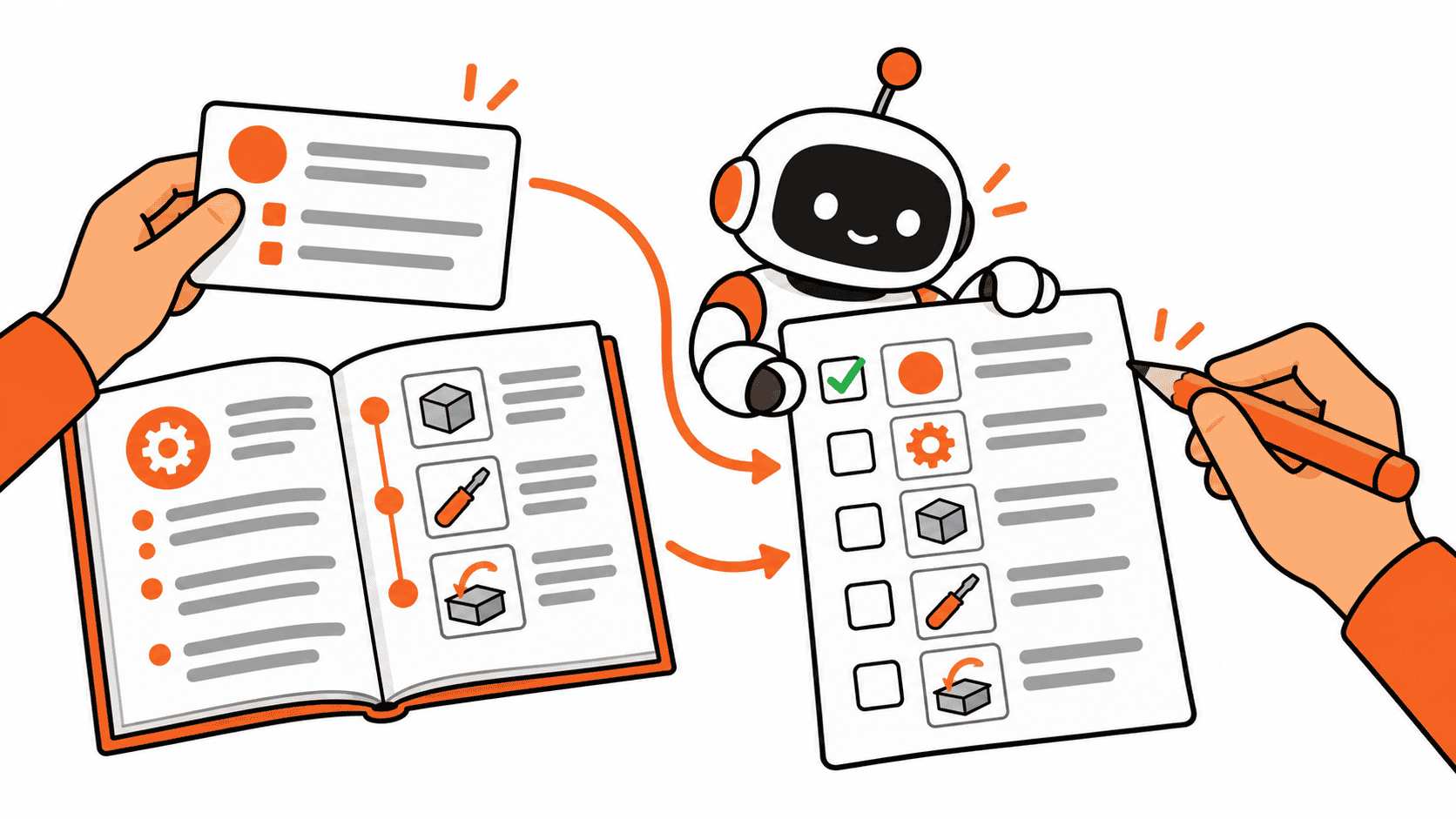
When a procedure changes, select its current version and the specific open work items affected. Ask for possible mismatches between the documented requirement and the instructions in each task.
For example, an onboarding procedure might now require an additional review while an older work item still describes the previous steps. The AI can draft a comparison for you to inspect; it should not silently rewrite every related task.
Try this prompt: Compare this procedure with the selected open work items. Quote only the short passages needed to explain each possible mismatch and link the sources. Distinguish a documented conflict from a missing detail. Draft suggested edits for review without applying them.
Confirm which version is authoritative with the process owner. If you want a comparison with the previous procedure, supply that version too. The current page alone does not establish what changed.
Use a repeatable source, draft, review routine
- Select the smallest useful set of sources and state the task clearly.
- Ask for source links, known facts, and explicit unknowns.
- Review the draft against the original work items and documents.
- Approve specific edits separately if a change is needed.
- Check the resulting record after any approved write.
For any ChatGPT Jira and Confluence workflow, this routine keeps the scope understandable. Do not start by asking the connection to understand every project in the business. Start where you can tell whether its answer is right.
If you already use ChatGPT Projects for a repeatable work routine, treat selected Atlassian records as sources to verify for this task. Reusable background instructions still need a current document to support a current claim.
When this connection is worth trying
ChatGPT Jira and Confluence workflows are worth a small trial when your team already keeps useful tasks and procedures in those tools, and someone can review the output. They are less useful when the process exists only in a teammate’s memory or nobody maintains the source records.
You do not need to move your team into Jira just to try this idea. If your work already lives elsewhere, use the same principle there: choose reliable sources, request a useful draft, and check it before acting.
The first test is simple. Give the AI a work item you understand and a procedure you trust. If it can produce a sourced draft that makes the next conversation easier, you have a practical reason to continue. If it cannot, fix the context or stop the trial. An impressive paragraph is not the same as an operations handoff.