If Friday afternoon means opening six tabs, rereading Slack, and trying to remember what you did this week, you are not alone. An AI weekly status report can help, but only if it organizes work you actually did. It should not turn a vague memory into fictional progress with better formatting.
The useful job for AI is simple: turn your notes, completed tasks, decisions, and blockers into a short update that your manager or client can scan. Your job is still to supply the facts and approve the final version.
Specific instructions matter here. OpenAI’s prompt guidance recommends clear context and clear directions, which is exactly what stops a status update from drifting into polished guesswork.
Start with evidence, not a blank prompt
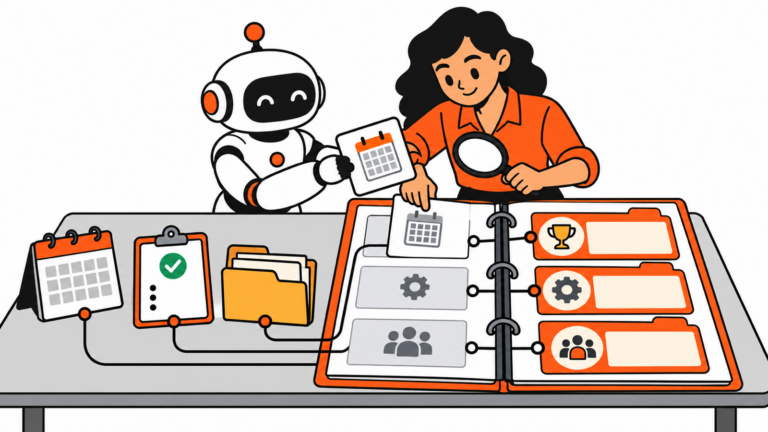
Make one small source list before you ask AI to write anything:
- completed tasks or tickets
- meeting notes and decisions
- work still in progress
- blockers that need help
- next week’s top priorities
Do not ask, “Write my weekly update.” That prompt invites the model to fill in gaps. Instead, paste only the notes you want included and say that it must not infer completion, dates, results, or metrics that are not in the source material.
Use a five-part AI weekly status report
A good weekly update does not need a corporate fog machine. Use this format:
- This week: the two or three outcomes that matter.
- In progress: work that moved but is not finished.
- Blockers and decisions: where someone needs to respond, approve, or choose.
- Next week: the next one to three priorities.
- Metrics: only numbers you can point back to.
This structure makes the update useful even when the week was messy. It also gives AI a clear container. It is much better at reorganizing a bounded set of facts than guessing what a “good week” should sound like.
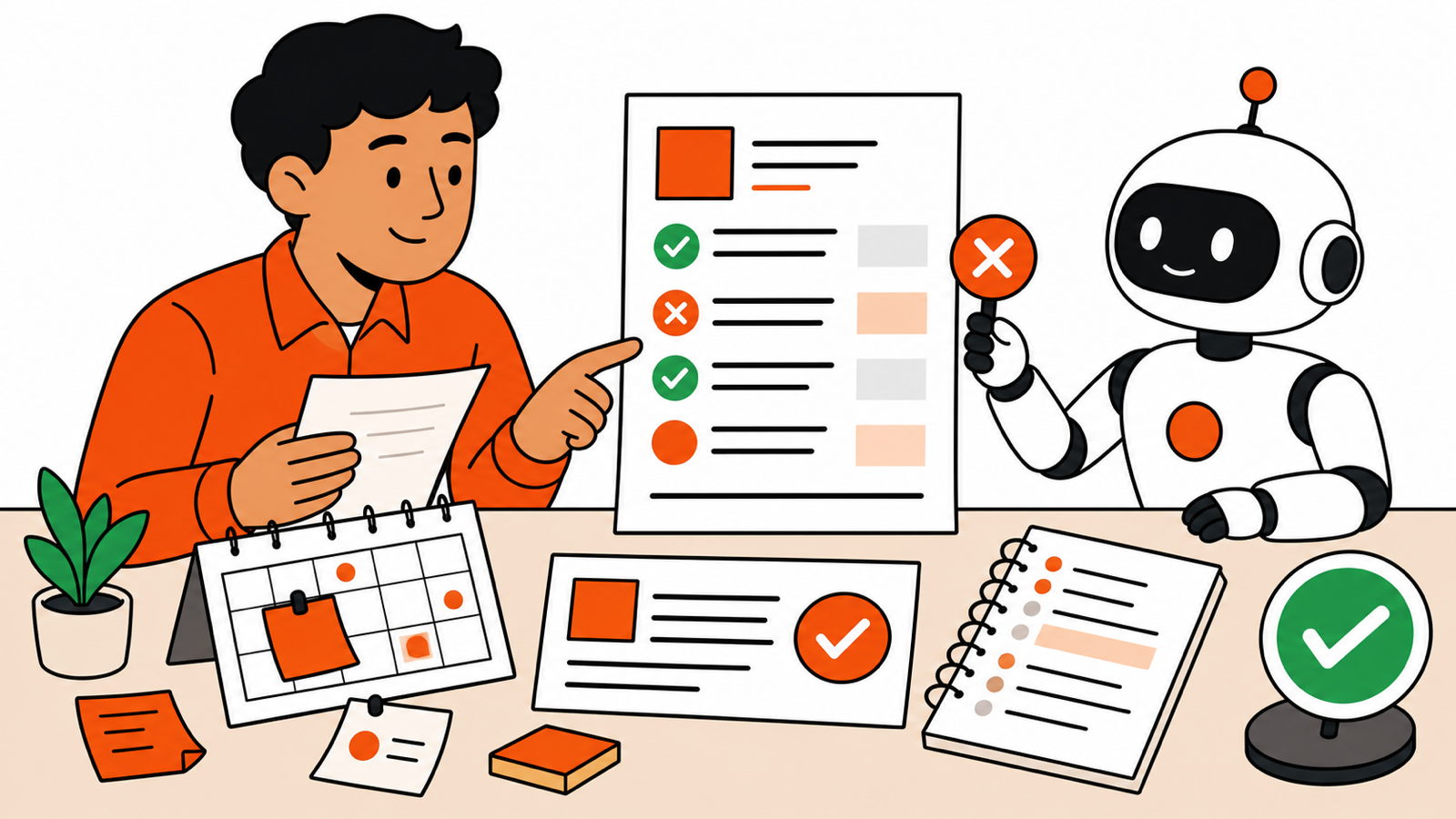
Paste this prompt
Turn the notes below into a weekly status report.

Rules:
- Use only facts, dates, numbers, and outcomes present in the notes.
- If something is unclear, label it “needs confirmation” instead of guessing.
- Separate completed work from work in progress.
- Keep blockers specific and name the decision or help needed.
- Use these headings: This week, In progress, Blockers and decisions, Next week, Metrics.
- Keep the tone direct and human. No hype.

Source notes:
[paste notes here]
Make blockers more useful
“Waiting on feedback” is not a blocker. It is a vague weather report.
Replace it with the decision that would move work forward:
- Need approval on the onboarding email before Tuesday.
- Need finance to confirm the July budget before the vendor can be booked.
- Need the client to choose between Option A and Option B.
AI can help tighten these sentences, but it cannot know which decision matters unless you tell it.
Run a two-minute truth check
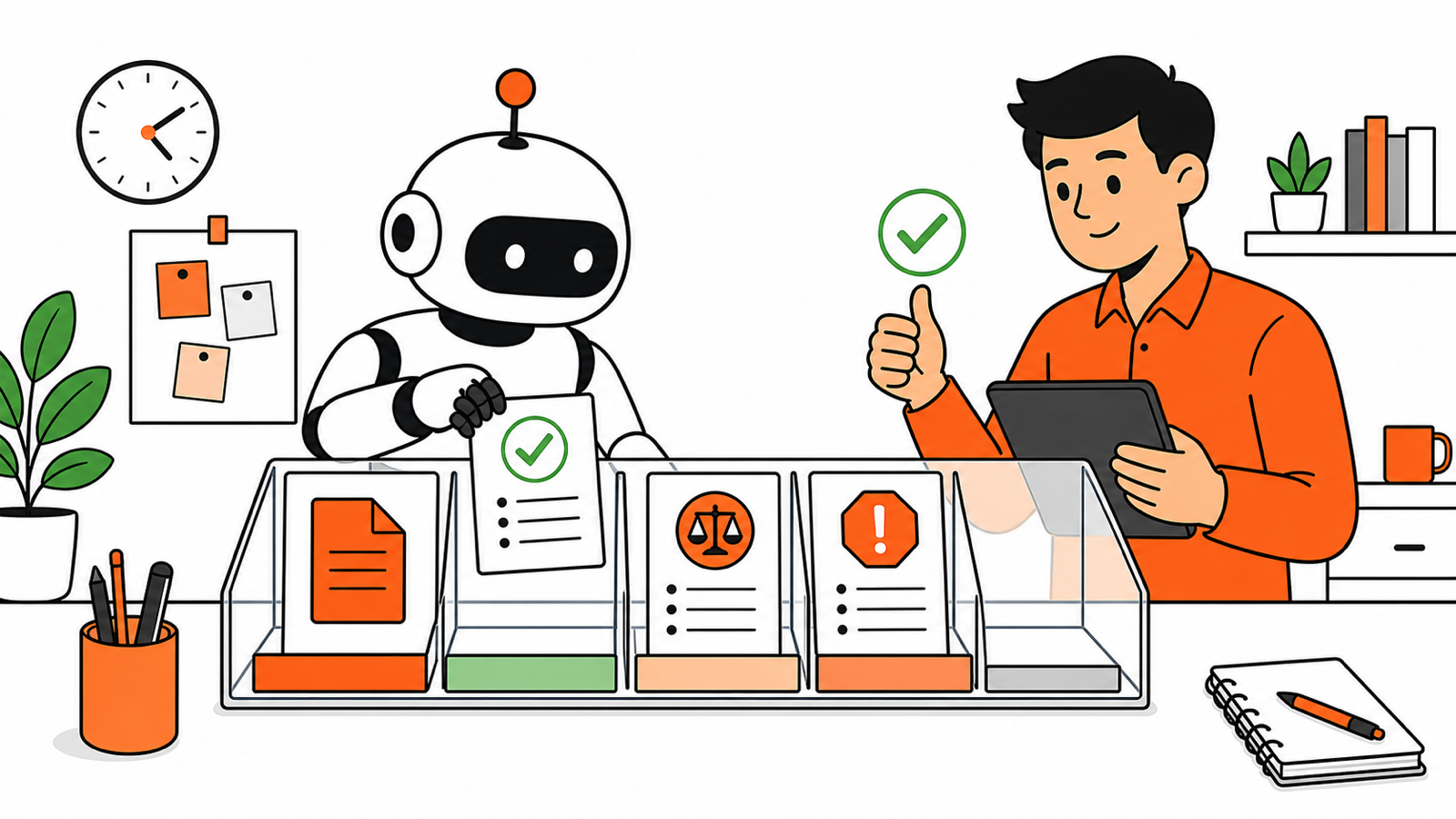
Before sending, read every sentence and ask:
- Could I show the source for this claim?
- Does “completed” really mean completed?
- Did the summary hide a risk because it sounds awkward?
- Is there one clear next action for each blocker?
If the answer is no, edit it. The goal is not to sound busy. It is to make the right conversation easier next week.
A better Friday habit
Keep a running “weekly proof” note during the week. Drop in wins, links, decisions, and problems as they happen. On Friday, you are not reconstructing your life from browser history. You are handing AI a clean pile of ingredients.
The point of an AI weekly status report is not to produce more words. It is to make the next decision easier for the person reading it. If a manager needs to unblock a budget, a teammate needs a deadline, or you need to reset an expectation, say so plainly. The useful update is the one that gives someone a clear move to make.
If your notes begin in meetings, start with AI Meeting Notes for Remote Teams to turn the call into action items first. Then use this weekly status report method to show what actually moved.
For the smaller operational tasks that appear between meetings, these AI prompts for operations work can help you turn a rough note into a useful first draft without handing over the final judgment.