When every Slack message says “quick,” every task has a date, and everyone has a reasonable request, a longer to-do list does not solve the problem. You need a decision process.
Learning how to prioritize tasks with AI is not about handing your calendar to a chatbot and hoping for a miracle. It is about giving yourself a fast way to sort the facts, expose conflicts, and choose what deserves your attention first.
AI can make the sorting less exhausting. You still decide what your work is worth.
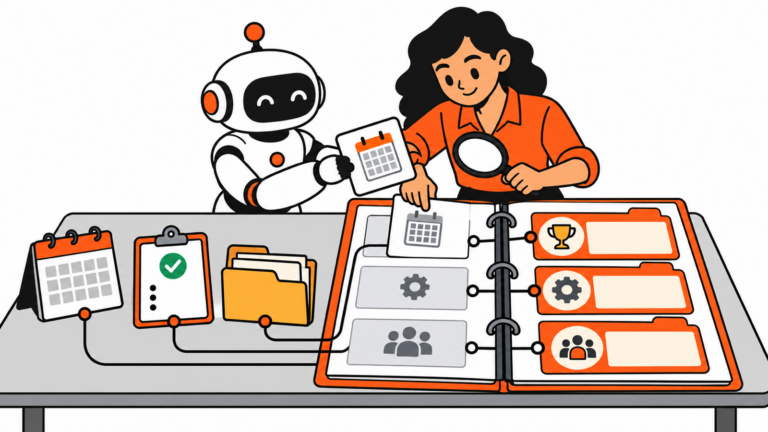
Put the whole pile in one place
Start with one list. Include projects, admin work, meetings you need to prepare for, follow-ups, and the thing that is quietly blocking three other things.
For each item, add four details:
- deadline or time sensitivity
- impact if it is done
- dependency, including what it blocks
- effort or time needed
Do not make up precision. “Client deadline tomorrow,” “blocks the launch,” and “about 30 minutes” are useful inputs. “High priority” is not.
How to prioritize tasks with AI using four signals
If you are learning how to prioritize tasks with AI, give the model the same four signals you would use in a calm conversation: urgency, impact, dependencies, and effort. A useful outside lens is the Eisenhower Matrix, which separates urgency from importance before you decide what to do, schedule, delegate, or drop.
Ask AI to show its work
Use AI to group and explain, not just to stamp red labels on things.
I need help prioritizing the tasks below.

For each task, identify:
- deadline urgency
- likely impact
- dependencies or work it blocks
- effort estimate, if provided
- missing information that could change the ranking

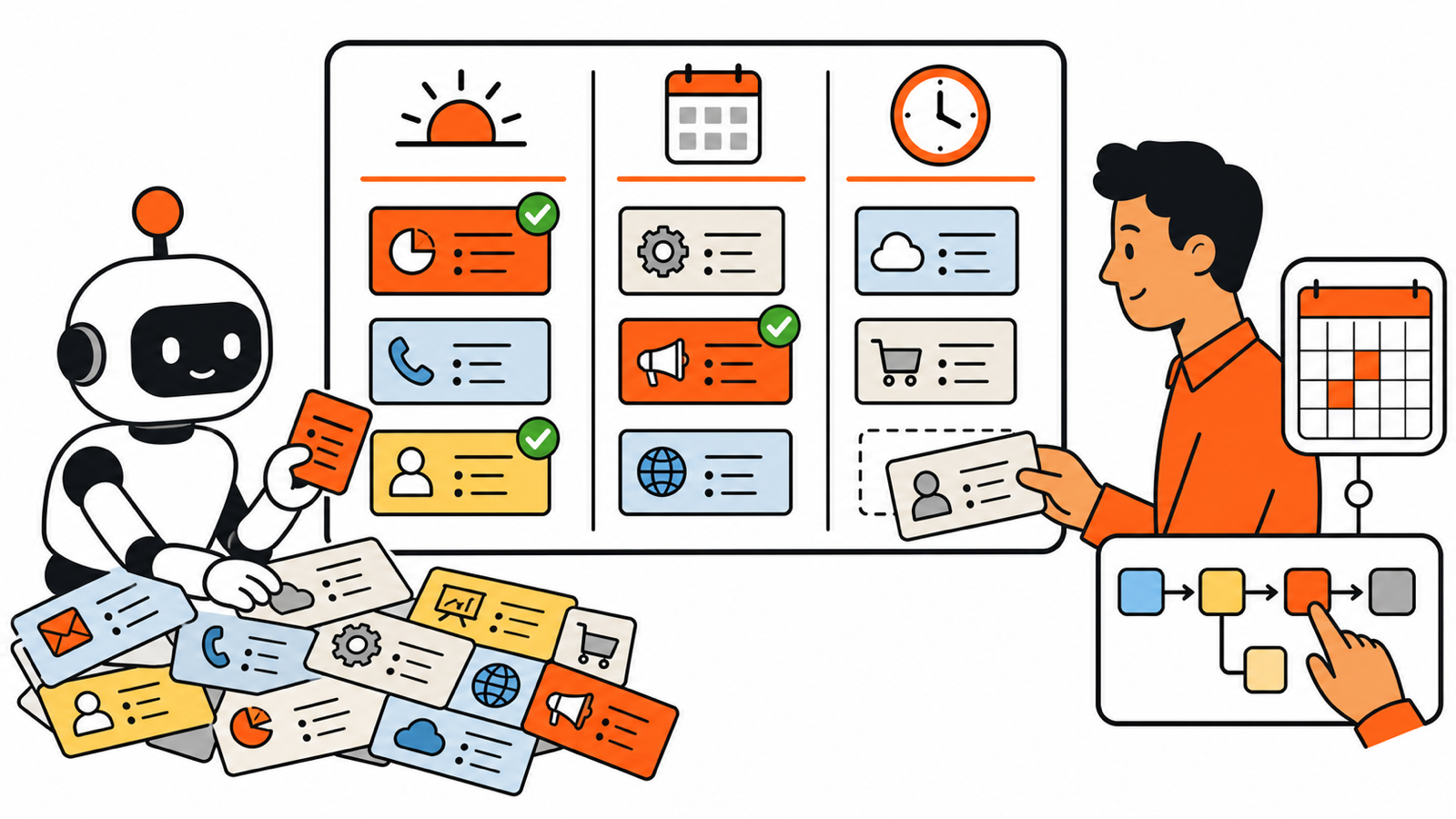
Then place tasks into:
1. Do today
2. Schedule this week
3. Delegate, defer, or decline

Do not assume facts that are not listed. Explain the reason for every “Do today” recommendation. I will make the final decision.

Tasks:
[paste your list]
That last sentence matters. A model can compare the inputs you provide. It cannot know that your biggest client is about to leave, that a colleague is overloaded, or that a deadline is flexible because you already had the conversation.
Look for collisions, not just rankings
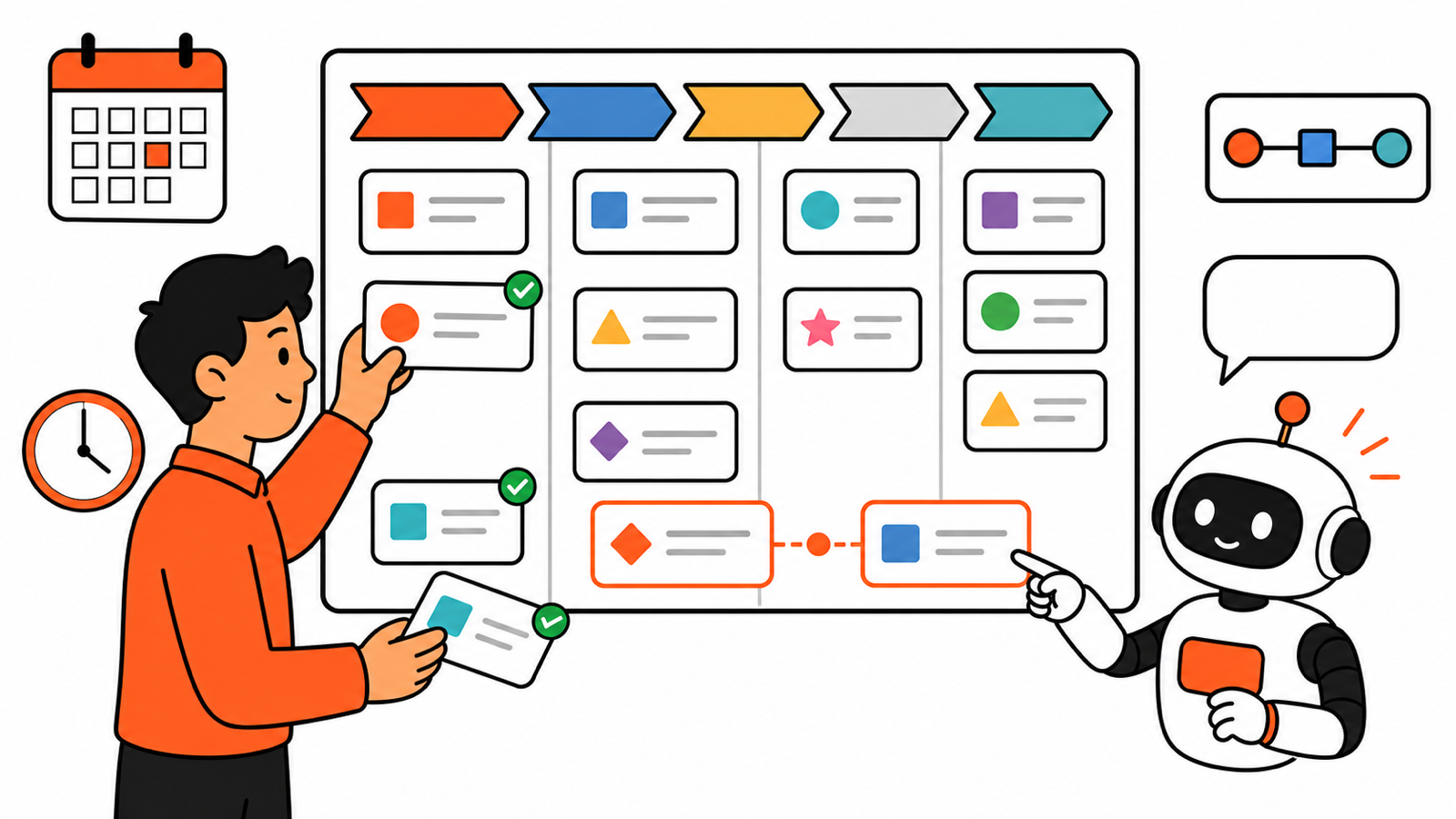
The best output is often not “do Task A first.” It is “Tasks A and B both claim the same afternoon” or “Task C is small but blocks five people.”
Ask follow-up questions:
- Which two tasks create the biggest downstream delay if ignored?
- What can I finish in 30 minutes that removes a blocker?
- Which deadline needs a conversation rather than a late-night sprint?
- What would I drop if I could only finish three things today?
This changes the exercise from task sorting into actual prioritization.
Make a three-item daily plan
After you review the list, choose one must-finish outcome, one important project move, and one quick unblocker. Everything else gets a place on the calendar, a delegate, or an honest “not this week.” A 20-item daily plan is just procrastination with bullet points.
Keep people in the loop
If AI helps you sequence work that affects other people, make the tradeoff visible. Send a short note: “I am prioritizing the client launch and the invoice issue today. I can return to the deck tomorrow unless you need a different order.”
That one sentence prevents a lot of invisible disappointment.
When the list came from a meeting, do not let the action items sit in a transcript. Turn them into a visible queue first with AI Meeting Notes for Remote Teams, then bring the deadline, owner, and dependency into your daily review.
Use the tool, keep the judgment
AI is useful when your brain is tired and your list is noisy. It can turn scattered inputs into a clear first pass. It is not a manager, a stakeholder, or the person who has to explain why a deadline slipped.
That is why the final answer to how to prioritize tasks with AI should be a short, explainable plan rather than a mysterious score. Keep the reasoning beside the recommendation. It makes tradeoffs easier to defend, easier to revise, and much less likely to surprise the people waiting on your work.
For reusable prompts that help with the messy operations work around a task list, see AI Prompts for Operations Work. Use the prompt, then make the call.