The frustrating part of using AI at work is not writing the first prompt. It is having to explain the same project every Monday.
ChatGPT Projects for work give you one place to keep the instructions, files, and conversations that belong to an ongoing effort. That makes them useful for a client account, a launch, a recurring report, or the one project that keeps leaking across email, meetings, and Slack.
The goal is not to turn ChatGPT into your boss. The goal is to stop rebuilding the context every time you need help.
Use ChatGPT Projects for work with one recurring problem
Do not create a project called “Work Stuff.” That is where good systems go to disappear.
Start with one repeatable job:
- weekly team update
- client onboarding
- content planning
- project launch
- operations cleanup
Name the project after the outcome. “Friday team update” beats “Reports.” “Client onboarding: Acme” beats “Client work.”
Add only the context you can defend
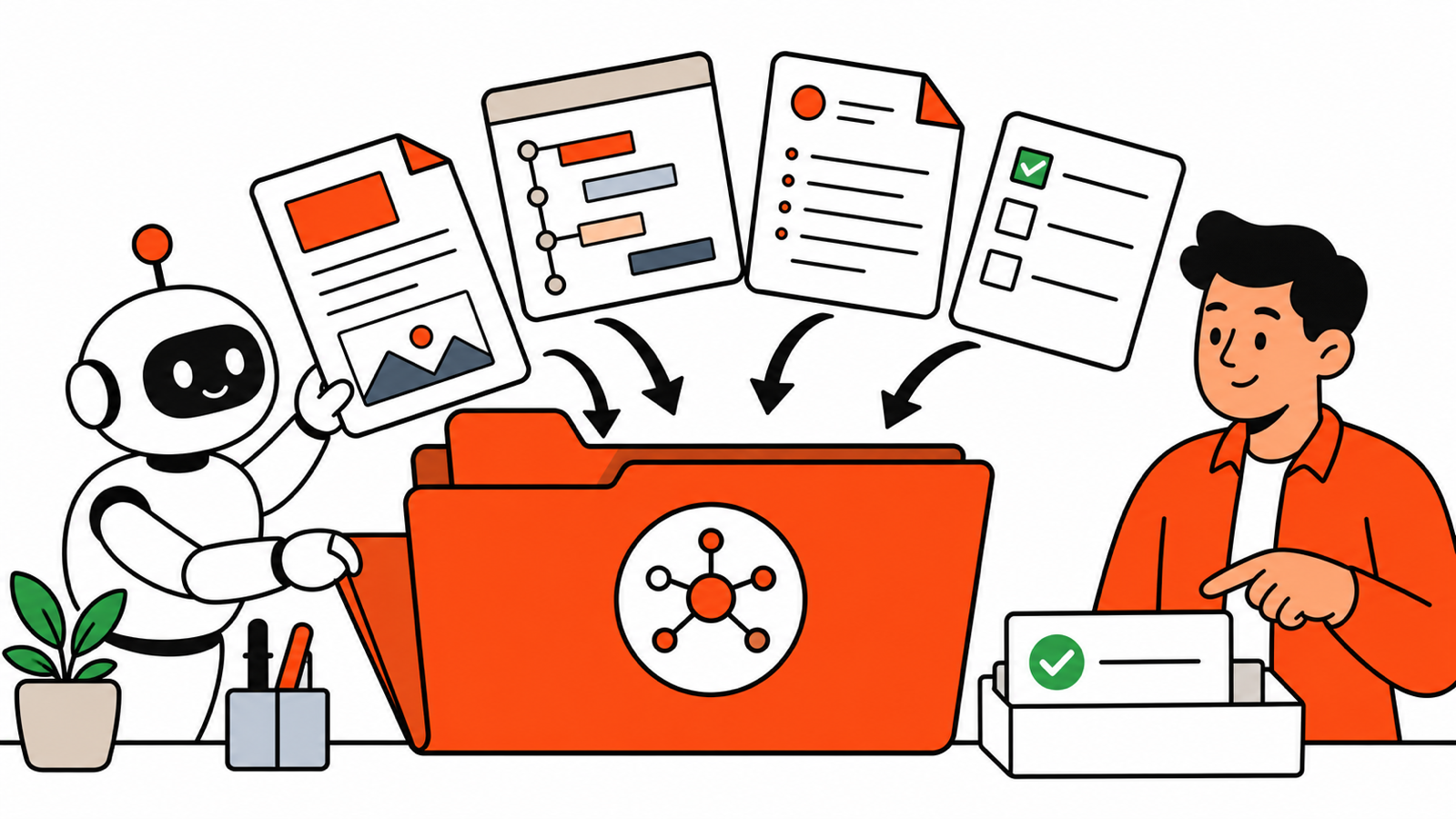
ChatGPT Projects can keep related chats, uploaded files, and project instructions together. OpenAI’s Projects guide describes them as workspaces for continuing work, research, and reporting.
Add:
- a short project brief
- approved style or tone notes
- the current plan or timeline
- templates you already use
- reference documents you are allowed to share
Do not upload sensitive customer, employee, financial, or health information unless your organization has approved the tool and the data handling. A project gets more useful with context, but it does not need your entire company drive.
Write a project instruction that prevents fluff
Use a simple instruction like this:
You are helping me manage this work project.

Use the files and notes in this project as the source of truth.
Do not invent progress, dates, owners, metrics, or decisions.
When information is missing, say what needs confirmation.
Keep outputs concise, plain-English, and ready for a busy teammate to scan.
Flag risks and blockers before polishing wording.
That is more valuable than a clever prompt. It sets the quality bar every time you return.
Run a simple weekly rhythm
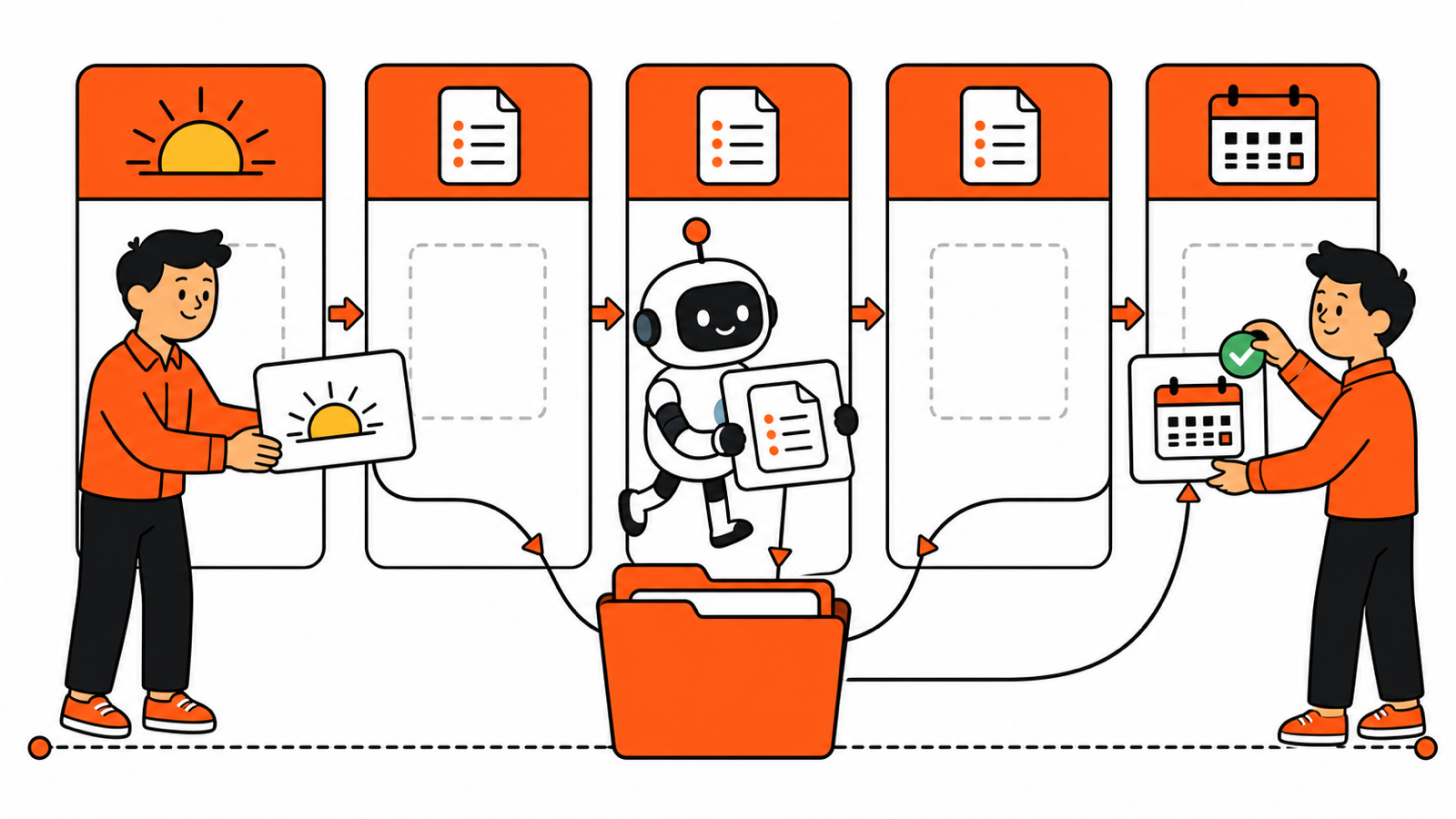
Monday: paste the week’s goals and ask for a short plan, open questions, and dependencies.
During the week: add meeting notes, decisions, and links to work that changed the plan. Do not treat the project as a filing cabinet. Treat it as a working notebook.
Friday: ask for a draft update using only the notes from the week. Review it, correct it, and then share the final version yourself.
This approach keeps the work in one place while leaving accountability with the human who knows the stakes.
Use separate projects when context should not mix
Keep one project per client, initiative, or recurring process when the instructions and source material differ. A hiring project should not pull examples from a marketing project. A client project should not inherit another client’s context.
Small boundaries make the output more accurate and reduce awkward mistakes.
Add a five-minute closeout
Before you stop for the day, add the decision that changed, the next owner, and the one open question that could derail the plan. This small closeout makes ChatGPT Projects for work more useful the next time you return because the project starts with the current state, not last week’s version of it.
If you need a repeatable way to turn those notes into a first draft, keep a short set of AI prompts for operations work in the project. The project holds the context; the prompt gives the context a consistent job.
The practical payoff
A well-kept project does not replace judgment. It removes the repetitive “here is what we are doing again” setup step. That leaves more time for the useful part: checking the work, making decisions, and moving the project forward.
If the inputs begin in meetings, pair this setup with AI Meeting Notes for Remote Teams.