Delegate safely to AI at work by being specific about what the tool can read, what it may produce, and where a human must step back in. That sounds less exciting than “give the agent the task,” but it is how you avoid turning a fast draft into an expensive cleanup.
AI work tools are becoming more connected to the places where work actually happens. OpenAI says company knowledge can search eligible connected apps and return citations, while continuing to respect a user’s existing app permissions. Anthropic’s Claude Tag is another example: teams can grant it access to selected Slack channels and connected tools. Neither capability removes the need for a clear task owner. Read OpenAI’s current company-knowledge guidance.
Use this seven-rule checklist before you hand off a task that matters.
1. Delegate one outcome, not a vague role
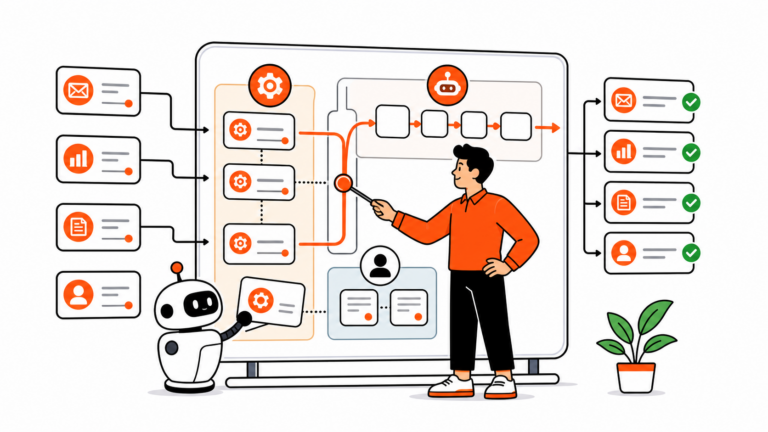
“Help with onboarding” gives AI a foggy job. “Read these approved onboarding documents and draft a five-bullet checklist of missing customer decisions” gives it a finish line.
State the output, audience, and deadline. If you want a draft, say draft. If you want options, say how many. If you want a recommendation, ask for the evidence and tradeoffs that should support it.
2. Start with the smallest access that can work
Before you delegate safely to AI at work, make a narrow first assignment with the minimum sources required. A private project folder is safer than every shared drive. A selected channel is safer than an entire company workspace. Read-only access is a better start than permission to change records.
OpenAI’s guidance says company knowledge depends on eligible, enabled apps and respects the permissions a user already has. Treat that as a guardrail, not a reason to connect more data than the task needs.
3. Write the no-go list in the request
Include what the tool must not do. Examples: do not send email, do not edit a CRM record, do not use customer data outside this folder, do not make legal or pricing claims, and do not delete anything.
That rule is useful even when the AI only has read access. It keeps the resulting draft inside the correct scope and tells the reviewer what should not have happened.
4. Ask for sources and uncertainty, not fake certainty
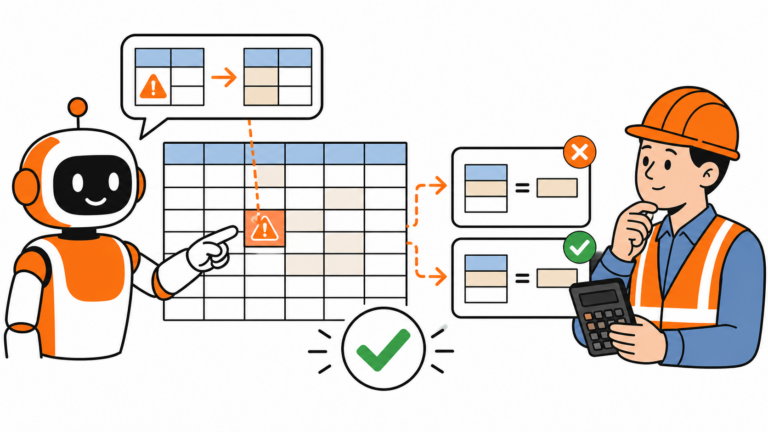
Require a short source list or links back to the original material. Ask the tool to flag missing information and conflicting documents. This makes a handoff review much faster because you can inspect the basis for the answer instead of trying to reverse-engineer it.
When an AI answer is grounded in work context, citations are not a decorative extra. They are the route back to the actual policy, decision, or customer record.
5. Put a human approval point before any external action
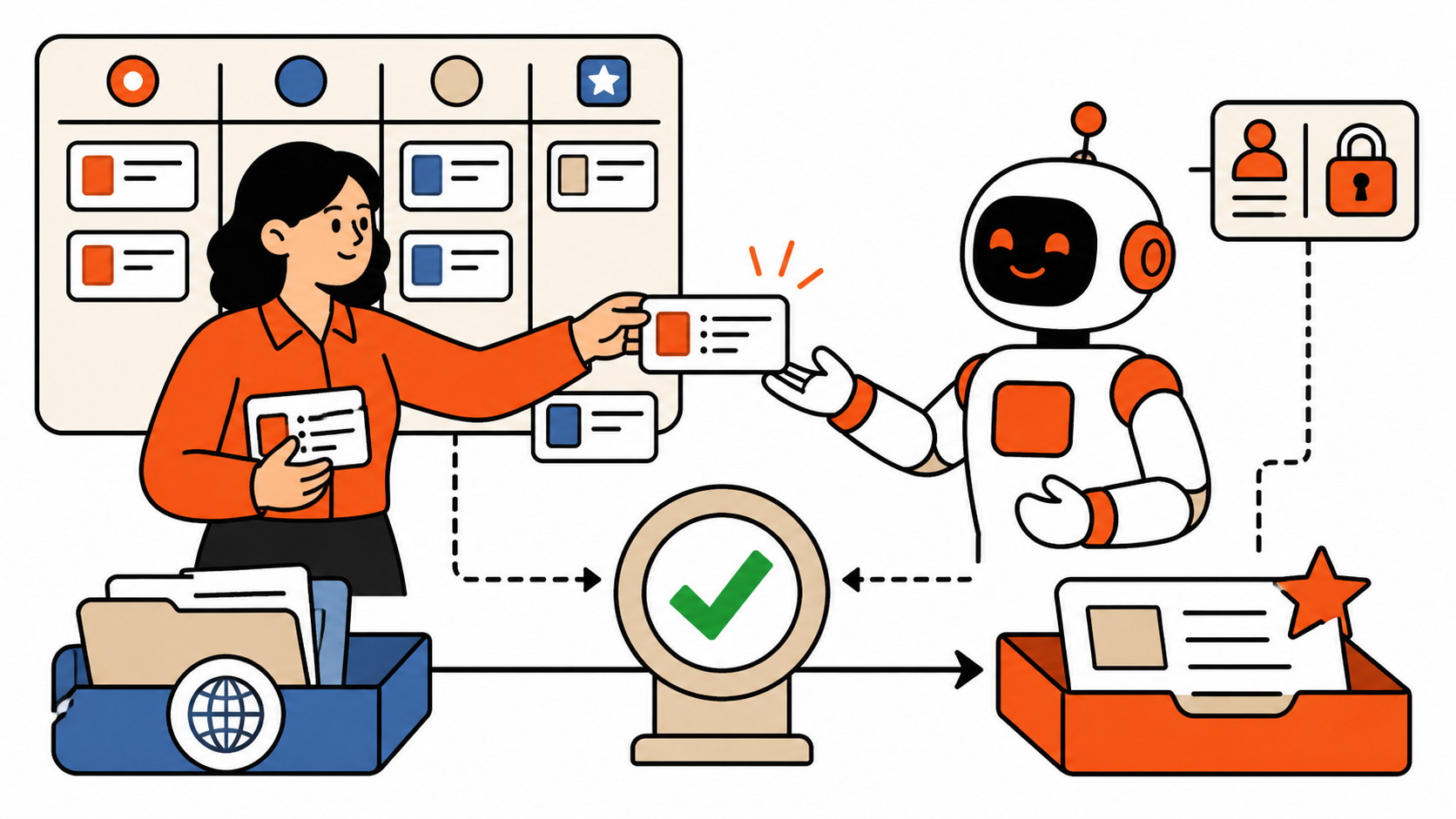
A useful default is simple: AI can prepare, summarize, classify, and suggest. A person approves anything that sends, spends, publishes, changes a system of record, or makes a commitment to another person.
That does not make the workflow slow. It gives the human a clean review package instead of a mystery action. The same approach is behind loop engineering for operations: improve the work by inspecting the result and refining the next pass.
6. Test in a low-stakes space first
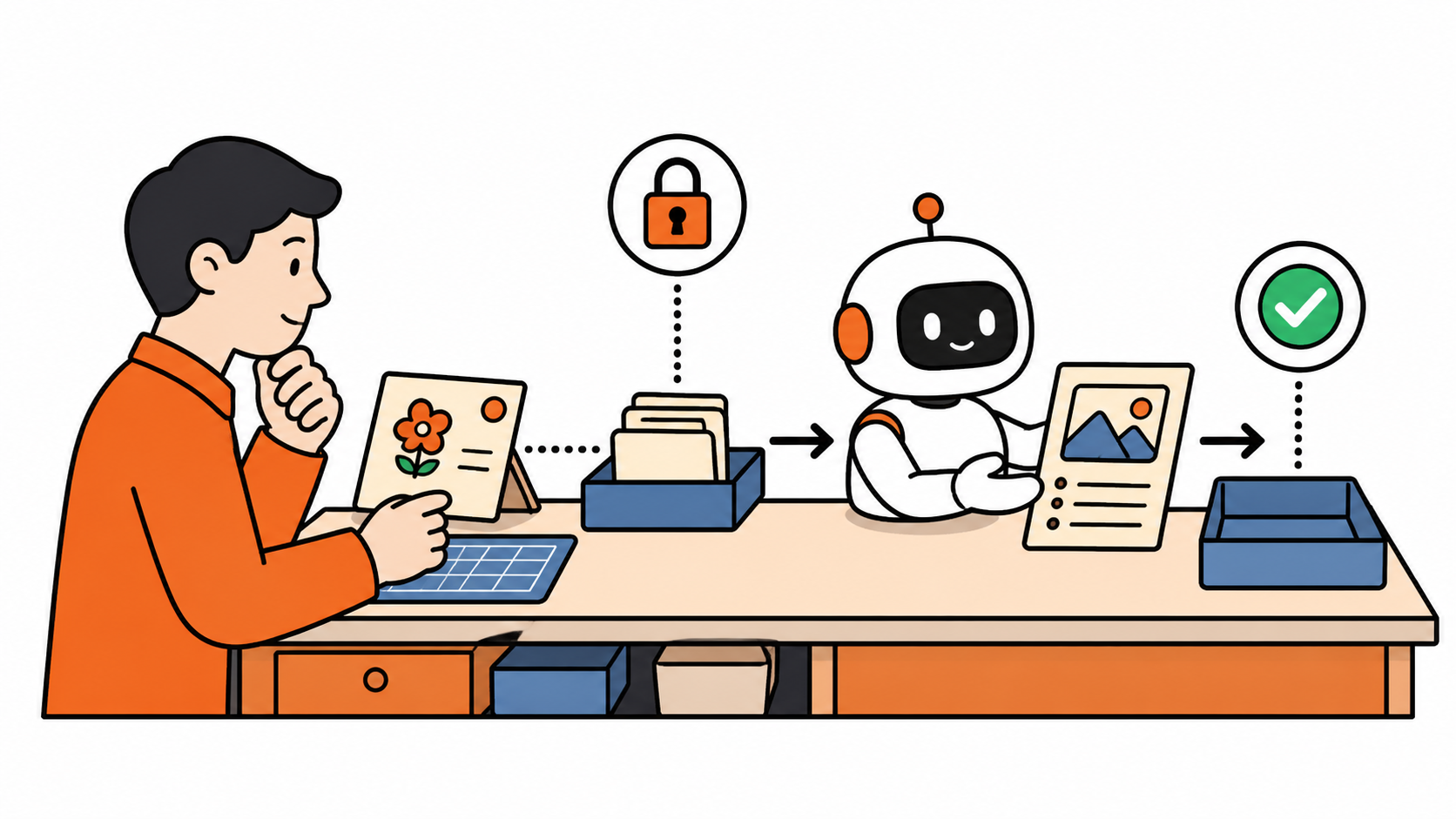
Run a new delegation on old or non-sensitive material before using it on a live customer situation. Give the AI a task where you already know the expected answer. Check whether it chose the right sources, followed the no-go list, and surfaced uncertainty instead of filling gaps with confident prose.
If it fails the test, change the instructions or access boundaries. Do not solve that problem by adding more permissions.
7. Keep a short task trail
For recurring work, record the request, sources used, reviewer, final decision, and any corrections. It can be a small project note. The point is that the next person can understand what happened without re-running the entire experiment.
How to delegate safely to AI at work
Delegate safely to AI at work when the scope is narrow, the sources are intentional, and a named person remains accountable for the result. The most useful AI task is usually not “do my job.” It is “prepare a reviewable first pass so I can make the better decision faster.”
That is also the defense against polished nonsense. Keep the final review habit from AI Workslop, and make it part of the task design rather than a frantic step at the end.
Delegate safely to AI at work by giving the tool a bounded assignment and giving the human the last word.