There is a new kind of bad work floating around offices. It is polished, properly punctuated, full of headings, and somehow still makes the next person do all the thinking.
That is AI workslop: AI-assisted work that looks finished but does not actually move the job forward. It might be a meeting recap with no decision, a client email with no recommendation, or a report that says plenty while answering nothing.
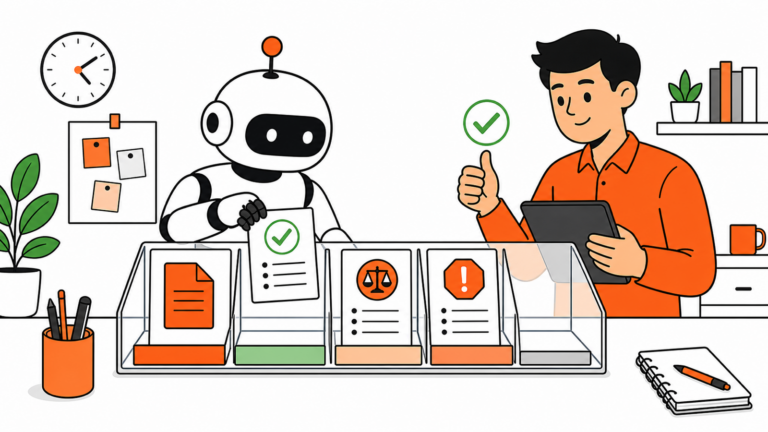
AI is not the problem. Treating its first draft like a final deliverable is. Here is the five-question check I would use before any AI-assisted work leaves my laptop.
What is AI workslop?
BetterUp Labs and Stanford Social Media Lab describe AI workslop as content that looks good but lacks substance, pushing the real thinking and cleanup onto someone else. Their September 2025 survey of 1,150 full-time U.S. desk workers found that 40% had received it in the prior month; respondents estimated about two hours to resolve each incident. Their research is worth reading.
The useful distinction is not “was AI involved?” The useful question is “did this make the recipient’s work easier?”
An AI-drafted update can be great when it makes the decision, names the evidence, and flags what needs human judgment. It becomes workslop when it makes the recipient reverse-engineer the situation from a wall of smooth, generic prose.
The five-question AI workslop check
1. What decision or action does this move forward?
Before you send an update, proposal, recap, or email, write one sentence: “After reading this, I need the recipient to ___.”
If you cannot finish that sentence, AI cannot save the draft. A clean summary is not useful if nobody knows whether to approve, reply, choose, assign, or wait.
For example, “Here is a summary of the vendor call” is not a handoff. “Approve the $1,200 annual plan by Thursday, or I will keep the current month-to-month setup” is.
2. Can I point to the evidence behind every important claim?
AI is good at producing confident-sounding sentences. It is not automatically good at knowing which source, spreadsheet, call note, or policy supports them.
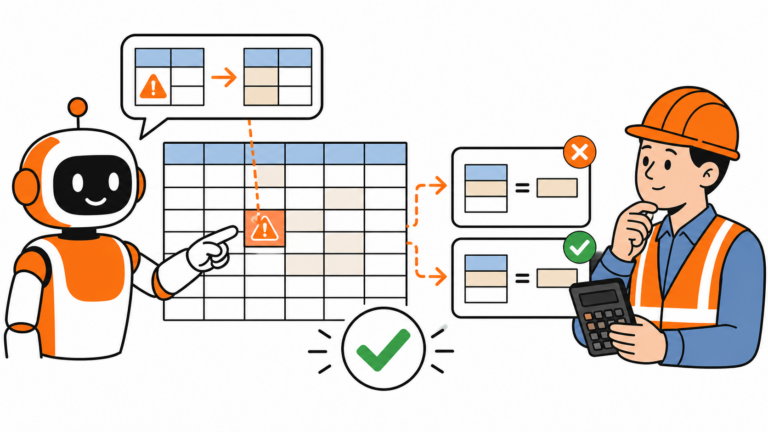
Check the names, dates, totals, quoted commitments, and anything that could change a decision. If the draft says a customer is unhappy, show the ticket or the call note. If it says a project is on track, show the milestone and the risk. If it says “the team agreed,” make sure the team actually did.
This is especially important for client communication, finance, HR, legal, and operational updates. Do not let a tidy sentence become an accidental fact.
3. Did I name an owner, a due date, and the next move?
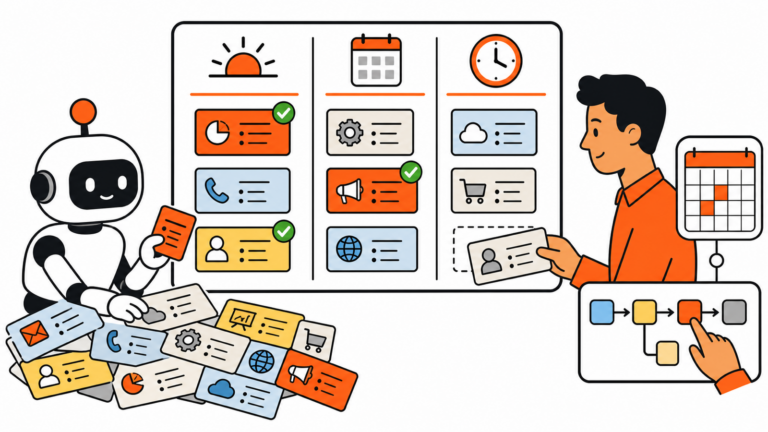
The most annoying AI meeting recap is not the one with a typo. It is the one that lists twelve “action items” without saying who owns any of them or what happens next.
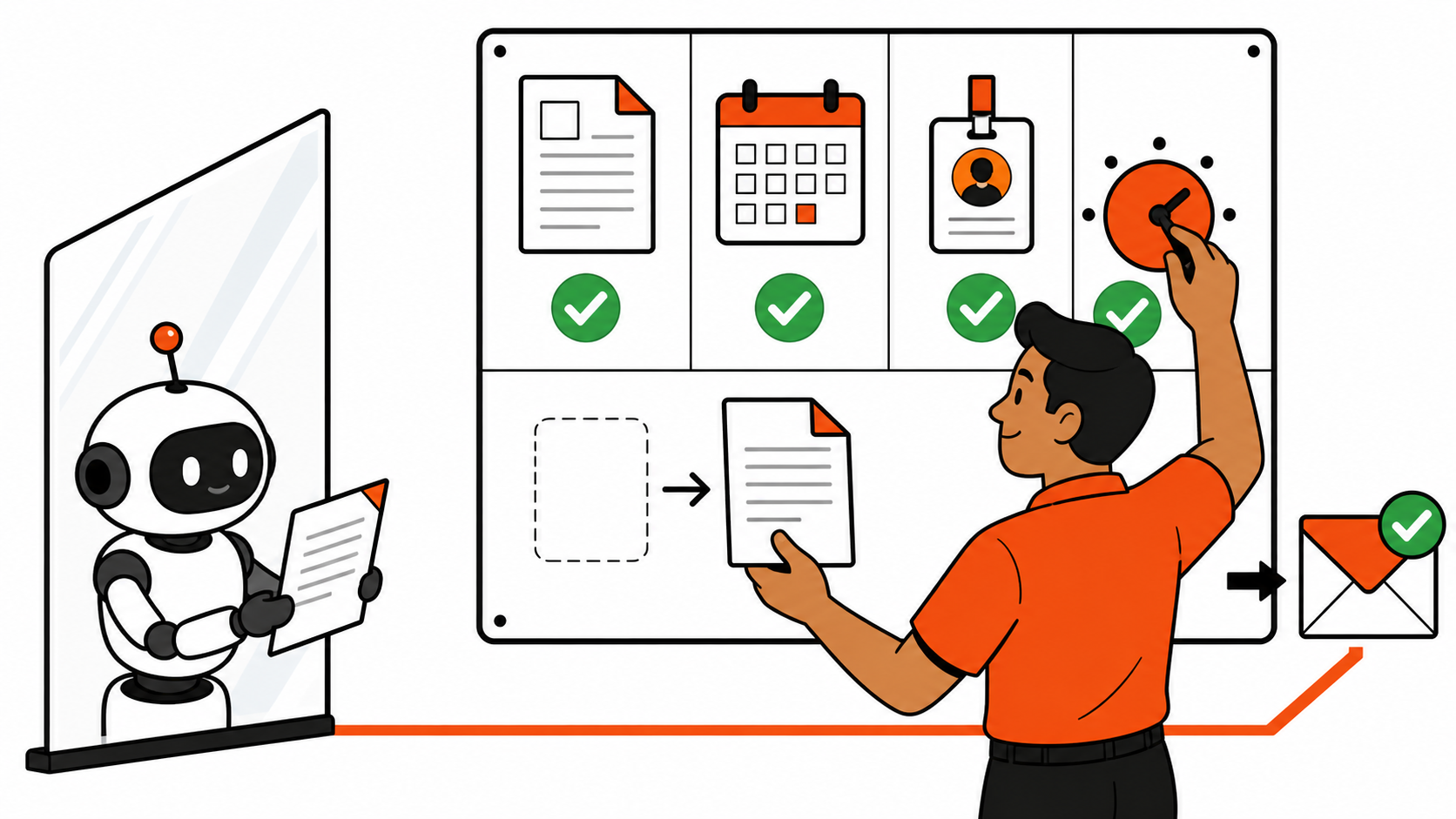
Every real handoff needs a small amount of operational furniture:
- Owner: who is doing the thing?
- Deadline: when does it need to happen?
- Next move: what is the immediate action or decision?
- Blocker: what could prevent it?
If those details are missing from the source material, say so. Do not ask AI to invent them because an empty task list looks untidy.
4. Did the real-world context make it into the draft?
AI does not know that your best client hates long emails, that the renewal is sensitive, or that a colleague is already overloaded. It only knows what you give it.
Read the draft once for the details only a human on your team would know. Add the history, constraints, tradeoffs, and plain-English recommendation. Remove stock language that could have been written for any company on any Tuesday.
That is where your value is. AI can organize the pile. You still decide what matters in this particular room.
5. Would I put my name on every line if everyone knew AI wrote the first draft?
This is the fastest test. No detective work required.
If a sentence feels vague, overly certain, oddly cheerful, or too clever for the situation, fix it. If you would be uncomfortable defending a recommendation in a meeting, it is not ready to send. If you do not understand a sentence, delete it before somebody else has to untangle it.
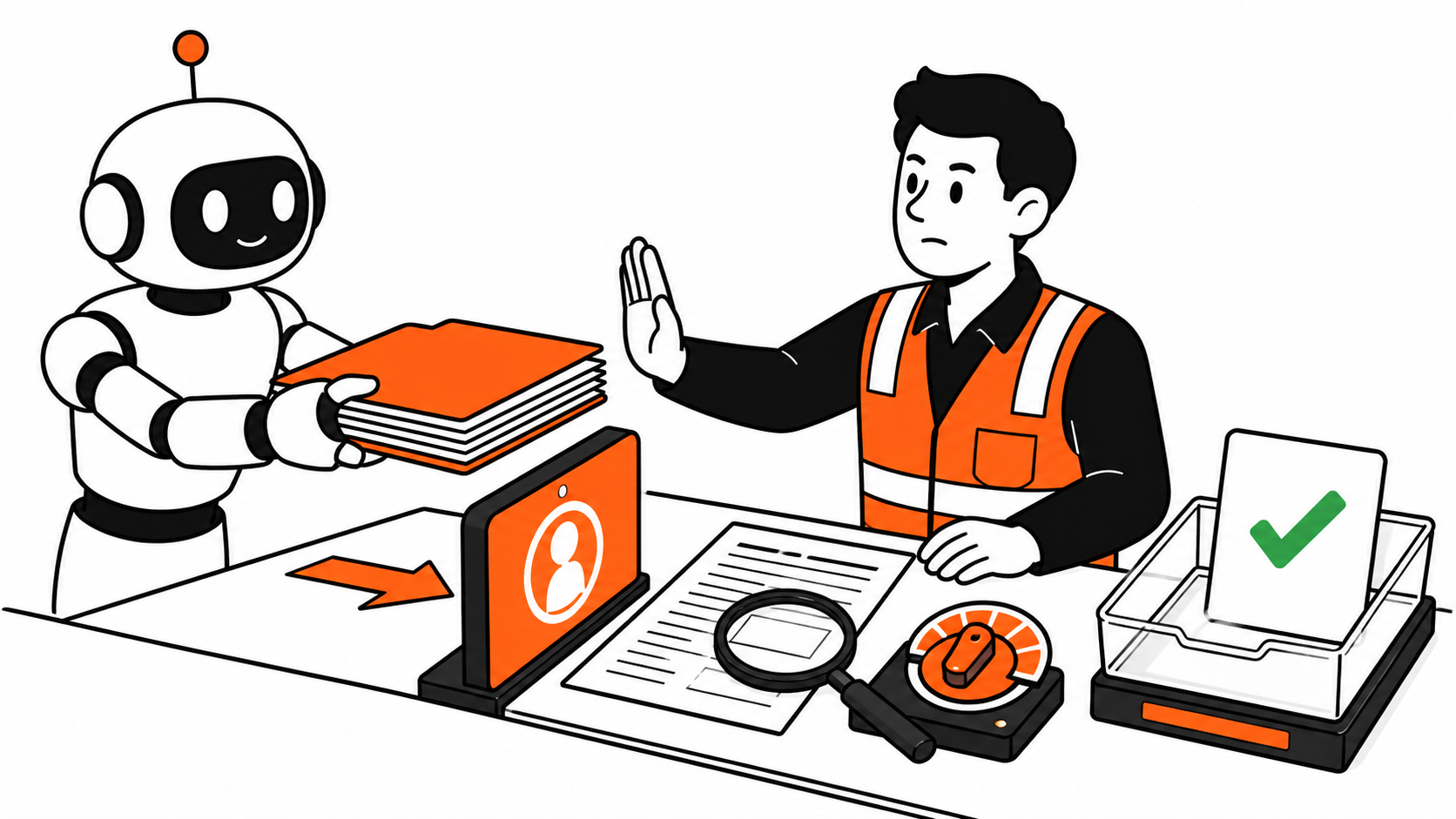
Using AI is not embarrassing. Sending a draft you did not own is.
A prompt that makes AI do the useful part
I need to send a [type of update] to [audience]. The goal is to [decision or action]. Use only the facts below. Before drafting, list missing owners, dates, evidence, assumptions, and decisions that I must verify. Then write a concise draft with a clear recommendation, next step, and any uncertainty called out plainly. Do not invent facts.
That first “list what is missing” step is the difference between getting an assistant and getting a confident autocomplete machine.
For more practical prompts that help with the first draft without skipping the judgment, see AI Prompts for Operations Work and How to Use Claude AI in Operations.
Let AI prepare the work. Keep the accountability.
My preferred workflow is simple:
- Give AI the raw notes, constraints, and intended outcome.
- Ask it to expose missing facts before it drafts.
- Add the decision, owners, evidence, and context only you know.
- Run the five-question check.
- Send something you would stand behind.
That still saves time. It just does not save time by moving your job onto someone else’s desk.
The goal is not to prove you used AI. The goal is to make the next person’s day easier.