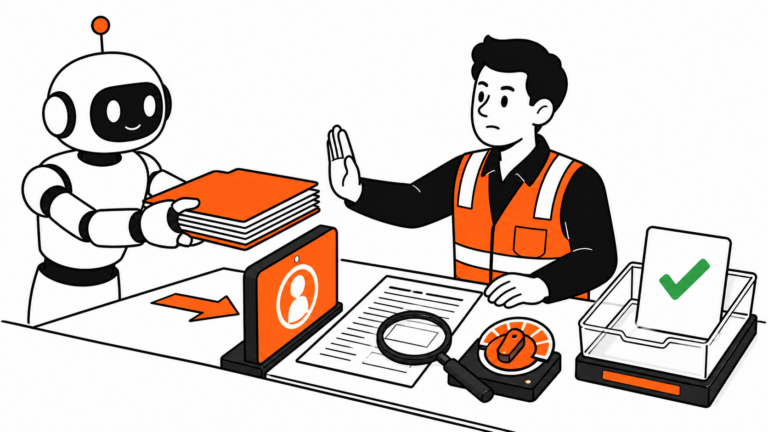
Operations work is mostly the same fifteen tasks on repeat. The same email replies, the same status updates, the same can you pull the numbers for X. None of it is hard. It just eats the day in ten-minute chunks until it is 5pm and you have not touched anything that felt like real work.
About a year ago I started handing the boring half of that to AI. Not the thinking, just the typing. The AI prompts for operations work below are the ones I keep saved and reuse every week. Copy them, swap in your own details, and you will get most of the value in an afternoon. If you want the bigger picture on how AI fits into an ops role, I wrote about that in how I use Claude AI in operations.
One last thing before the list. These AI prompts for operations are tool-agnostic. They work in pretty much any decent assistant, whether that is ChatGPT, Claude, or something else (the ones I lean on are in the AI tools I actually use every day). The trick is not the tool, it is giving it enough context. Paste the real email, the real notes, the real numbers. Vague in, vague out.
Here are the eight AI prompts for operations I come back to most, in the order I tend to reach for them.
1. Turn a messy email thread into a clear reply

The one I use most. You get forwarded a chain of twelve replies and have to respond to all of it without missing anything.
Here is an email thread. Summarize what is actually being asked of me in plain bullet points, then draft a short, friendly reply that answers each point. Keep it under 120 words. Thread:
[paste the thread]
2. Draft an SOP from rough notes
You know the process. You just do not want to write the document. Dump what is in your head and let it structure it.
Turn these rough notes into a clean step-by-step SOP. Use numbered steps, call out who is responsible for each one, and add a short Common Mistakes section at the end. Notes:
[paste your notes]
3. Pull action items out of meeting notes
Meetings end, the notes sit there, and nobody is sure who owns what. This fixes that in five seconds.
From these meeting notes, give me a table of action items with three columns: task, owner, and deadline. If a deadline or owner was not stated, mark it as TBD so I can chase it. Notes:
[paste the notes]
4. Clean up a messy list or spreadsheet
Inconsistent names, random capitalization, mixed date formats. Paste the column and let it standardize.
Standardize this list. Fix capitalization, make the formatting consistent, flag any obvious duplicates, and return it as a clean table. Do not invent or remove any entries. Data:
[paste the list]
5. Write the firm-but-friendly follow-up
The vendor who has gone quiet, the approval you are still waiting on. You want to push without sounding annoyed.
Write a short follow-up email that is polite but clearly asks for a response by a specific date. Tone: professional, warm, not pushy. Here is the situation:
[describe what you are waiting on and from who]
6. Summarize a long policy or contract into what matters
Twenty pages, and you need the three things that affect you. Be careful with anything legal, but for a first pass this saves real time.
Summarize this document in plain language. Give me the key obligations, any deadlines or dates, and anything that looks like a risk or a catch. Keep it to one screen. Document:
[paste the text]
7. Build a status report from scattered updates
You have updates in Slack, a few emails, and your own head. Turn the pile into something a manager can read in thirty seconds.
Turn these updates into a short weekly status report. Group it into Done, In Progress, and Blocked. Keep each line to one sentence. Flag anything that needs a decision from leadership. Updates:
[paste everything]
8. Weigh two options when you are stuck
Not to make the call for you. Just to lay it out so you can.
I am deciding between two options. Lay out the trade-offs in a simple pros and cons table, then tell me what question I should answer to break the tie. Do not just pick one. Options:
[describe option A and option B]
How to make these AI prompts for operations stick

The prompts are not the point. The habit is. Save the three or four AI prompts for operations that match your week into a notes file or your assistant’s saved prompts, and reach for them instead of starting from scratch. After a couple of weeks they stop feeling like a trick and just become how you work.
And if you are trying to cut software costs while you are at it, a lot of the tools I run for ops are free and open source. I broke down my favorites in 7 open-source tools that replace expensive operations software.
If posts like this are useful, I send the best ones to a small email list. No spam, just the stuff that actually saves time.