The short list of AI tools I actually use every week, told straight. What I lean on hard, what I’ve only poked at, and the one money decision that saves you the most.
Every “best AI tools” post online has the same problem. Fifty tools, ranked, and half of them nobody actually uses. You finish reading more overwhelmed than when you started.
So here’s the opposite. This is my real short list, the AI tools I actually use to get work done. I’ll be honest about which ones I live in every day and which ones I’ve only tried enough to have an opinion. That difference matters, because “I use this constantly” and “I poked at this for a week” are not the same recommendation.
The everyday brains
These four are open on my screen most days. They do the actual thinking, writing, and looking-things-up.

Claude, my daily driver
Claude is the one I reach for first. Drafting emails, turning messy notes into something readable, thinking through a problem out loud, cleaning up writing. It’s careful in a way I trust, and it pushes back instead of just agreeing with me, which I’ve come to like. There’s a free version that’s plenty to start with, and the paid plan runs about $20 a month if you end up leaning on it as hard as I do. I went deeper on this in my post on using Claude for operations work.
ChatGPT, the other one I keep open
I still use ChatGPT, partly out of habit and partly because some days it just phrases something better. I bounce between it and Claude depending on the task. The free tier is fine for casual use, Plus is $20 a month. One bonus worth knowing: the paid plan also gets you Codex, OpenAI’s coding agent, which I’ll come back to for the more technical crowd.
Perplexity, my research shortcut
Perplexity has quietly replaced Google for a lot of my research. You ask a real question and it gives you a straight answer with the sources cited underneath, so you can check the receipts. When I need to understand something fast instead of opening twelve tabs, this is where I go. The free tier gives you a handful of the deeper searches a day, and Pro is $20 a month for unlimited.
Wispr Flow, for talking instead of typing
This one surprised me. Wispr Flow lets you dictate anywhere on your computer and it cleans up your rambling into proper text, punctuation and all. I talk faster than I type, so for first drafts or long messages it’s a real time-saver. There’s a free tier with a weekly word cap to test it, and Pro is $15 a month ($12 if you pay yearly). One heads-up: it processes your voice in the cloud, so I’d keep anything sensitive out of it.
Automation: taking the boring stuff off your plate
This is the section where the money question actually lives, so I’ll be specific. Automation tools connect your apps and run repetitive jobs for you. The three big names are n8n, Make, and Zapier, and they charge in very different ways.
n8n, the one I actually use
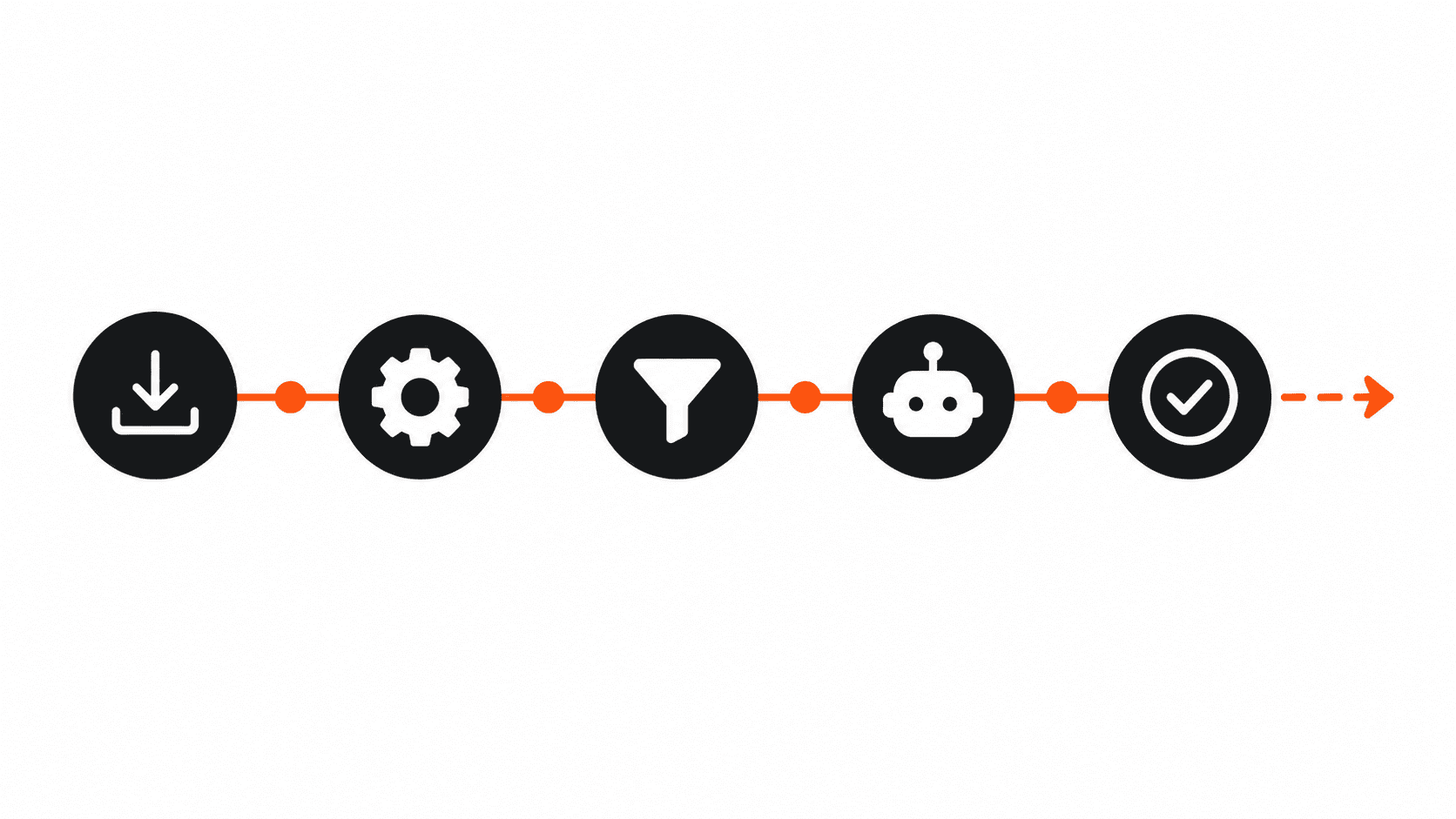
I use n8n as my automation home base, and I covered it in detail alongside six other free tools in my open-source operations software post. The big reason is cost. You can self-host it for free on a server you already pay for, and it bills per workflow run instead of per step. So a ten-step automation that runs a thousand times counts as a thousand runs, not ten thousand. On the other tools, that same workflow gets expensive fast. The trade-off is honest: self-hosting means being comfortable with a server and a bit of setup. If that’s you, it’s hard to beat on price. There’s also a cloud version starting around $20 a month if you’d rather not touch any of that.
Make and Zapier, what I’d skip (and when I wouldn’t)
I’ve tried both Make and Zapier, just not enough to call them home. Here’s my honest read. Zapier is the easiest to start with and connects to basically everything, but it bills per task and the cost climbs quickly once you’re running real volume. Make is cheaper and gives you a nice visual canvas, though it counts every single step as an operation, so a busy workflow still adds up.
I landed on n8n because it’s the cheapest for what I run, plain and simple. But I won’t pretend the paid ones are pointless. If you’re not technical and never want to manage a server, Zapier or Make will have you automating today with zero setup, and that convenience is worth paying for. So the real skip advice is this: skip the climbing monthly bill if you’re comfortable self-hosting n8n, and skip the server headache if you’re not. Pick based on which pain you’d rather avoid.
For the builders (skip this if you don’t code)
Fair warning, this last group gets more technical. If you don’t write code or run your own servers, you can happily stop reading here. But if you tinker, these three are worth knowing about.
Codex, my coding helper
Codex is OpenAI’s coding agent. It reads your project, writes and edits code, and can run tasks on its own. I’m not a trained developer, so this is how I get technical things done without waiting on someone else. The handy part is it comes bundled with a paid ChatGPT plan, so if you’re already paying for ChatGPT, you’ve basically already got it.
Hostinger, where everything I run lives
All the self-hosted stuff I mentioned, this blog, my n8n setup, the small tools I run, sits on a Hostinger VPS. It’s a cheap, private slice of a server you control. Their entry plans start around $5 to $7 a month, which is what makes “just self-host it” realistic advice instead of a money pit. One honest note: like most hosts, the cheap price is the intro rate and it renews higher, so check the renewal number before you lock into a long term.
Hermes, the experiment I’m playing with
This is the bleeding-edge one. Hermes is an open-source AI agent from Nous Research that runs on its own, learns as it goes, and you can talk to it from Telegram or Discord while it works on a server you never have to log into. It’s free, and it lives on the same kind of cheap VPS as everything else. I’m still poking at it and don’t have a polished verdict yet, but it’s the most interesting thing I’ve set up lately. I’ll report back once I’ve put it through real work.
The only rule that matters
You don’t need fifty tools. You need a few you actually use. Every name on this list earned its spot by saving me real time, not by being the newest thing on someone’s list.
So pick one. Just one. Use it for everything you can this week and see what it gives back. Then add the next. That’s how a stack like this gets built, slowly, by keeping what works and dropping what doesn’t.
That’s the kind of thing I dig into every week at DigiDaddy. I test the tools, keep the ones that earn it, and write up what’s actually worth your time, no hype.