I need to be consistent here because I have already written this site from a very specific point of view: use AI where it saves time, avoid hype, and do not rent a tool forever when a simpler owned setup makes more sense.
So let me say the important part first. For automation, my recommendation is still n8n. Not Zapier. Not Make. Zapier and Make can be useful if you want the easiest possible starter automation and do not want to touch hosting, but that is a convenience trade. It is not the main DigiDaddy recommendation.
This list is for small business owners who want free AI tools that are actually useful without pretending every free plan is unlimited. I checked the official pricing and help pages again before revising this, because AI tool limits change all the time.
The Short Version
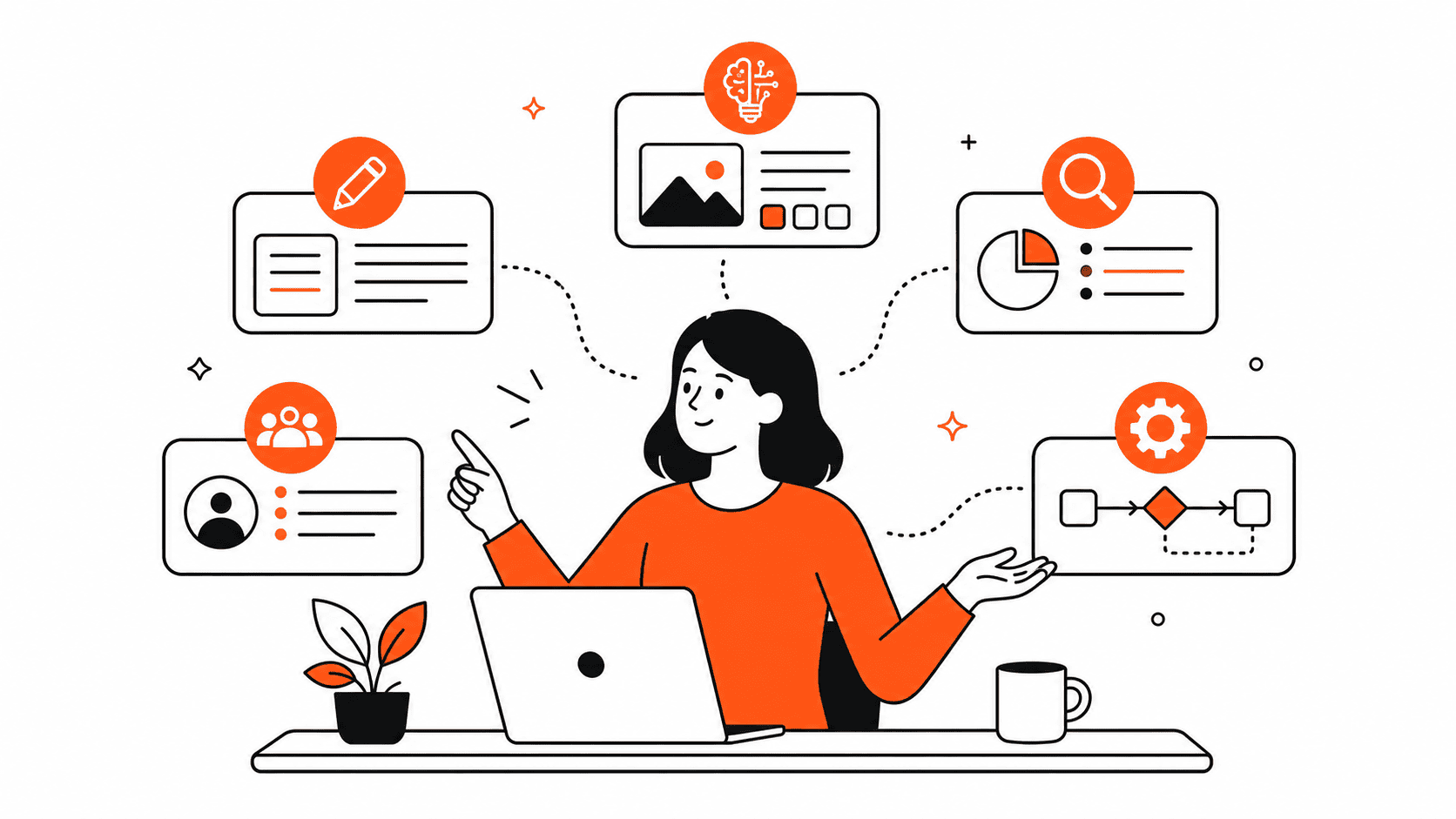
- Claude for careful writing, editing, and thinking through messy operations work.
- ChatGPT for general help, brainstorming, file work, and quick everyday tasks.
- Perplexity for research when you want sources instead of a confident paragraph with no receipts.
- Canva for quick visuals when you are not trying to become a designer.
- HubSpot Free CRM for keeping leads and follow-ups out of your inbox chaos.
- n8n for automation if you are willing to do a little setup and want more control.
- Grammarly for boring but useful writing cleanup.
1. Claude: My First Pick for Careful Writing
Claude is usually where I start when the work needs judgment, structure, or a cleaner first draft. I like it for SOPs, client emails, operational notes, offer explanations, and turning rough thoughts into something another person can actually understand.
The free plan is not magic. Anthropic lists Claude Free at $0 with web, mobile, desktop, writing, editing, content creation, web search, memory, file creation, code execution, connectors, and other features. The catch is usage. If you use it heavily every day, you will hit limits and eventually understand why the paid plan exists.
How I would use it: draft the first version, then edit it like a human with taste and responsibility. Claude can make a messy idea clearer. It should not be the final decision-maker for your business.
2. ChatGPT: The General-Purpose Assistant
ChatGPT Free is useful because it covers a lot of ground. OpenAI says free users now get access to GPT-5.5 capabilities, web search, data analysis, file and image uploads, GPTs, image creation, and Library storage, with rate limits.
That makes it a good everyday assistant for outlines, summaries, spreadsheet cleanup, simple analysis, and first-pass content ideas. I would still be careful with private customer data, contracts, payroll, or anything that would make you nervous if it left your desk.
How I would use it: ask it for options, drafts, and explanations. Then make the call yourself. That matches how I use AI in operations work: it speeds up the repetitive part, but it does not replace judgment.
3. Perplexity: Research With Receipts
Perplexity is best when the job is research. Its free Standard plan includes search history, practically unlimited basic searches, a very limited amount of Pro Searches, automatic model selection, and limited basic file uploads. The free plan does not include advanced models, image generation, or premium support.
I like Perplexity for checking claims before publishing, comparing tool pricing pages, and finding source documents. But I still click through to the original source. A cited answer is better than an uncited answer, but the source is still where the truth lives.
How I would use it: research first, then verify against official docs or pricing pages before you publish anything with numbers in it.
4. Canva: Quick Design Help for Non-Designers
Canva AI is useful when you need a quick graphic, presentation, flyer, social post, or visual layout and you do not want to open a full design workflow. Canva says Canva AI is available to everyone, with a range of AI-powered tools on the Free plan and higher usage or advanced features on paid plans.
The catch is sameness. If you use the first template, first colors, and first wording, your post will look like everyone else’s. Canva is useful, but the work still needs your taste.
5. HubSpot Free CRM: Stop Losing Leads in Your Inbox
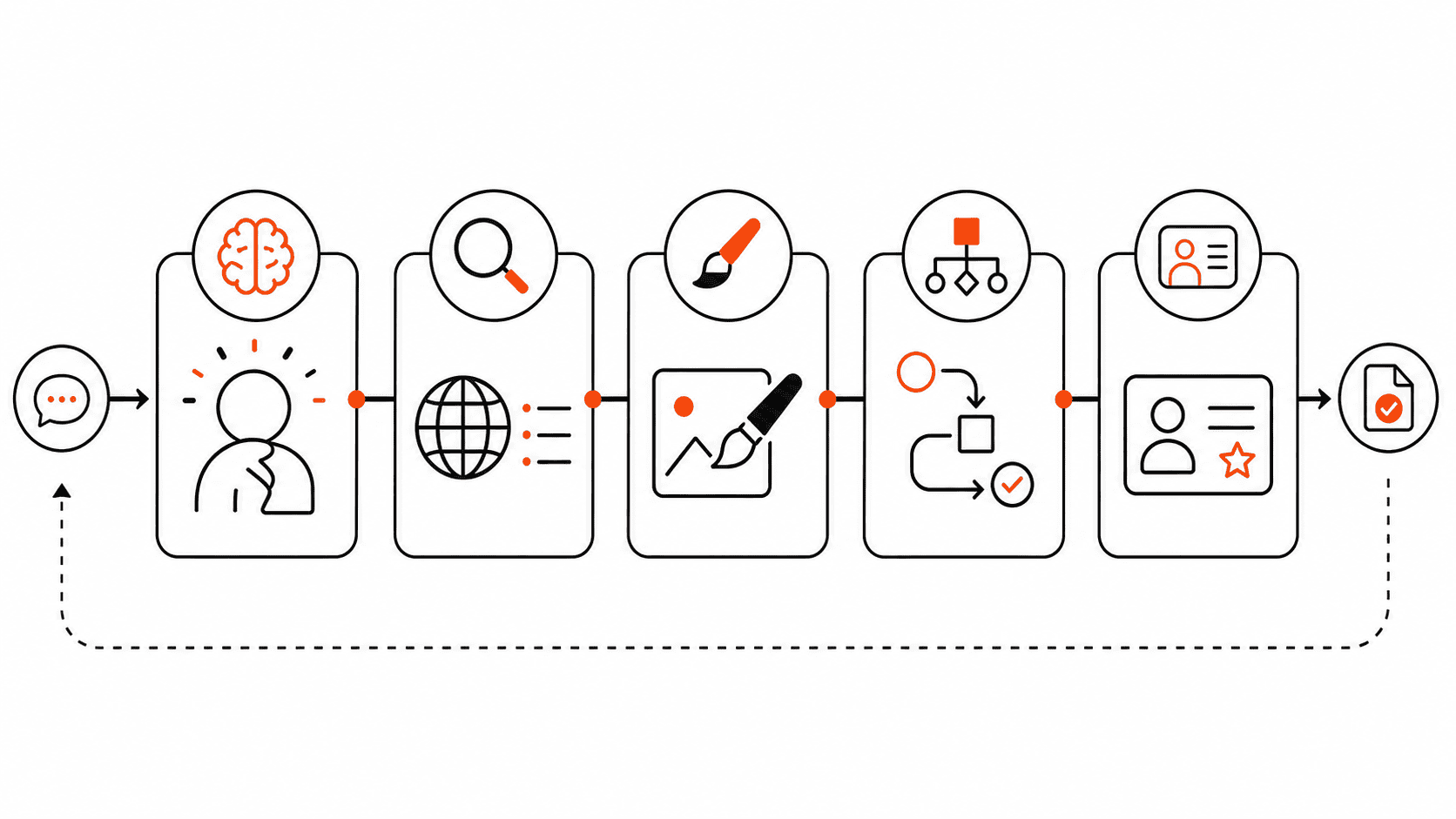
HubSpot’s free CRM is not the most exciting tool on this list, which is partly why it matters. A lot of small businesses do not need more AI content. They need one place to track contacts, deals, tasks, meetings, and follow-ups.
HubSpot says its free CRM supports up to two users and 1,000 contacts with no expiration date. That is enough for many small businesses to stop managing opportunities from memory, sticky notes, and half-read email threads.
How I would use it: create one clean pipeline, track every real lead, and connect automation later only after the process is clear.
6. n8n: The DigiDaddy Automation Pick
This is the correction that matters most. My automation recommendation is n8n, not Zapier or Make, if you are willing to handle a little setup.
That matches what I have already written in open-source operations tools, self-hosted SaaS alternatives, and n8n automation ideas. n8n is the automation home base. Zapier and Make are not the tools I would tell a small business owner to build around long term if they care about control and cost.
n8n says all paid plans include unlimited users, workflows, and integrations, and pricing is based on monthly workflow executions rather than every individual step. It also lists a Community Edition, which is the standard self-hosted version available on GitHub. That is why it fits the DigiDaddy angle: own the workflow when ownership is worth the setup.
To be fair, Zapier has a free plan with 100 tasks per month and two-step Zaps. Make has a free plan with up to 1,000 credits per month, a visual workflow builder, routers, filters, and a 15-minute minimum interval. Those are fine for learning or for one tiny automation. But they are convenience tools in this article, not the main recommendation.
How I would use it: start with one useful workflow. Lead comes in, data gets cleaned, a task gets created, and a notification goes out. If that saves time every week, then build the second one.
7. Grammarly: Boring, Useful Writing Cleanup
Grammarly is not where I would draft strategy or decide what to say. It is where I would clean up typos, tone, and obvious writing mistakes before something goes out.
Grammarly lists a Free plan at $0 per month with mistake-free writing, tone visibility, and 100 AI prompts. That is enough for basic cleanup, especially if you write customer emails, service pages, proposals, or quick blog drafts.
How I would use it: as the last pass before publishing, not as the brain of the article.
What I Would Not Do
- I would not sign up for ten AI tools and call that a system.
- I would not put sensitive customer, financial, legal, or employee data into random tools just because the free plan looks useful.
- I would not use Zapier or Make as the main recommendation while also telling readers n8n is better for the way I work. That was the inconsistency, and it needed fixing.
- I would not publish tool limits without checking the official pages first.
My Actual Stack From This List
If I had to keep this simple, I would use Claude or ChatGPT for drafting, Perplexity for research, Canva for quick visuals, HubSpot for lightweight CRM, n8n for automation, and Grammarly for final cleanup.
That is the point. The best free AI tools for small business owners are not the flashiest ones. They are the ones that remove repeat work without making the business more fragile.