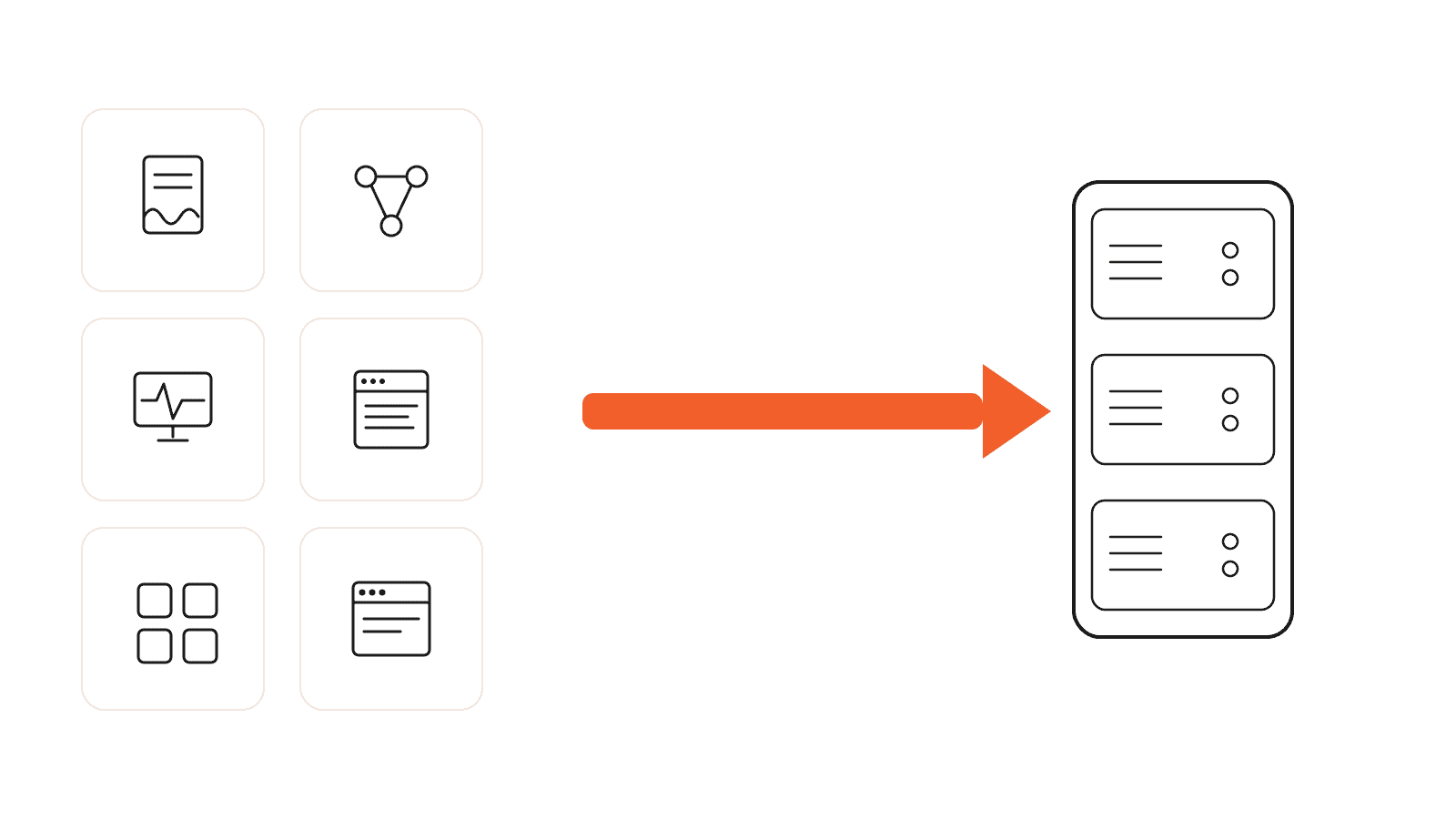
Here is the short version: I now run six tools on one small server instead of paying for six separate subscriptions, and the math was not close. This post walks through the exact self-hosted SaaS alternatives I switched to, what each one would have cost me every month, and the honest total once you add up the server and my time.
I am not going to pretend self-hosting is free or magic, because it is neither. It is not the right move for everyone. But if you are comfortable following a setup guide and you like owning your stuff, the savings stack up fast.
The quick math
On their own, none of these charges felt like much. Together they were a real monthly bill. Here is the rough picture. Prices are approximate and depend on the plan and how heavily you lean on each tool, so check current pricing before you copy me.
| What I was paying for | Rough monthly cost | What I run instead |
|---|---|---|
| E-signatures (DocuSign) | $10 to $25 | DocuSeal |
| Automation (Zapier or Make) | $20 and up | n8n |
| Uptime monitoring (UptimeRobot, Pingdom) | $7 to $15 | Uptime Kuma |
| Log viewing (paid monitoring tiers) | $10 and up | Dozzle |
| A start page or dashboard | $5 and up | Homepage |
| Website hosting (Squarespace, Ghost Pro) | $15 to $25 | Self-hosted WordPress |
| Total | Often $70 to $120 and up | One VPS, under $15 |
One small VPS runs all of it for less than what two of those subscriptions used to cost me on their own.
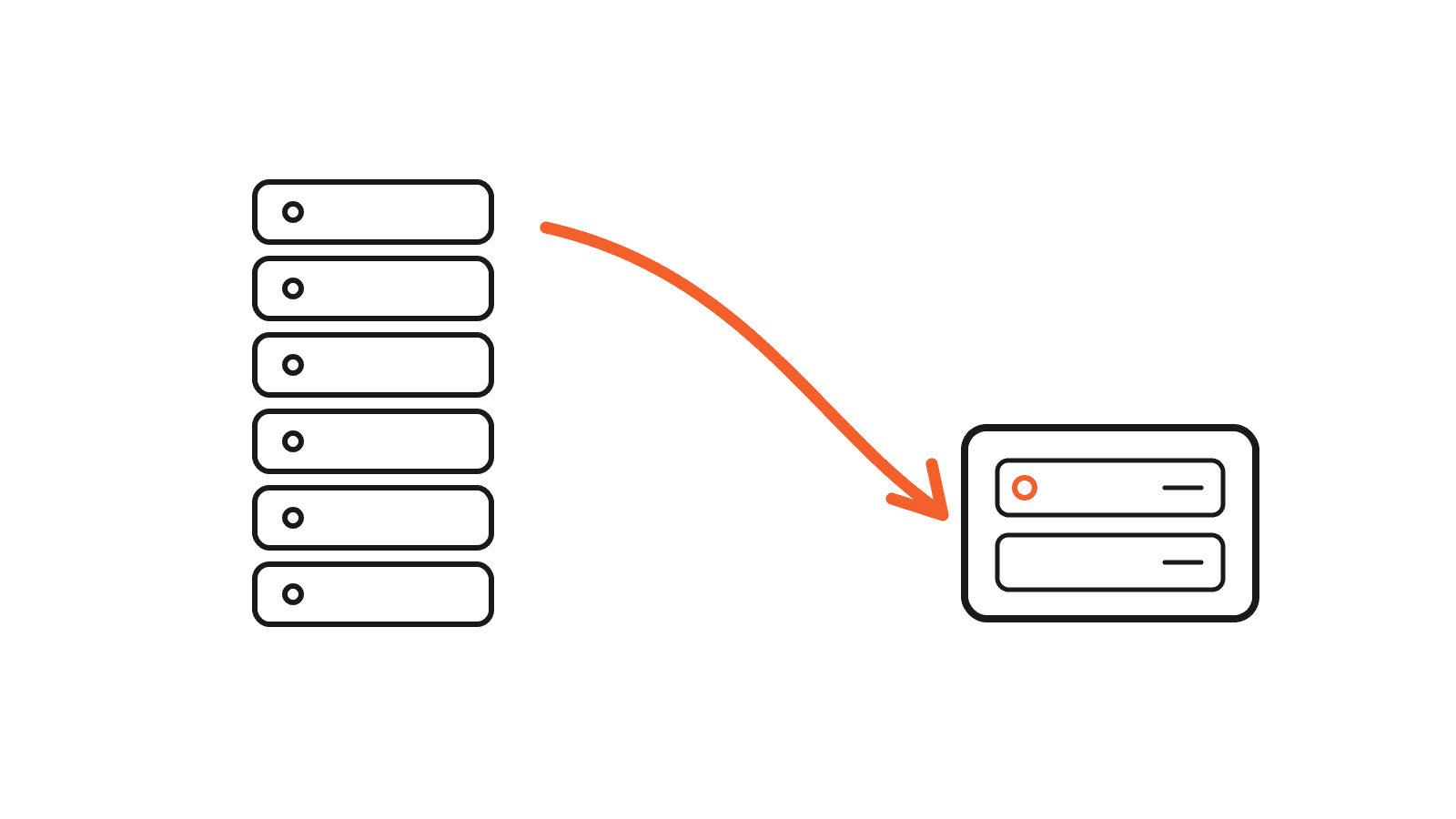
The 6 subscriptions I actually replaced
These self-hosted SaaS alternatives are real tools running on my server right now, not a wishlist. Every one is open source and free to run. You just bring the server.
1. DocuSeal instead of DocuSign
E-signatures are one of those things you do not think about until you need one, and then the subscription feels silly. DocuSeal does the core job, send a document and collect a clean, formatted signature, and it runs in a container on my server. I own every signed file instead of renting access to them.
2. n8n instead of Zapier or Make
Automation is where the savings get a little silly. Zapier and Make charge by tasks or operations, so the bill climbs the moment your workflows get genuinely useful. n8n runs on my server with no per-task meter. I build the same flows, and more complicated ones, without watching a usage counter tick toward the next tier.
3. Uptime Kuma instead of UptimeRobot
I want to know the moment a site or service goes down, not an hour later. Uptime Kuma gives me a clean status dashboard and sends alerts wherever I want them. Hosted monitors have fine free tiers, right up until you need more checks or shorter intervals, and then they start charging. Kuma just runs.
4. Dozzle instead of paid log tools
When something breaks, I need to read logs fast. Dozzle gives me a live view of all my container logs in the browser, no heavy monitoring platform required. It is small, it is quick, and it is exactly enough for a one-person setup.
5. Homepage instead of a paid dashboard
Homepage is my single start page. It links to every service and shows their status at a glance, which turns a pile of random apps into something that feels like one product. It replaced any reason to pay for a hosted dashboard.
6. Self-hosted WordPress instead of a site builder
This blog runs on my own server. Hosted site builders are easy, but you are renting your home and paying every month for the privilege. Self-hosting WordPress means I control the theme, the plugins, the data, and the bill. It took more setup, but it is mine.
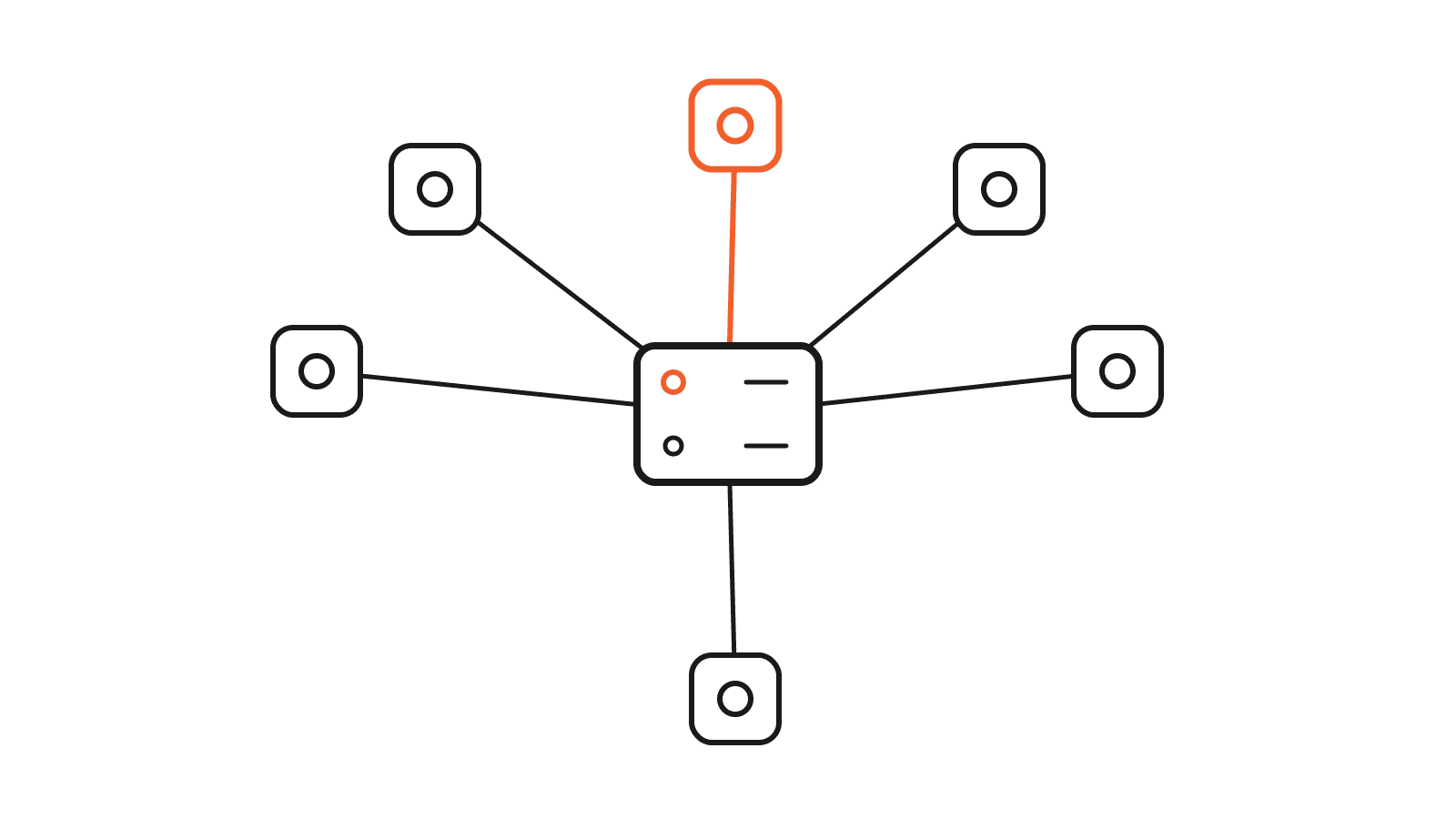
All six of these self-hosted SaaS alternatives run on the same machine. One server, one bill, six tools I used to rent separately.
What it actually costs (the honest part)
Self-hosting is not free. These self-hosted SaaS alternatives just move the cost around. Here is what you are really signing up for.
- The server. A small VPS that can comfortably run several light apps. Budget a fixed amount every month.
- Your time. The initial setup, the occasional update, and the rare thing that breaks at an inconvenient moment.
- A little learning. You do not need to be a developer, but you do need to be willing to follow a guide and read an error message without panicking.
If your time is worth more than the savings, or you just want something that always works without you touching it, paying for SaaS is a perfectly smart choice. No shame in it.
Who should self-host, and who should not
These self-hosted SaaS alternatives make sense if you like owning your tools, you are running several services, and a weekend project sounds fun instead of stressful. Skip it if you need uptime you are not personally responsible for, you have zero spare time, or the tool is mission-critical for a client where downtime costs real money.
How to start without breaking anything
Do not move your whole life onto a server in one night. Start with one low-stakes tool. Uptime Kuma is a great first pick, because if it goes down, nothing important goes down with it. Get comfortable, then add the next one.
- Pick one tool you can live without for a day.
- Spin up a small VPS.
- Follow the official Docker setup for that one app.
- Live with it for a week before you add anything else.
By the time you are on your third app, the pattern clicks and the rest is mostly repetition.
Was it worth it?
For me, yes. These self-hosted SaaS alternatives gave me lower bills, more control, and a setup I actually understand top to bottom. Your answer comes down to how much you value owning your tools versus never having to think about them.
If you would rather build a tool than self-host an existing one, that is a different but related path. I wrote about why I started building my own software here: Why I Stopped Buying SaaS and Started Building My Own Tools.
Either way, the takeaway is the same. You have more options than the subscribe button.