
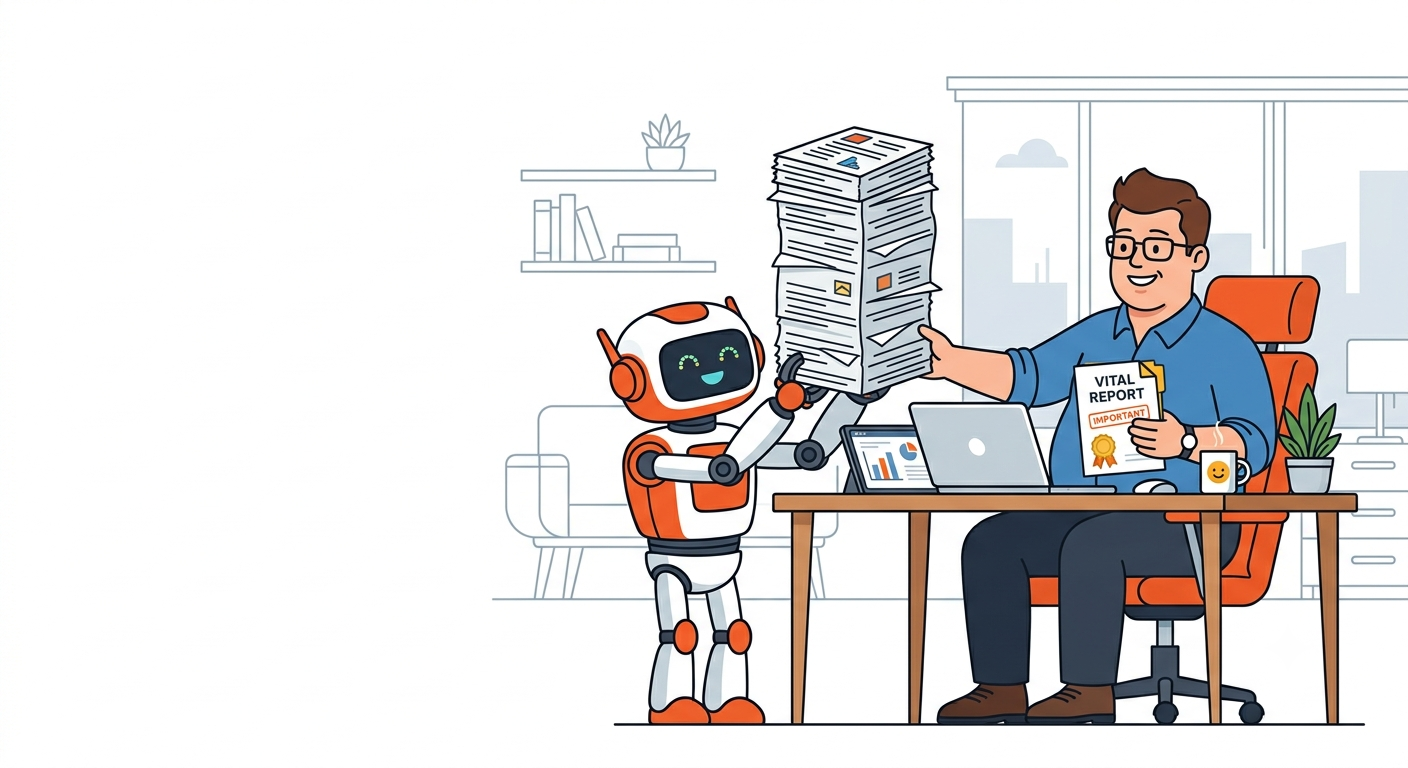
A practical look at using Claude AI for operations work, from someone who does it every day.
If you do operations for a living, you know the feeling. It’s 4pm. Your inbox has thirty unread messages, three of them need almost the same reply you’ve written a hundred times, and buried somewhere in your tabs is a forty page document you’re supposed to “review by end of day.” Ops is the job of keeping a hundred small things from falling over at once, and most of those things aren’t hard. They’re just relentless.
That’s where Claude earns its place. It won’t run your department for you, and you wouldn’t want it to. What it will do is take the boring 80 percent off your plate so you can spend your real brain on the 20 percent that needs you.
I’ve been using Claude AI for operations work almost every day. Here’s how I really use it, what it’s good at, and the stuff I’d never hand it.
Stop thinking “automate my job.” Start thinking “where do I bleed hours?”
The most common mistake I see with AI at work is reaching straight for the dramatic stuff. “Can it run my whole workflow?” That’s the wrong question, and it usually ends in disappointment.
The better question is quieter. Where do you lose time to tasks that repeat a lot but don’t really need your judgment?
Drafting the same type of email again and again. Turning a messy call into clean notes. Rewriting a process so a new hire can follow it without guessing. Cutting a long policy doc down to the few lines that affect your day. None of that needs the real you. It needs a competent first pass, and that’s Claude’s sweet spot.
Once I started looking at my week through that lens, I found hours hiding in plain sight.
A quick test for what to hand off
Before I give Claude a task, I ask myself two things.
Would I be okay with a sharp intern doing the first draft? And can I check the result faster than it’d take me to do the whole thing myself?
If both are yes, hand it over. If the task needs my real judgment, my sign off, or anything confidential, I either keep it or I’m very deliberate about how I use the tool. More on that part later, because it matters.
The ways I actually use Claude AI for operations
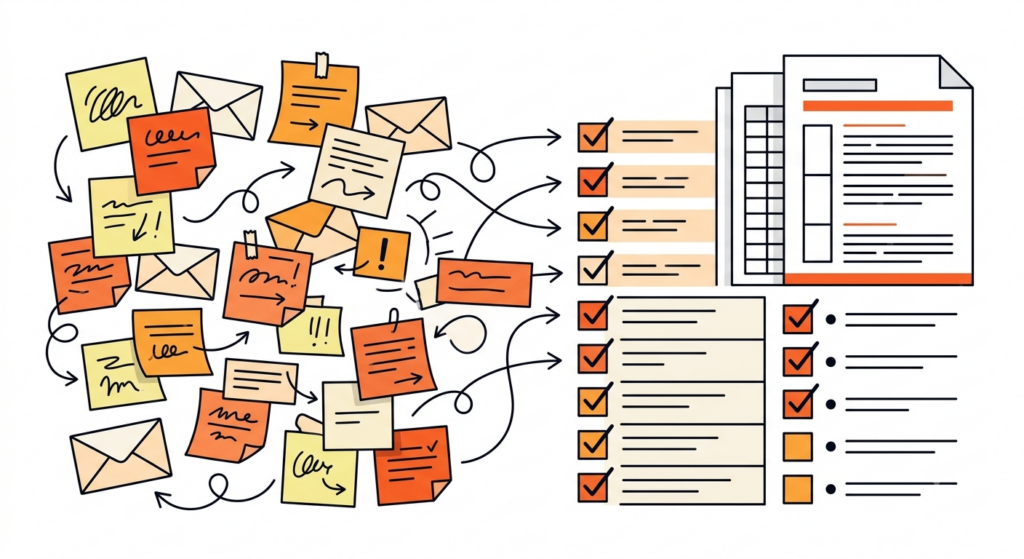
First drafts of the repetitive writing
Cancellation notices, follow ups, status updates, the polite “circling back” nudges. I keep a few solid prompts saved and let Claude write version one. Then I fix the tone, drop in the real details, and send. A ten minute task becomes two.
Here’s the kind of prompt I’ll use:
“Write a short, friendly email letting a client know their appointment on Thursday is cancelled, and offer two alternative times next week. Keep it warm but brief. Don’t over apologize.”
Simple, but it saves me from staring at a blank screen every single time.
Turning chaos into SOPs
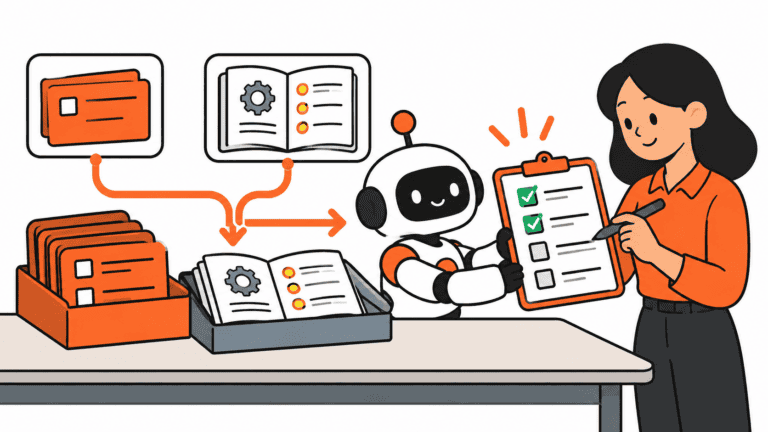
This one changed how I work. I’ll run through a process once, dump everything I did into rough notes, and ask Claude to shape it into a clean step by step SOP. It catches the steps I’d have skipped because they live in my head, and it formats the thing so someone else can follow it without me hovering.
“Here’s a rough brain dump of how I handle new vendor onboarding. Turn it into a numbered SOP a new hire could follow on their own, and flag any steps that look like they’re missing.”
I edit what comes back. But I’m editing, not starting from nothing, and that’s the whole difference.
Reading the long, boring documents for me
Policies, contracts, software manuals. I paste the parts I’m allowed to share and ask, “what in here changes how I do my job?” It pulls the relevant pieces and skips the padding. I still read the source myself for anything that carries real weight, but it tells me where to point my attention.
A thinking partner for messy calls
Some days I’m not stuck on writing. I’m stuck on deciding. “Here’s a scheduling conflict, here are my three options, poke holes in each one.” Claude is surprisingly good as a sparring partner. It won’t make the call for me, and I wouldn’t let it, but it surfaces angles I missed when my brain is fried.
Building and fixing automations
I run a handful of automations to handle the truly repetitive flows. When one breaks, or when I’m building a new one, I describe what I want in plain English and let Claude help me reason through the logic or spot what’s failing. I’m not a developer. This is how a non technical ops person gets technical things done without waiting a week for someone else to look at it.
My one rule: Claude drafts, I decide
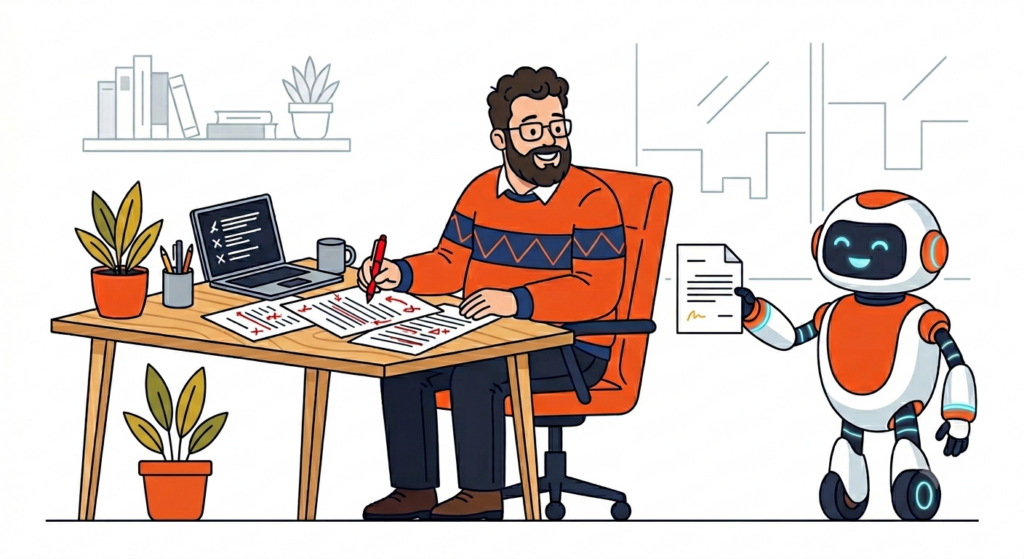
Here’s the honest part. Claude is fast, and it’s confident, and confident isn’t the same as correct. Every so often it’ll state something flatly wrong with a perfectly straight face. So I treat everything it gives me as a first draft from a smart but slightly overconfident assistant. I’m the editor. I’m the one who signs off.
That one habit keeps me out of trouble. The day you start pasting its output without reading it is the day it embarrasses you in front of your boss.
The part most people skip: don’t paste sensitive data
If you work anywhere near healthcare, finance, or anything involving private client information, read this twice. Don’t paste names, records, account numbers, or anything confidential into a public AI tool. Strip the identifying details first, or use a properly approved setup with the right protections in place. Saving yourself ten minutes isn’t worth a data breach or a compliance problem. Learn your company’s rules before you type a single thing.
This isn’t me being paranoid. It’s the difference between using AI like a professional and using it like a liability.
How to start this week
Pick one task you do over and over and quietly dread. Just one. Write a clear prompt that explains what you want, give it an example of a good result, and let Claude take the first swing. Edit what comes back. Notice the time you got back.
Do that with one task for a week. Then add a second. That’s the entire game. You’re not trying to reinvent your job overnight. You’re clawing back twenty minutes here and thirty there until your week feels lighter and your energy goes toward the work that’s worth your time.
And none of this is ops only. Swap “SOP” for “lesson plan” or “client proposal” and the same approach works for teachers, freelancers, and small business owners. Ops people just happen to have a lot of repetitive surface area, which makes the payoff obvious fast.
That’s what AI at work should feel like. Less busywork, more headspace.
Found this useful? I also wrote up the full list of AI tools I actually use every day, and I dig into this kind of thing every week at DigiDaddy. I test the tools, figure out what’s worth your time, and write it up in plain English, no hype.


Very informative! Keep it up!