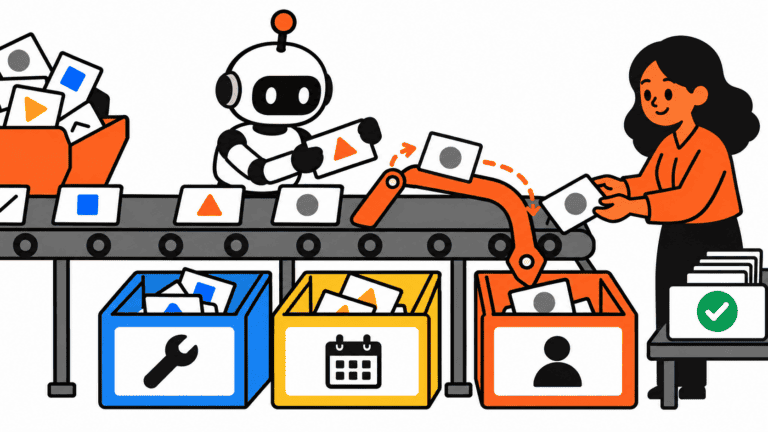
Most small businesses do not lose money because they picked the wrong AI tool.
They lose money because someone asks for a quote, fills out a form, or requests a callback, and the request quietly disappears into an inbox.
That is not glamorous. It is also the kind of operations problem worth fixing first.
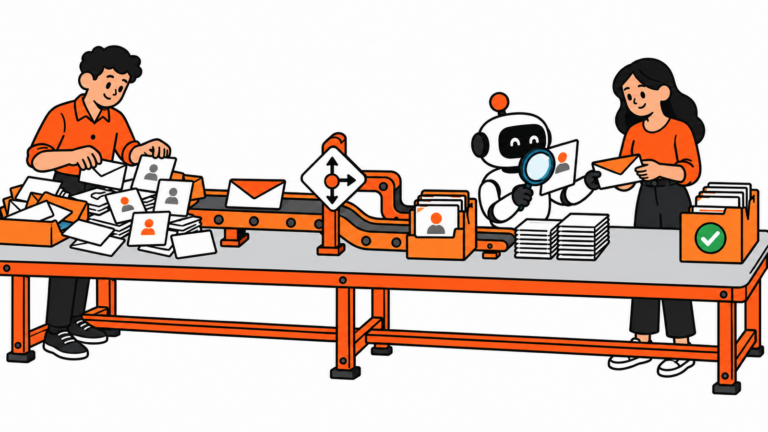
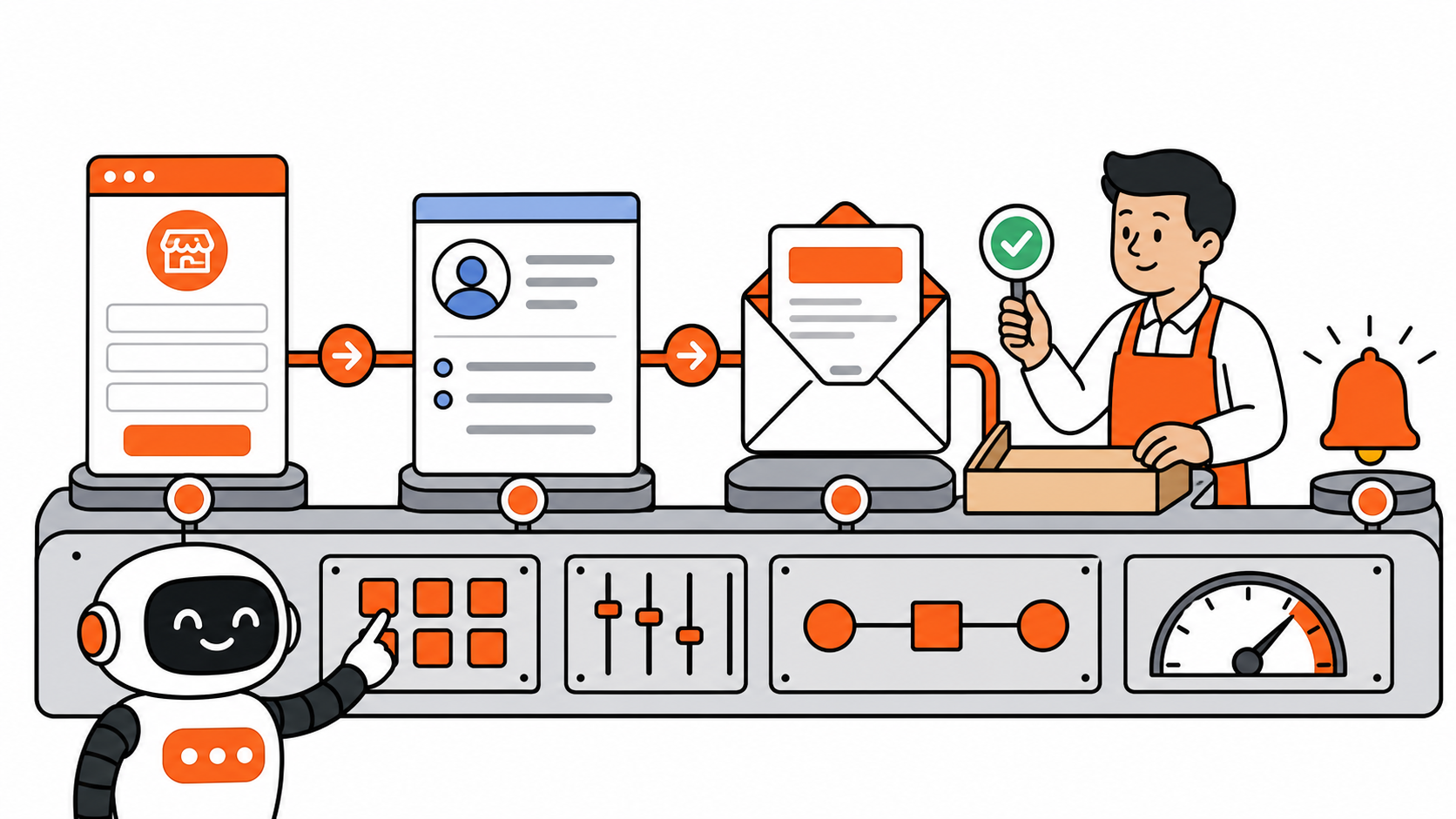
This automated lead follow-up workflow for small businesses uses n8n, HubSpot, and Gmail to do four boring but valuable jobs: capture the lead, put it in one place, prepare a reply, and remind a human to follow up. It does not send promises, prices, or commitments without a person checking them.
The problem is not a lack of AI
Picture a cleaning company, bookkeeping service, local contractor, or small agency. A prospect fills out a quote form while the owner is driving, on a job, or working through a crowded inbox.
Three days later, the lead is still there. So is the opportunity.
A reliable system is more useful than another dashboard. The first version only needs to answer four questions:
- Did we capture the request?
- Can we find the lead again?
- Is there a sensible first reply ready to review?
- Will somebody notice if no one follows up?
Automated lead follow-up workflow for small businesses: the practical stack
For this workflow, keep the tool list short:
- n8n Form Trigger for the intake form.
- n8n’s HubSpot node to create or update a contact.
- n8n’s Gmail node to create a draft reply.
- HubSpot’s free CRM to keep contacts, deals, and tasks from living in separate places.
n8n’s Form Trigger starts a workflow when someone submits a form and can generate the form page. Its HubSpot node supports contact creation and updates. Its Gmail node supports draft operations. Those are real capabilities, which is why this is a useful workflow to build instead of an imaginary AI agent.
Step 1: Collect only the details you need
Start with one lead type, such as website quote requests. Ask for:
- name;
- email or phone;
- service needed;
- timeline;
- short message.
Do not turn the form into a loan application. The aim is to collect enough information for a useful first response.
Then add a basic check: if the submission has neither an email address nor a phone number, send an internal alert instead of pretending the workflow succeeded. Automation should make gaps obvious, not hide them.
Step 2: Create or update one CRM record
Send the useful details into HubSpot:
- name, email, and phone;
- requested service;
- lead source;
- timeline;
- the form message.
Use the create-or-update path so a repeat enquiry does not turn into a pile of duplicate contacts. HubSpot’s free CRM includes contact, deal, and task management, which is enough for a small team to get the basic follow-up process out of email.
The point is not to build an impressive CRM. Start with one pipeline and a few clear stages. Every real lead should have a home.
Step 3: Create a reply draft, not an automatic promise
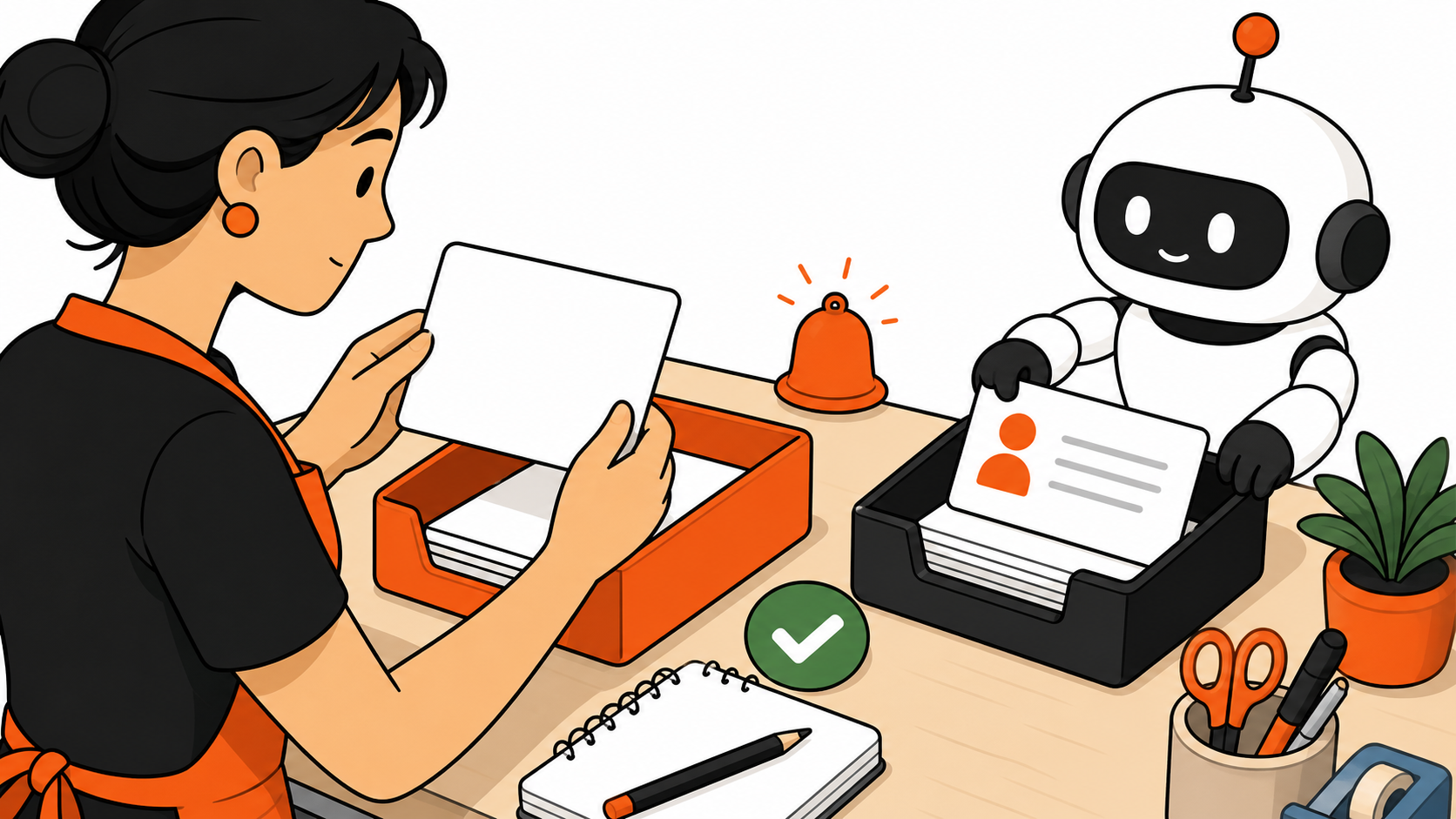
This is where AI can be helpful, but it should not be in charge.
In an automated lead follow-up workflow for small businesses, use Gmail to create a reply draft from the form information. A human then reads it, adjusts the tone, confirms availability, and sends it.
A safe draft might say:
Hi Sarah,
Thanks for reaching out about recurring office cleaning. I saw that you are looking to start within the next two weeks. A quick call would help me understand the space, schedule, and access requirements. Are you available tomorrow afternoon or Friday morning?
Thanks,
Chris
The automation has done the slow part: it has turned a blank reply into a sensible starting point. The owner still owns the final message.
Do not let AI quote a price, decide whether a lead is worthwhile, invent availability, or send the first response without review. Those are business decisions, not drafting tasks.
Step 4: Make the next action hard to miss
Send the owner a short reminder through the channel they actually use: email, Slack, or a CRM task.
New lead: Sarah Martinez
Service: recurring office cleaning
Timeline: within two weeks
Reply draft: ready in Gmail
Next action: follow up today
The goal is not a beautiful dashboard. The goal is a clear next action before the lead gets buried.
Where AI belongs in this workflow
Use AI to write a first reply when it has a strict job:
- keep the reply under 120 words;
- use only the form details provided;
- do not promise pricing or availability;
- ask for one sensible next step;
- leave the final send to a human.
That gives the owner a useful draft without turning the workflow into a liability.
If you are new to automation, start with the two small n8n automation ideas I actually use every day. This lead workflow follows the same principle: make one annoying repeat task easier before you try to automate the whole business.
Test it before a real lead arrives
- Submit three test leads with different combinations of data.
- Confirm that valid leads create or update the right HubSpot contact.
- Confirm that the Gmail draft contains the right details.
- Confirm that incomplete leads create an internal alert.
- Confirm that the reminder reaches the person who will actually follow up.
Only after those tests should you put this automated lead follow-up workflow for small businesses into production. n8n distinguishes between test and production form URLs, so treat the test as part of the build, not an optional extra.
Do not overbuild the first version
Use this automated lead follow-up workflow for small businesses for one lead type first: quote requests, consultation requests, demo requests, or discovery calls. Once it works reliably, add the next one.
A small business does not need a giant automation map on day one. It needs one workflow that catches money before it falls through the floor.
For more practical options beyond this one workflow, see our guide to free AI tools for small business owners. The useful tools are the ones that remove a real bottleneck, not the ones with the loudest launch video.
Final take
Before you buy another AI tool, make sure new leads do not disappear into inbox mud.
An automated lead follow-up workflow for small businesses does not need to be futuristic. It needs to make one real follow-up task reliable.
Capture the request. Store the contact. Prepare a reply. Create a reminder. Keep a human in the loop.
It is not futuristic. That is the point. Good operations usually look boring from the outside. On the inside, they quietly stop revenue from leaking away.