You notice the mistake, and your stomach drops. The wrong file went out. A deadline slipped. A report contains a figure that should not be there. Now you need to tell someone.
How to explain a mistake at work starts with a useful update: say what happened, own your actual part, describe the known impact, explain the next action, and name the next check-in. An AI assistant can help make that message clear. It should not invent an excuse or turn a planned fix into a completed one.
The goal is to help the affected person decide what to do next. It is not to write such a polished apology that nobody notices the problem. All situations and sample messages below are illustrative.
How to explain a mistake at work: give the facts first
Atlassian’s guidance on professional apologies emphasizes taking responsibility and pairing the apology with action. Harvard Business School’s discussion of apology and repair also highlights the importance of acknowledging responsibility and offering to address the problem.
For an ordinary work error, a short factual update is usually more useful than a long defense. For a safety issue, suspected data exposure, financial incident, or another serious problem, use your organization’s reporting process promptly. Do not delay that report while asking AI to polish an email.
1. Tell the right person promptly
Work out who needs the information to contain the problem or make a decision. That may be your manager, the project owner, or a designated incident contact. Follow the agreed channel. A time-sensitive issue may need a call or direct alert as well as a written record.
You do not need a complete investigation before saying an issue exists. You do need to distinguish what you know from what you are checking. Silence leaves other people planning around information that may be wrong.
First sentence: “I found an error in the report I sent this morning: the totals include the previous month’s data.”
That gives the reader something concrete. “There seems to have been some confusion” makes them solve a small mystery before they can help.
2. Own your part without inventing a cause
State your responsibility accurately. “I attached the earlier version” is clear. “The file was attached incorrectly” hides the actor. On the other hand, do not claim responsibility for someone else’s decision or speculate about causes you have not confirmed.
An explanation describes the process so it can be repaired. An excuse uses the process to dodge responsibility. You can mention a missed check without blaming a busy day, an awkward system, or another person.
Useful wording: “I selected the earlier version and missed the final filename check.”
If the cause is unknown, say that. “I am checking how the mismatch happened” is more accurate than letting AI construct a plausible story.
3. Separate confirmed impact from unknown impact
Tell people what is affected and what remains uncertain. Avoid both reassurance you cannot support and dramatic conclusions you have not checked.
- Confirmed: Which document, task, person, or decision is affected?
- Unknown: What have you not yet verified?
- Immediate need: What should the recipient do or avoid doing now?
Useful wording: “The figures in the summary are incorrect. I have not yet confirmed whether anyone used that version for planning. Please hold off using it while I check.”
How to explain a mistake at work does not require a perfect answer to every question. It requires you to label uncertainty so other people can respond sensibly.
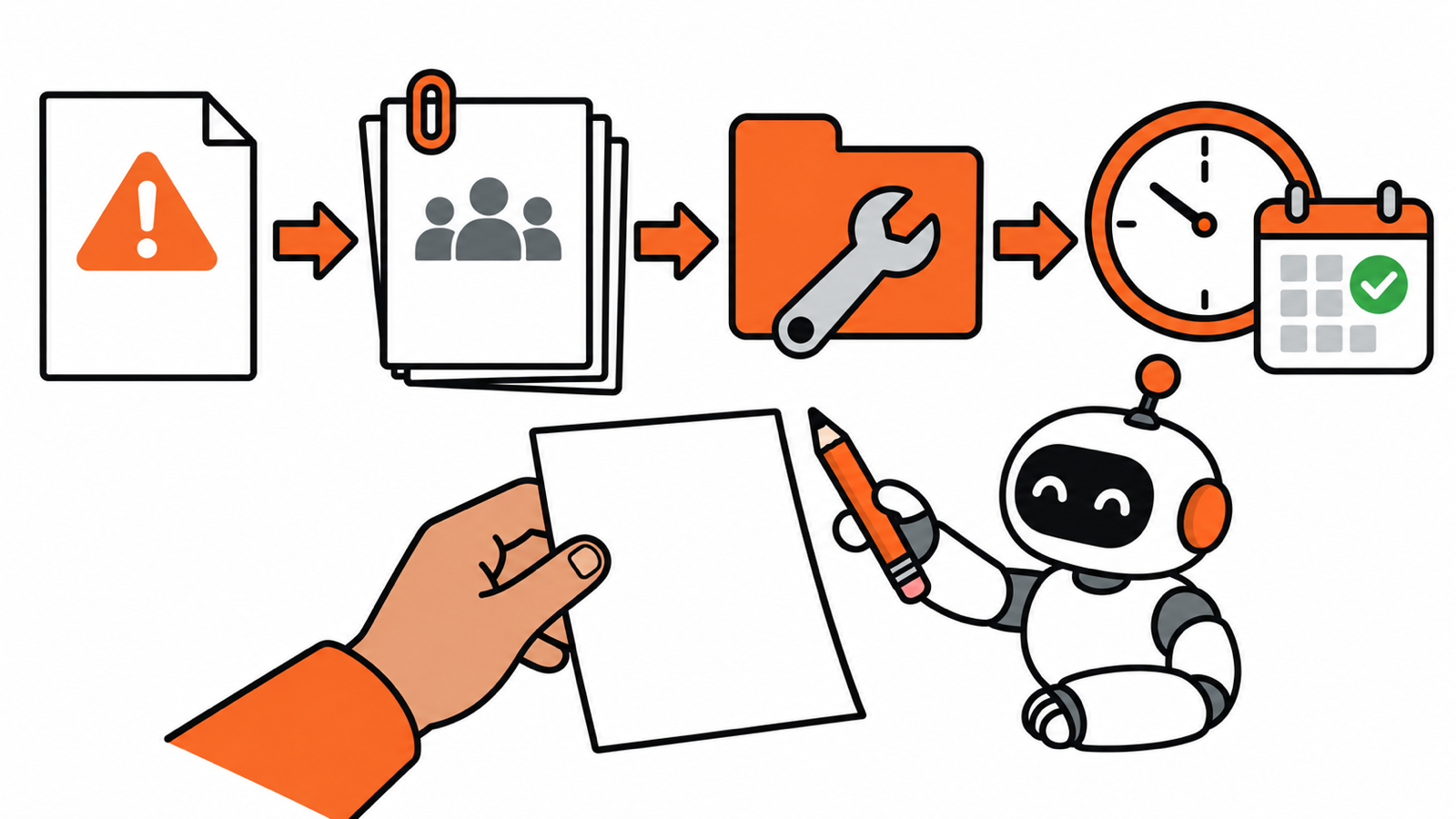
4. Explain the fix and its real status
Make the action specific. “I will be more careful” does not tell anyone what happens next. Describe what you have already done, what you propose to do, and what approval or help you need.
Keep these states separate: a replacement exists, someone has checked it, and the replacement has been sent. Completing the first does not prove the other two happened.
Useful wording: “I have prepared a corrected report and am checking the source figures. Once that check is complete, I will send the replacement and clearly identify which version to use.”
Do not promise a completion time you cannot support. If another person must review the correction, ask for that review instead of assuming they will fit it into your preferred timeline.
5. Give a realistic next update
When the fix is still underway, tell people when they will hear from you again. A check-in time is useful even if the investigation is not complete. It keeps everyone from guessing whether the problem has disappeared into your inbox.
Useful wording: “I will update you by 3 p.m. with the check results or the remaining blocker.”
After the issue is resolved, document a proportionate prevention step: an explicit version check, a clearer owner, or an extra review where the risk warrants it. Do not promise that nothing will ever go wrong again.
3 short examples you can adapt
A missed internal deadline
Hi Taylor, I missed the agreed deadline for the meeting notes. I did not allow enough time for the final review. The notes are drafted but not yet checked, so I cannot call them complete. Can we agree a revised delivery time? I will send an update by 2 p.m. either way. I am sorry for the delay.
The wrong attachment
Hi Casey, I attached the earlier version of the handover checklist to my last email. Please do not use that attachment. I am checking the approved version now and will send it once that check is complete. I do not yet know whether anyone has used the earlier copy. I will confirm the next steps by noon.
A corrected routine report
Hi Morgan, the report I sent this morning included duplicate rows in the totals. I missed them during my check. I have now checked the corrected totals against the source and attached the replacement. Please use this version. I am sorry for the extra work. I will add an explicit duplicate-row check to the next reporting run.
The third example says the correction has been checked because that is part of the fictional scenario. Use that wording only if it is true in your situation.
Use AI to improve clarity, then check every claim
How to explain a mistake at work is a task where tone matters, but factual accuracy matters more. Give the assistant a sanitized fact list rather than confidential incident material. Use your workplace-approved tool and follow its data-handling rules.
Help me draft a factual work update under 120 words. What happened: [confirmed error]. My actual part: [responsibility]. Confirmed impact: [impact]. Still unknown: [unknowns]. Actions completed: [completed actions]. Proposed next action: [plan]. Next update I can meet: [time]. Include a brief apology where appropriate. Do not invent a cause, minimize the impact, blame others, add promises, or describe planned work as completed. Flag missing facts instead.
Before sending, apply the AI workslop check. If an AI-generated result caused the error, the guide to delegating safely to AI can help you decide what needs a stronger human review next time.
How to explain a mistake at work comes down to helping people act on accurate information. Be clear about what happened. Be honest about what remains unknown. Make the next step visible. Then do the repair you said you would do.