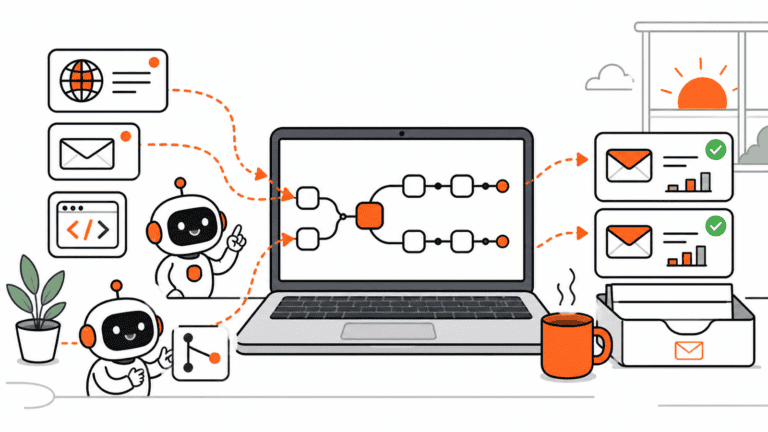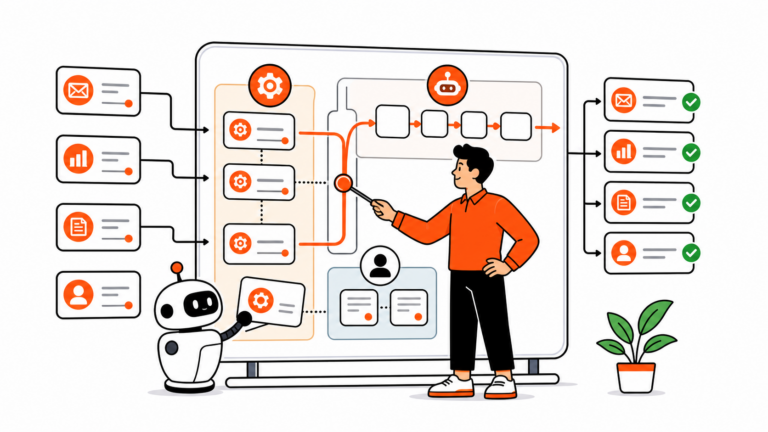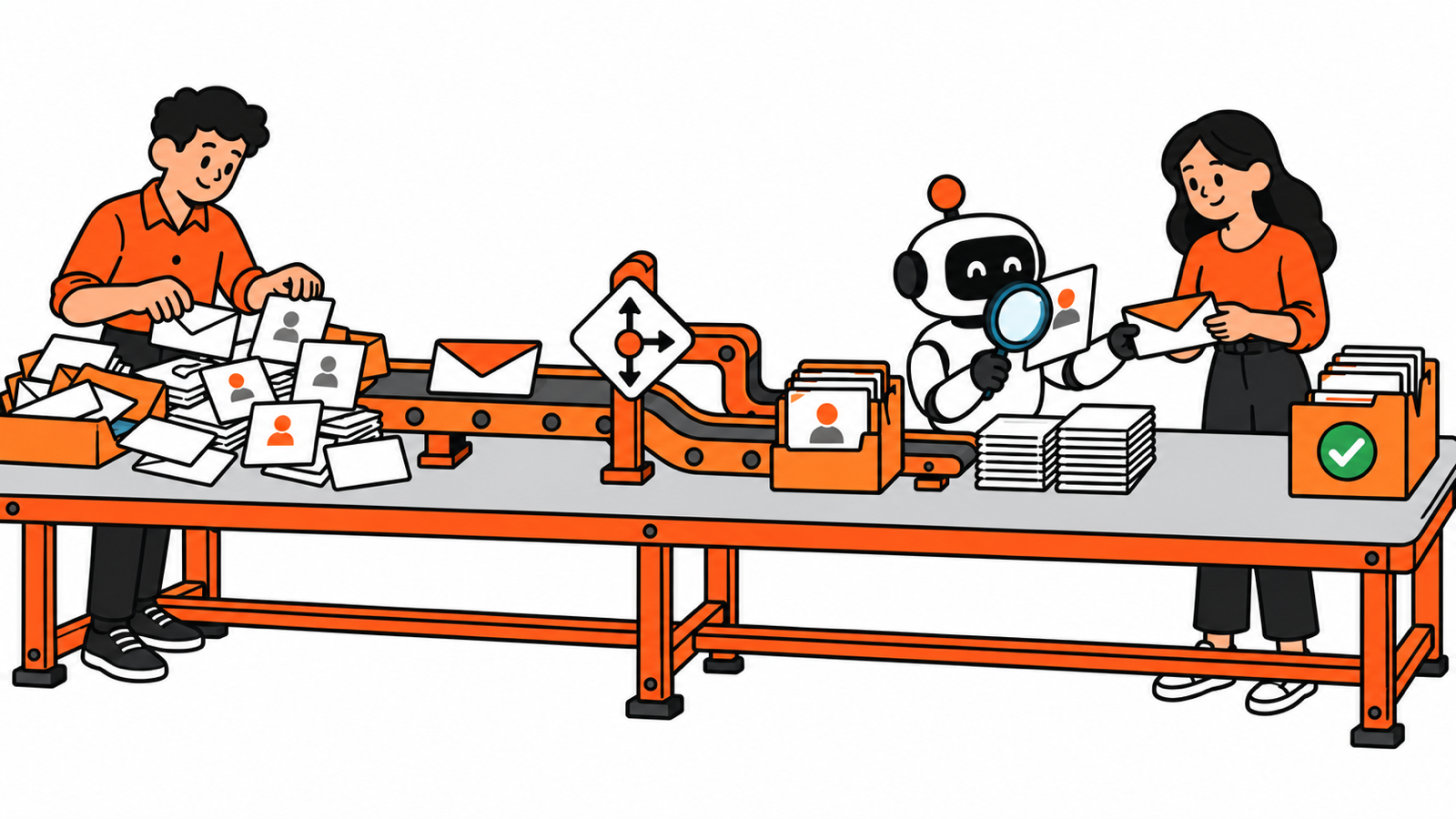
Process Automation used to mean telling software exactly what to do. Today, it can also mean asking AI to interpret a messy request, gather missing information, and choose a next step. The useful change is a wider range of work that software can help with. The challenge is making the whole process reliable.
If you run a small team or work in operations, you do not need to learn every new agent platform. You need to understand what changed, where the limits sit, and which skills will stay useful after the next product announcement.
Here is the short answer: combine clear rules for predictable work, AI for interpretation, and human judgment where the consequences require it. Start with one recurring process and measure whether it finishes correctly.
Research checked October 16, 2026. This is a researched guide. The customer-request examples illustrate possible designs, not a workflow tested for this article.
How Process Automation evolved
Imagine a customer sends this request: “We need to move next week’s delivery. The person who usually handles our account is away.”
Someone has to identify the customer, find the order, check the options, assign an owner, and respond. That is a process. Summarizing the message is one task inside it.
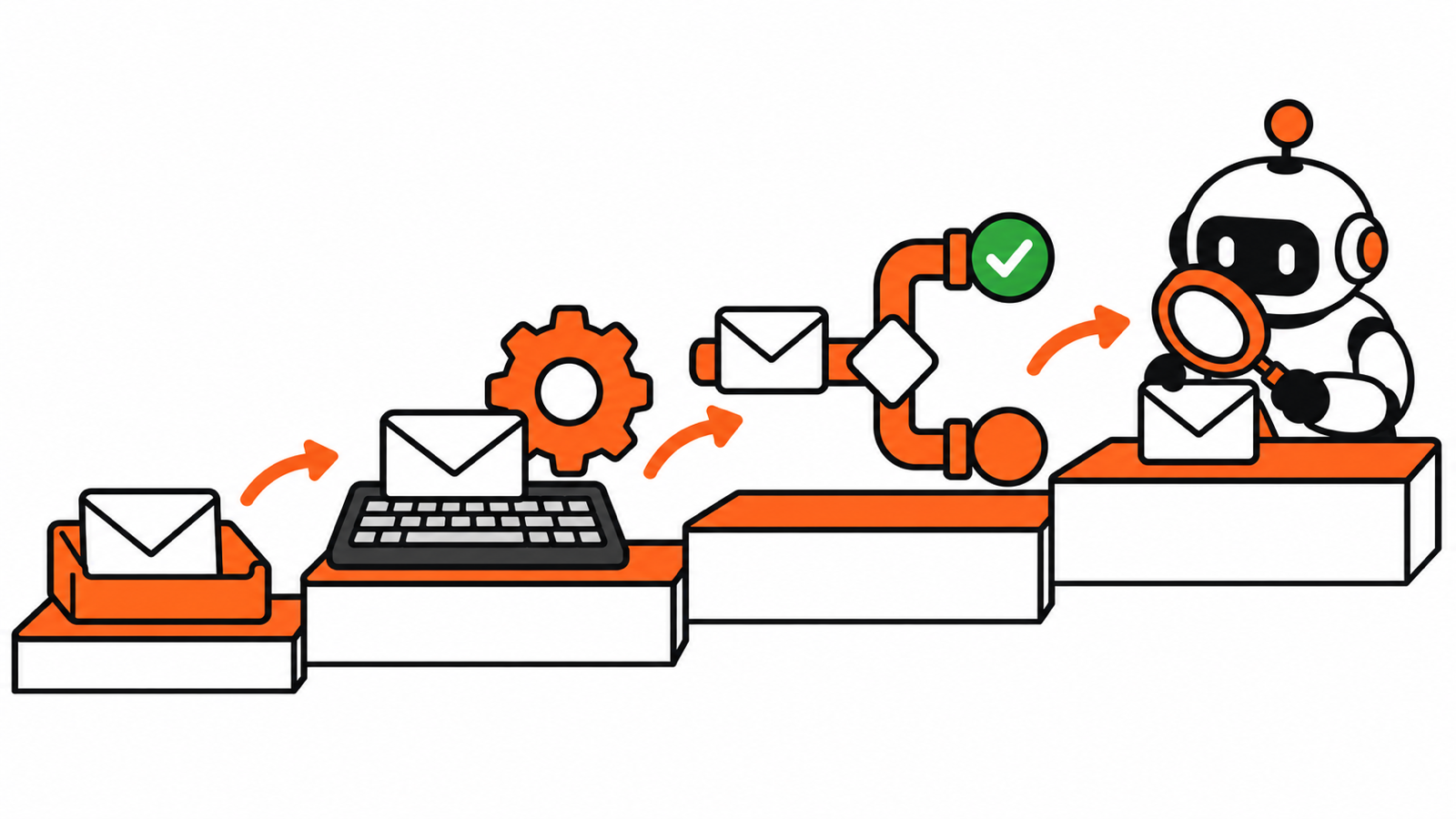
Over time, different technologies have taken on different parts of that work. They overlap. A business can still use a spreadsheet macro, an integration, and an AI model in the same afternoon.
| Layer | What it adds to the customer request |
|---|---|
| Scripts and macros | Repeat explicit instructions, such as preparing a standard case report. |
| Workflow systems | Coordinate steps and approvals, such as routing a case to its owner. |
| Integrations and RPA | Move work between applications, such as transferring approved details into an order system. |
| Intelligent automation | Extract and classify information, such as identifying the request type in a document. |
| Generative AI | Interpret language and create drafts, such as summarizing a request and suggesting a reply. |
| AI agents | Choose tools and intermediate steps, such as finding missing context and proposing a supported action. |
First, repeat the steps
Scripts and macros make explicitly defined work repeatable. Workflow systems coordinate the larger sequence: who receives a request, which conditions apply, and when someone must approve it.
That process discipline has a long history. OMG lists adoption of its BPMN 2.0 process-modeling standard in December 2010. The urge to draw boxes and connect them with arrows did not arrive with the chatbot.
Then, connect the applications
An integration can pass information through an application’s API, its software interface. Robotic process automation, or RPA, can operate an application’s user interface when suitable APIs are unavailable. IBM describes how RPA can work inside a broader integration or process-management solution.
In our example, a form could collect the order number, create a case, and assign it using fixed conditions. That can be useful without asking a model to make any decisions.
Add interpretation, then limited autonomy
Intelligent automation added capabilities such as extraction and classification. Researchers were already discussing the transition from RPA to intelligent process automation in 2020. Reading documents with software is an older idea than the current agent boom.
Generative AI broadens what we can do with language. It can help turn the customer’s loosely written message into a summary, a category, and a proposed response. An agent adds another ability: choosing intermediate actions, such as which approved source to search next.
Anthropic distinguishes workflows from agents by whether the path is predefined or directed dynamically by the model. It also recommends starting with the simplest approach that meets the need.
That distinction matters when you shop for tools. An “agent” label tells you less than a clear explanation of what the system can read, decide, and change.
Where Process Automation stands in 2026
Process Automation now includes both established rule-based systems and newer AI capabilities. The adoption evidence shows a mix of progress, uneven deployment, and measurement problems.
AI use is broader than agent deployment
McKinsey’s August 2026 survey found 40% of respondents at organizations above $1 billion in annual revenue reported scaling agents in at least one business function. The figure was 22% at smaller organizations. “Smaller” covers much more than the local business with six employees.
The survey also found 80% reported improved personal productivity, while 37% reported some positive enterprise earnings impact from AI. Those are self-reports, and they measure different things. Faster individual tasks do not automatically establish a better business process.
For a broader US benchmark, the Census Bureau reported 19.8% of businesses using AI in any business function for the period ending May 3, 2026. That includes basic assistance. It is neither an October estimate nor an agent deployment rate.
The practical lesson: check what an adoption number counts before letting it set your priorities.
AI is moving inside familiar workflows
On October 6, Zapier announced that its agent capabilities are moving into AI by Zapier workflow steps. The announcement describes combining agentic and ordinary actions, with shared run history and approval controls for individual tools. Some migration capabilities were still rolling out.
Microsoft documents agent flows with rule-based paths, AI actions, and human intervention. n8n documents human review before selected AI tools execute.
These are documented capabilities, not a side-by-side test. Together, they show a useful pattern: AI interpretation can sit inside a process with explicit rules and handoffs.
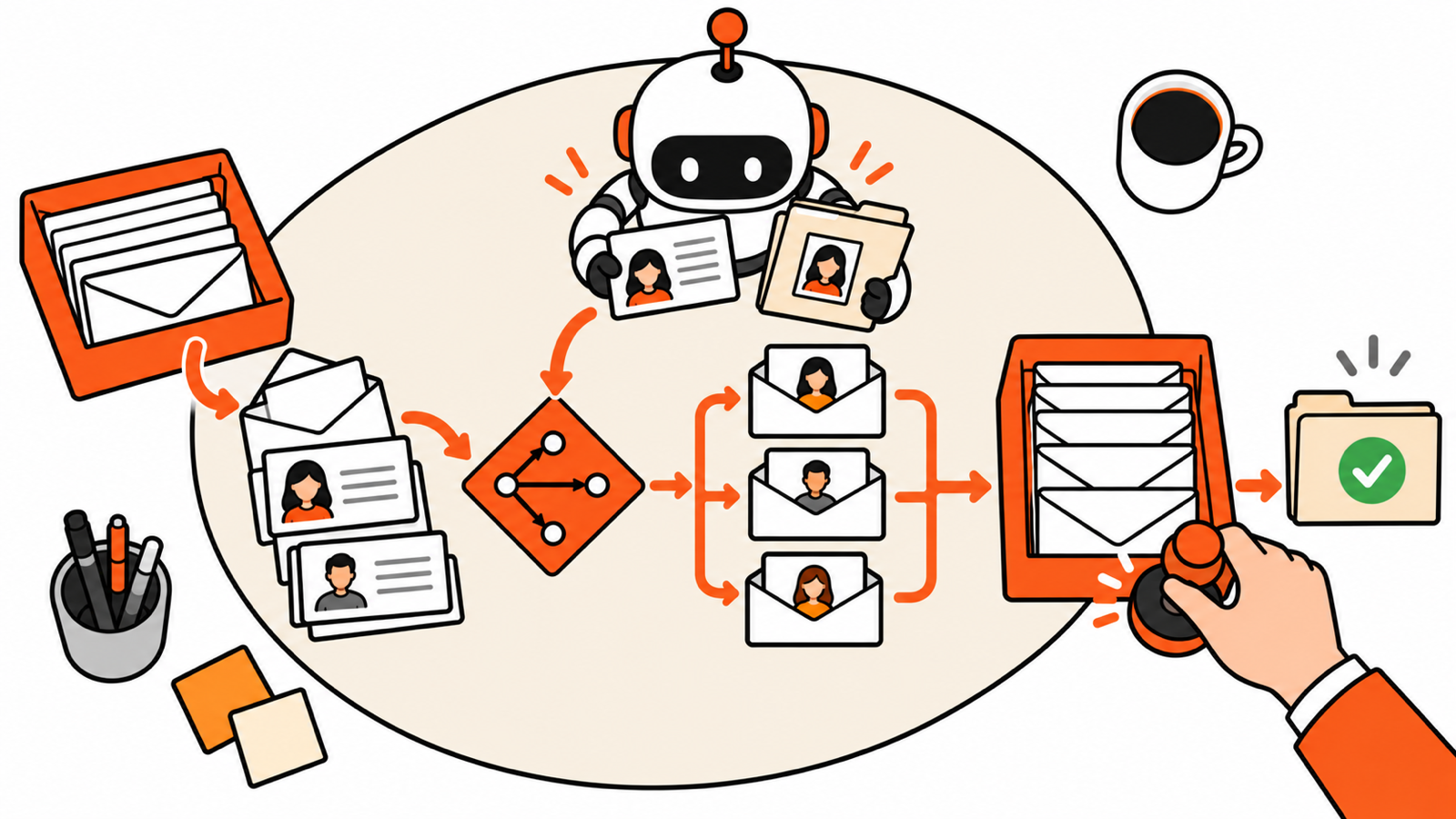
For our customer request, the system might find the matching case, summarize the delivery change, and prepare a response. Rules check the order ID and required fields. A person approves any new delivery commitment. If the customer match is ambiguous, the work goes to a review queue.
The exception path deserves as much thought as the happy path. A silent wrong update is still wrong, even if it happened very efficiently.
Where Process Automation is heading
The next directions below are my assessment of the evidence, not a product release schedule or a promise that every business will adopt them.
More connected systems, with clearer boundaries
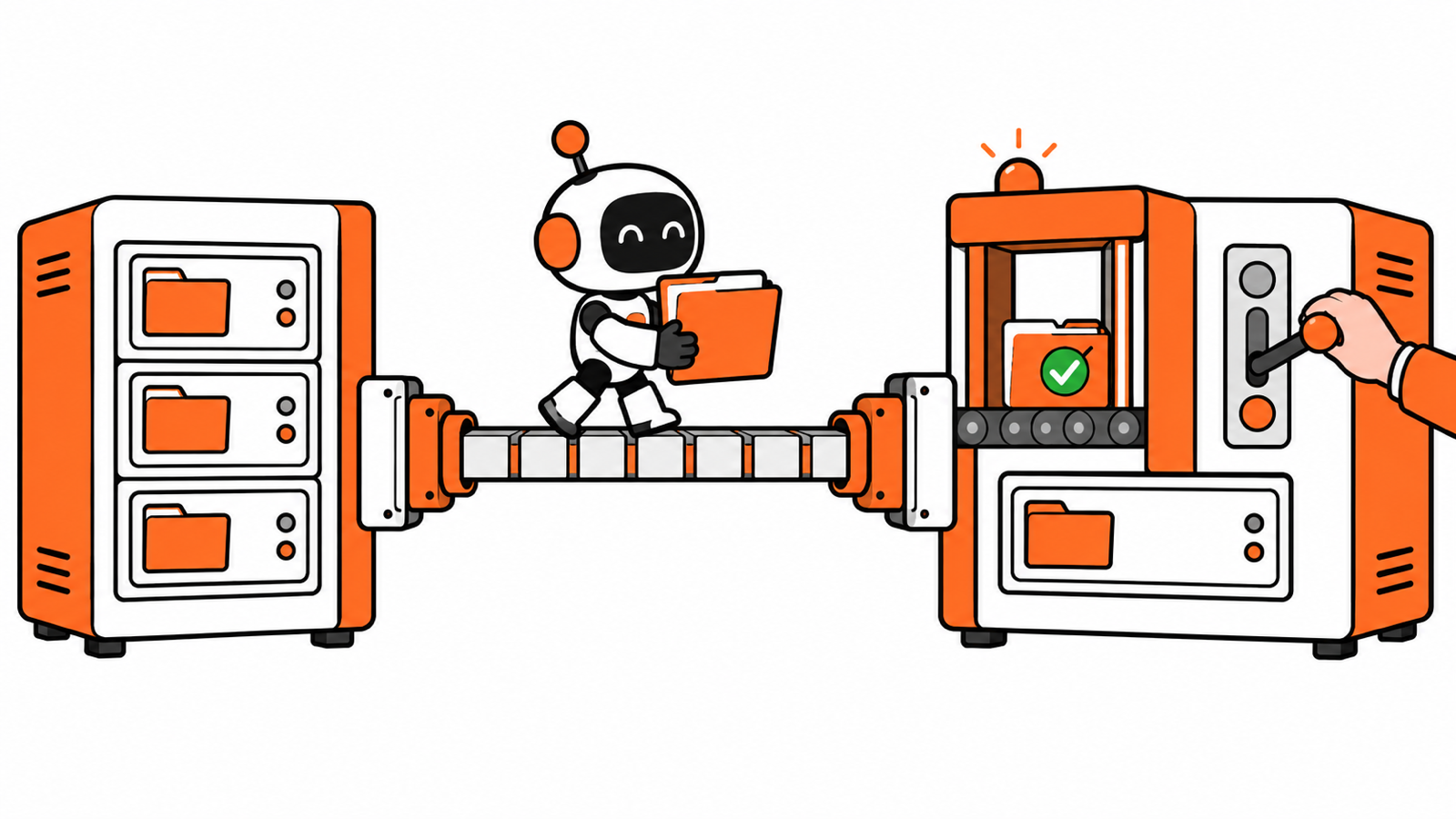
Two standards are worth recognizing. MCP connects AI applications to tools and data. A2A supports communication between independent agents.
You do not need to memorize the specifications. Ask whether a tool can connect to the systems you already use, what permission it requires, and whether you can inspect its actions. A shared connection standard does not make the information correct or authorize every possible action.
NIST’s 2026 AI Agent Standards Initiative includes interoperability, identity, authentication, and security evaluation. That work is a concrete sign that deployment foundations matter alongside model capability.
Longer delegated work, with uneven reliability
Agents are being evaluated on increasingly demanding tasks. But be careful with claims that a model can now “do a full day’s work.”
METR explains that its task-horizon measurements primarily cover well-specified software, machine-learning, and cybersecurity tasks. A 50% horizon means predicted success half the time at a given human-equivalent task difficulty. It does not establish reliable performance across an employee’s real working day.
For a small team, the useful next step is a bounded assignment with a clear finish condition. “Gather the evidence for this case and propose an answer” is easier to evaluate than “handle customer operations.”
More attention to how the process actually runs
Process mining uses event logs to reconstruct how work moves through systems. It can reveal delays, repeated paths, and deviations, although it can miss manual work that was never recorded. IBM explains the method and its limits.
You can borrow that discipline without buying a large platform. Record when a request arrives, when someone touches it, why it waits, and when it finishes. A 30-second AI summary will not resolve a three-day wait for an owner.
Process Automation should be judged on the accepted outcome, including corrections, review time, and maintenance. My strongest expectation is that these operating questions will become more important as tools gain more authority.
Six skills to keep up with Process Automation
Process Automation rewards understanding the work around the software. These are the skills I would prioritize before collecting another dozen tool accounts.
1. Map the work before choosing the tool
Name the trigger, inputs, owner, decisions, and final outcome. List the three exceptions that cause the most cleanup. Ask whether any step can disappear altogether.
For the customer request, “done” might mean the assigned owner has reviewed the available delivery options and approved an accurate response. A generated paragraph is an intermediate output.
2. Separate rules from interpretation
Use explicit rules for required fields, allowed values, and permission checks. Consider AI for language, classification, or variation that fixed rules handle awkwardly.
Add dynamic tool selection only when it earns its place. Our loop engineering guide explains how triggers, context, validation, and stop conditions fit together.
3. Learn enough about data and connections
Understand record IDs, APIs, webhooks, and read versus write access. You do not need to build every integration to ask whether it can update the wrong customer or create the same case twice.
Use a trusted system for current facts. Give the workflow a defined response when a record is missing or a service is unavailable.
4. Test against examples you can judge
Collect representative requests and define acceptable results. Include incomplete messages, ambiguous customer names, duplicate events, and requests outside the intended scope.
Compare the result with the evidence. A model saying it is confident is not a measured accuracy rate. A small pilot also cannot establish that rare failures are impossible.
5. Make review and permissions meaningful
Show reviewers the proposed action, the affected record, and the evidence supporting it. Decide who handles the queue, what happens if nobody responds, and when the system stops.
External documents can contain malicious instructions. Keep access narrow and enforce important boundaries outside the prompt. OWASP’s agentic application guidance covers this growing security problem. Our AI delegation checklist translates the everyday boundaries into practical questions.
6. Measure and maintain the whole process
Track correct completions, human review time, corrections, waiting time, and total operating cost. Count failures in the denominator. Include the effort of maintaining the automation.
Assign an owner. Retest when the model, instructions, connector, or business policy changes. A workflow that quietly breaks after its creator leaves is another unfinished handoff.
A practical 30-day starting plan
This is a learning schedule, not a guarantee of production readiness.
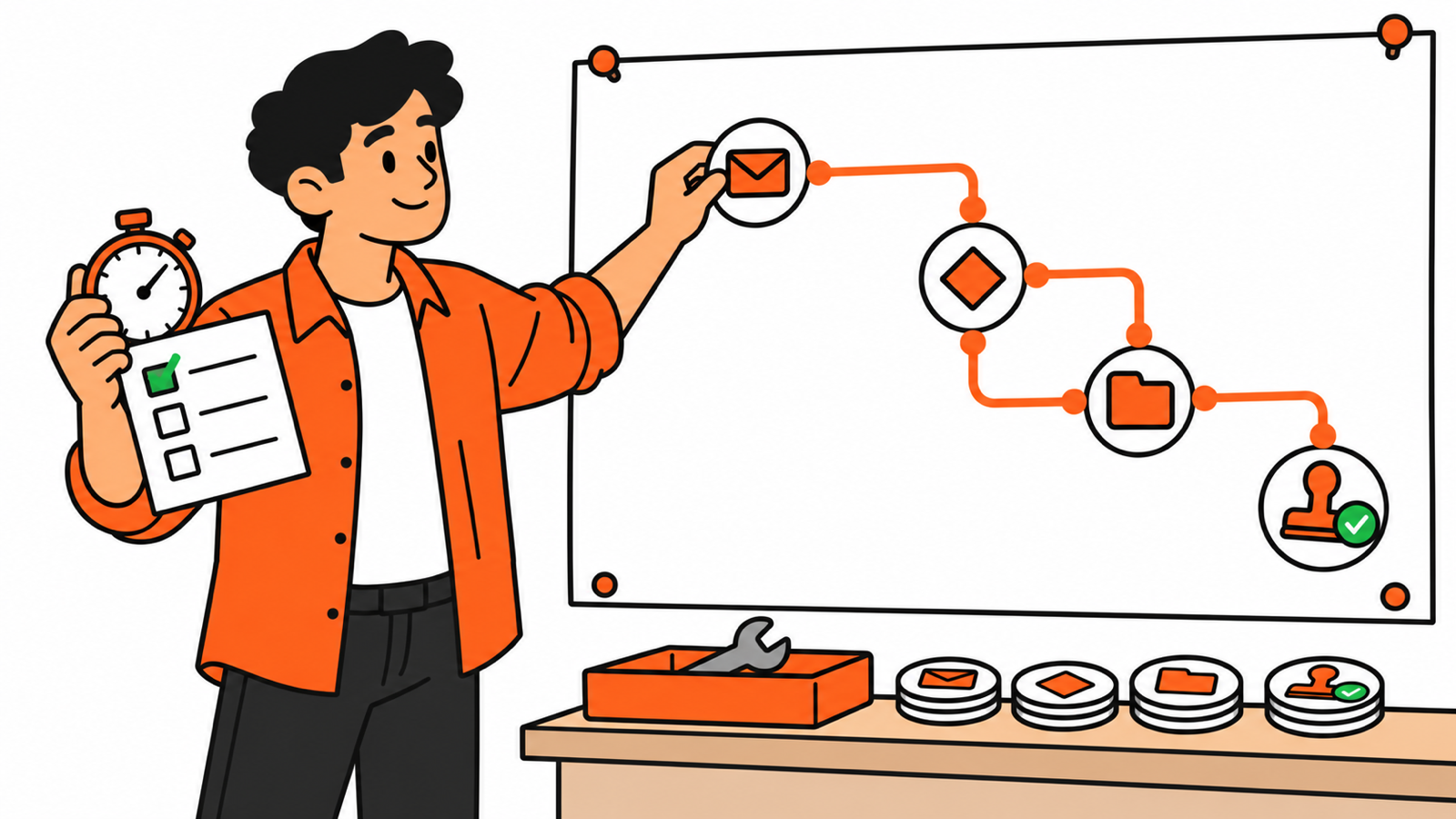
- Week one: choose one recurring internal process, map it, and record its current time and error patterns.
- Week two: build the simplest rule-based version. Add one narrow AI step only if the examples show a need.
- Week three: test missing information, duplicate events, denied access, and unavailable services. Inspect every result using test or historical material.
- Week four: run a limited pilot with a named owner, clear review rules, cost limits, and a manual fallback. Continue only if the measured results justify it.
For a concrete follow-up build, our small-business lead follow-up workflow shows a bounded process with explicit steps.
Start this week by writing down one recurring request, its three most common exceptions, and what a correct finish looks like. That gives every future tool a useful job to do.