AI is more useful in operations when it is part of a repeatable, reviewable system—not a one-off chat.
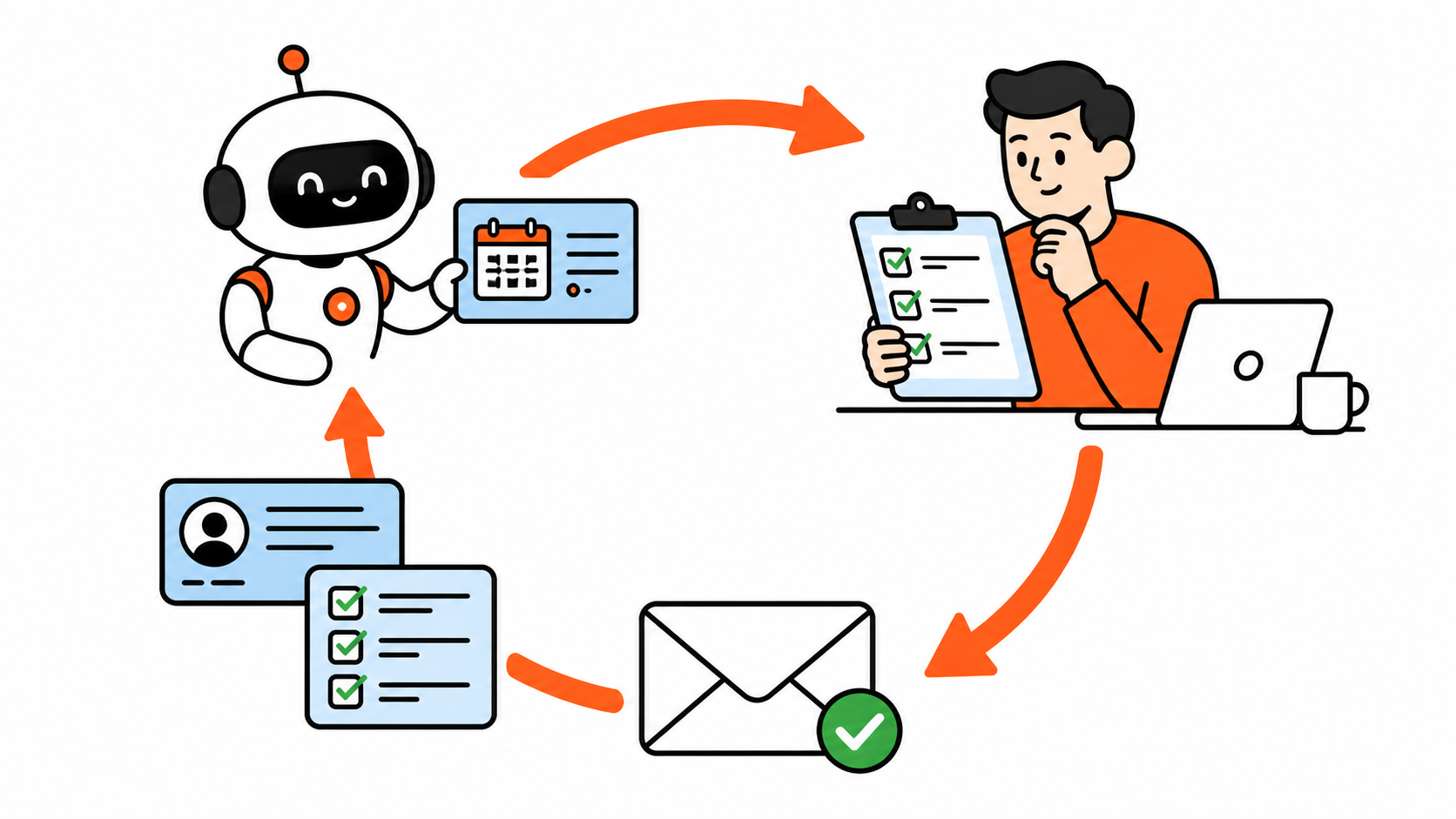
If your AI workflow is “paste notes, ask for a draft, edit it, repeat,” you do not necessarily need a cleverer prompt. You need a loop.
Loop engineering is an emerging label from the world of AI agents. For operations, the useful idea is simpler: design a repeatable cycle that tells AI when work exists, what context it may use, where a person must review it, what gets remembered, and when the work stops.
A prompt still matters. It is one step inside the loop—not the entire operating system.
Why better prompts eventually stop helping
A single prompt can create a strong first draft. It cannot by itself know whether the meeting note was complete, whether the client changed priorities yesterday, or whether an external message needs a human sign-off.
That is why teams keep having the same conversation with AI: “Make it shorter.” “Use the client’s preferred format.” “Do not promise that.” The correction disappears with the chat unless you deliberately put it back into the workflow.
The issue is not that people are bad at prompting. The issue is that a one-off chat has no trigger, validation, memory, or exit condition.
The operations loop: seven parts, one clear handoff
Use this practical version of loop engineering:
- Trigger — What event starts the work?
- Context — Which approved notes, records, and rules should the AI read?
- First pass — What useful draft or classification should it produce?
- Validation — What must be true before the work can move forward?
- Human gate — Who approves, corrects, or blocks it?
- Learning — Where do recurring corrections become a short reusable rule?
- Stop rule — When is the loop complete, and when must it hand off?
This is deliberately less glamorous than “autonomous operations.” That is the point. Reliable operations give people a predictable place to intervene.
A concrete example: client follow-up after a meeting
Imagine a client meeting ends. Most teams then chase follow-up through scattered notes, a CRM, and a half-written email. Here is a loop that makes the handoff cleaner without letting AI make promises on your behalf.
1. Trigger: the meeting ends
The workflow starts when the call recording, transcript, or meeting notes are saved. No one has to remember a special prompt.
2. Context: give the AI the right evidence
Pull in only the materials that help: the meeting agenda, notes or transcript, the last client email, the account record, and the approved communication SOP. Do not add everything in the company drive just because it is available.
3. First pass: extract the operational handoff
Ask the AI to return a structured draft with:
- decisions made;
- commitments, owners, and dates;
- open risks or missing information;
- a short client follow-up email; and
- a proposed CRM update.
The output is not “send an email.” It is a reviewable packet.
4. Validation: catch what should not travel
Before the draft reaches anyone outside the team, check a few concrete conditions. Does every promised date actually appear in the notes? Is an owner named for each action? Did the draft invent a commitment? Is it trying to send something when the meeting notes are incomplete?
This can begin as a checklist. Later, an automation can flag missing owners or dates. Keep the check simple enough that a real person will use it.
5. Human gate: approve the outbound action
The account owner reviews the packet, fixes any incorrect interpretation, then approves the email and CRM update. AI prepared the work; the person accepts responsibility for the client-facing decision.
That gate is especially important for pricing, contracts, sensitive accounts, and anything that could create a promise. OpenAI’s practical guide notes that agent workflows need guardrails and an exit or handoff when they cannot safely continue.
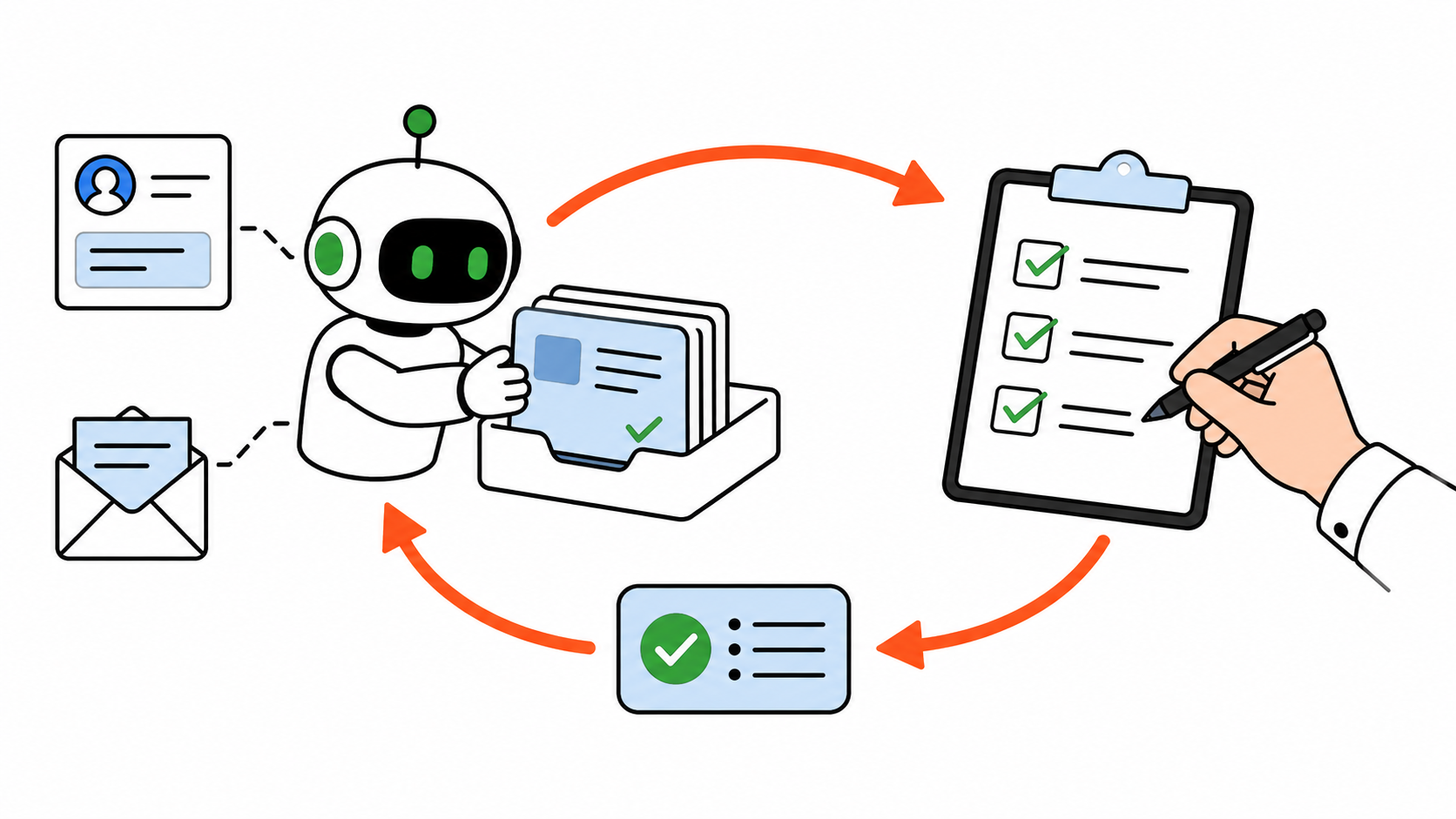
6. Learning: turn repeat corrections into a tiny SOP
If the account owner repeatedly changes “we will” to “we will confirm,” that is not merely an editing preference. Add a short rule: Do not state a delivery commitment unless the meeting notes contain an explicit confirmed date.
Keep these rules in the operating procedure or prompt template—not buried in one person’s chat history. Over time, the AI gets a clearer routine and the human spends less time making the same correction.
7. Stop rule: finish or escalate
The loop ends when the approved email is ready to send and the CRM record is updated. It stops early and asks for help when a commitment is unclear, a required source is missing, or the action needs a decision from a person.
That stop rule prevents the system from turning uncertainty into confident-looking work.
Prompts are still useful—just give them a job
Prompting is not dead. A prompt is where you express the repeatable action inside the loop. A good prompt for the example above might say:
Using only the supplied meeting notes and account record, draft a follow-up packet. List decisions, owners, dates, missing information, a client email draft, and a CRM update. Do not invent commitments. Flag anything that needs account-owner approval.
Notice what makes that prompt useful: the workflow already decided when it runs, which sources are allowed, what format to return, and who approves the result.
If you are still building your prompt library, start with these reusable AI prompts for operations work. Then graduate the prompt that you use repeatedly into a loop.
Start with one loop this week
Choose an annoying workflow that happens at least three times a week: meeting follow-up, lead research, invoice exceptions, status updates, or inbox triage. Do not start with the most sensitive process in the company.
Write one sentence for each part:
- Trigger: When does the work begin?
- Context: What is the minimum trustworthy source material?
- Output: What draft would save real time?
- Gate: What must a person review?
- Learning: Where will repeat corrections be recorded?
- Stop: What makes the item done, blocked, or escalated?
Run that loop for two weeks. Track one simple measure—time to follow-up, number of missing owners, or the number of drafts that need a major rewrite. Then update the SOP with the corrections that keep appearing.
You do not need a swarm of agents to do this. Start with a single repeatable routine, clear data boundaries, and a human owner. Both OpenAI and Anthropic recommend starting with the simplest workable pattern before adding architectural complexity.
The shift worth making
The question is not “What is the perfect prompt?” It is “What happens before and after this prompt so the work gets safer and better each time?”
That is loop engineering for operations: a practical way to turn isolated AI drafts into work your team can trust, inspect, and improve.
If you want to take the next step, pair this with an automation idea that removes a repetitive handoff—but keep the approval gate in place until the loop earns more autonomy.