Remote meetings do not usually fail because people forgot to take notes. They fail because nobody leaves with the same decisions, owners, or due dates.
AI meeting notes for remote teams can fix that if you treat the summary as a starting point, not the final record. The useful outcome is a short, reviewed update that tells everyone what was decided, who owns the next move, and what could still block the work.
Here is a simple six-step workflow for turning a Zoom, Teams, or Meet call into follow-through without making one person the unpaid keeper of every detail.
1. Get permission before the meeting starts
Before an AI note taker joins or records a meeting, make the policy clear. Tell attendees what is being captured, where the notes will live, and who can access them. Follow your company rules and the recording requirements that apply where your team works.
This is not boring admin work. It prevents the awkward version of “why is there a bot in this call?” and helps people speak more openly. Some tools also give workspace admins controls over who can use a note taker and how it joins meetings. Otter documents workspace controls for its Notetaker, which is a useful reminder to decide this as a team, not one calendar invite at a time.
2. What AI Meeting Notes for Remote Teams Must Capture
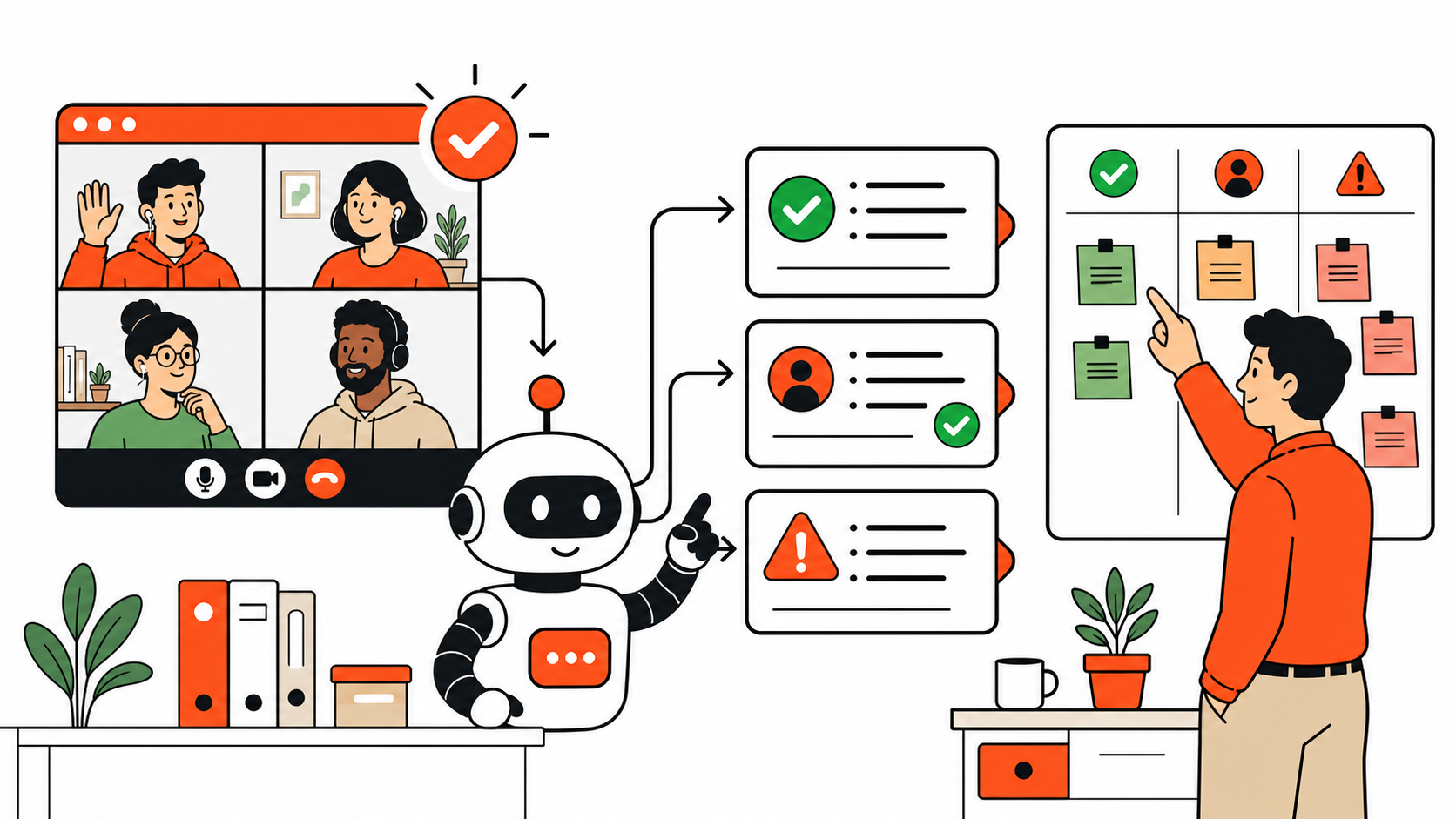
A raw transcript is searchable, but it is rarely useful on a busy Tuesday. Give the AI, or the person reviewing it, a three-part job:
- Decisions: what the team agreed to do, change, approve, or stop.
- Actions: one owner, one next step, and a date when one was actually agreed.
- Blockers: missing information, dependencies, risks, or decisions still waiting on someone else.
That structure works for a client call, a weekly operations sync, and a project handoff. It also makes the recap readable by the teammate in another time zone who could not attend live.
3. Let AI create the first pass, then review the names and dates
Use a note-taking tool to produce the transcript and first summary. The specific app matters less than whether it gives you an editable output. For example, Krisp offers templates for project syncs and weekly team meetings, including action-item blocks. That can save time when your meetings follow a regular pattern.
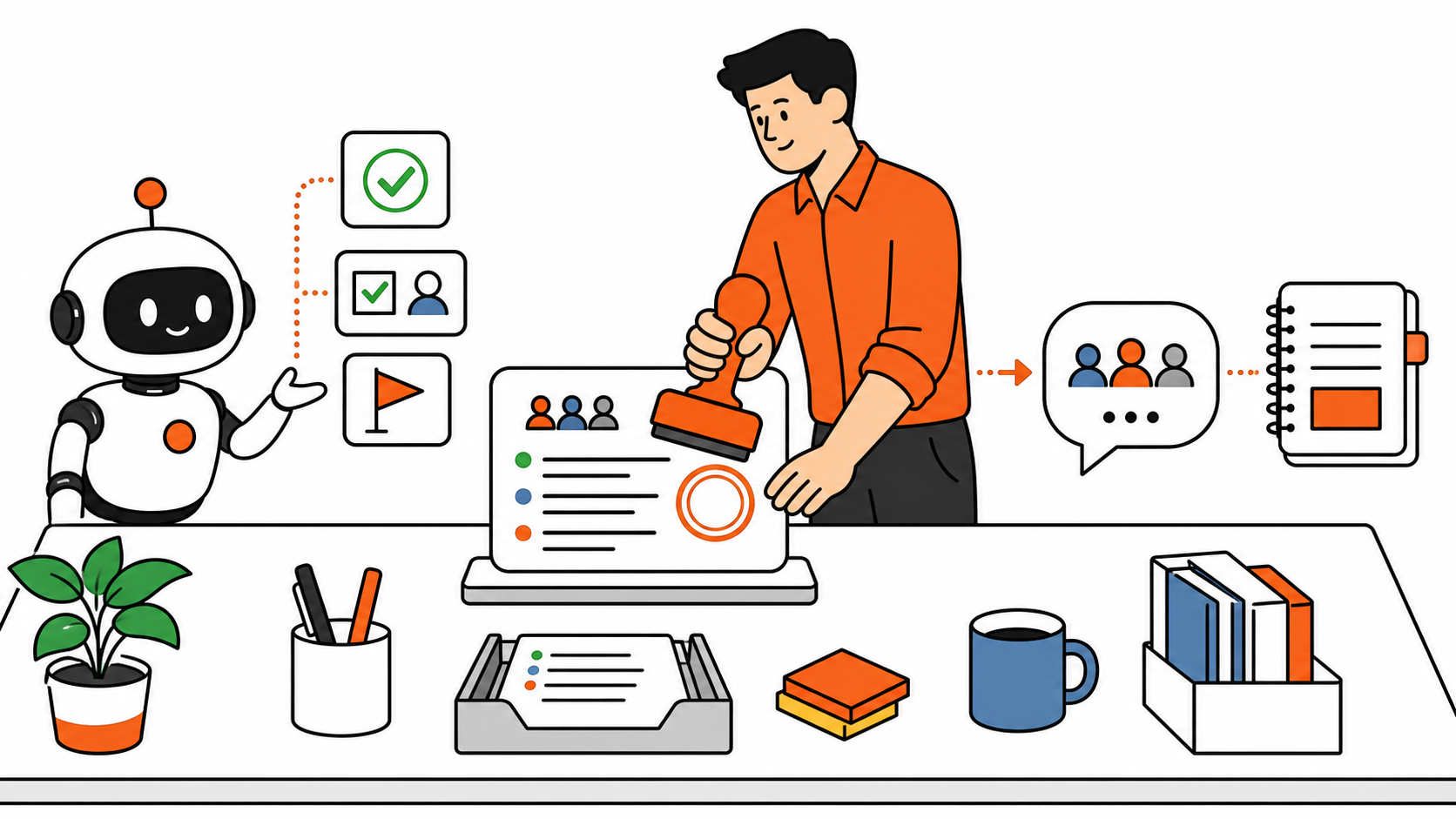
Then do the five-minute human pass. Check every owner, date, client name, number, and decision that affects work. AI can confuse speakers, miss a caveat, or turn a tentative idea into a confident-sounding commitment. Do not send the recap until a person who was in the room confirms it reflects reality.
If you need help shaping the review, borrow the same practical approach from our AI prompts for operations work: ask for clarity and structure, but keep the final judgment with the operator.
4. Publish the short recap where the team already works
Do not bury the only useful summary in a private tool dashboard. Post a short version in the project’s Slack channel or the meeting page in Notion, then link to the full record for anyone who needs the context.
A good remote-work recap can be as short as this:
Decided: Move the client onboarding deadline to Thursday.
Owners: Maya sends the revised checklist today. Rob confirms access by Wednesday.
Blocker: We still need the client’s billing contact.
Next check-in: Wednesday, after access is confirmed.
This is where the workflow becomes operational instead of decorative. Fireflies documents sending summaries and action items to Slack, and it also supports sending meeting notes into Notion. Other tools can work too. The rule is simple: send the recap to the place your team already checks.
5. Turn repeated meeting work into a lightweight operating rhythm
For AI meeting notes for remote teams, use the same recap format every time. At the start of the next call, open the previous action list first. Mark what is done, carry forward what is still blocked, and only then start a new discussion.
That small habit stops remote teams from having the same conversation three times. It also creates an honest history of decisions without forcing everyone to reread an hour of transcript. If your team already coordinates in Slack, our guide to building a first Claude Tag workflow is a useful companion for turning clear requests into follow-through.
6. Keep the tool in its lane
AI note-taking is great at reducing clerical work. It is not a substitute for a meeting owner, a decision-maker, or a colleague who reads the room. Do not use it to silently record sensitive conversations, invent deadlines, or assign work nobody agreed to own.
The best remote-work setup is usually boring in the best possible way: fewer lost decisions, fewer “just checking” messages, and a clear next action for every person. Let AI handle the first draft. Let people own the commitments.
Quick remote-meeting checklist
- Tell attendees when a meeting is being recorded or summarized.
- Use a consistent decisions, actions, blockers format.
- Review names, dates, and commitments before sharing.
- Send the short recap to Slack, Notion, or the system your team actually uses.
- Open the previous action list at the next recurring meeting.
That is the whole playbook. You do not need a perfect transcript. You need a team that can see what happens next.
Have a remote-work workflow that keeps projects moving? Share the one meeting habit your team refuses to lose.