

Disclosure: This post includes my Wispr Flow referral link. If you decide to try it, using it supports DigiDaddy at no extra cost to you.
Wispr Flow for operations
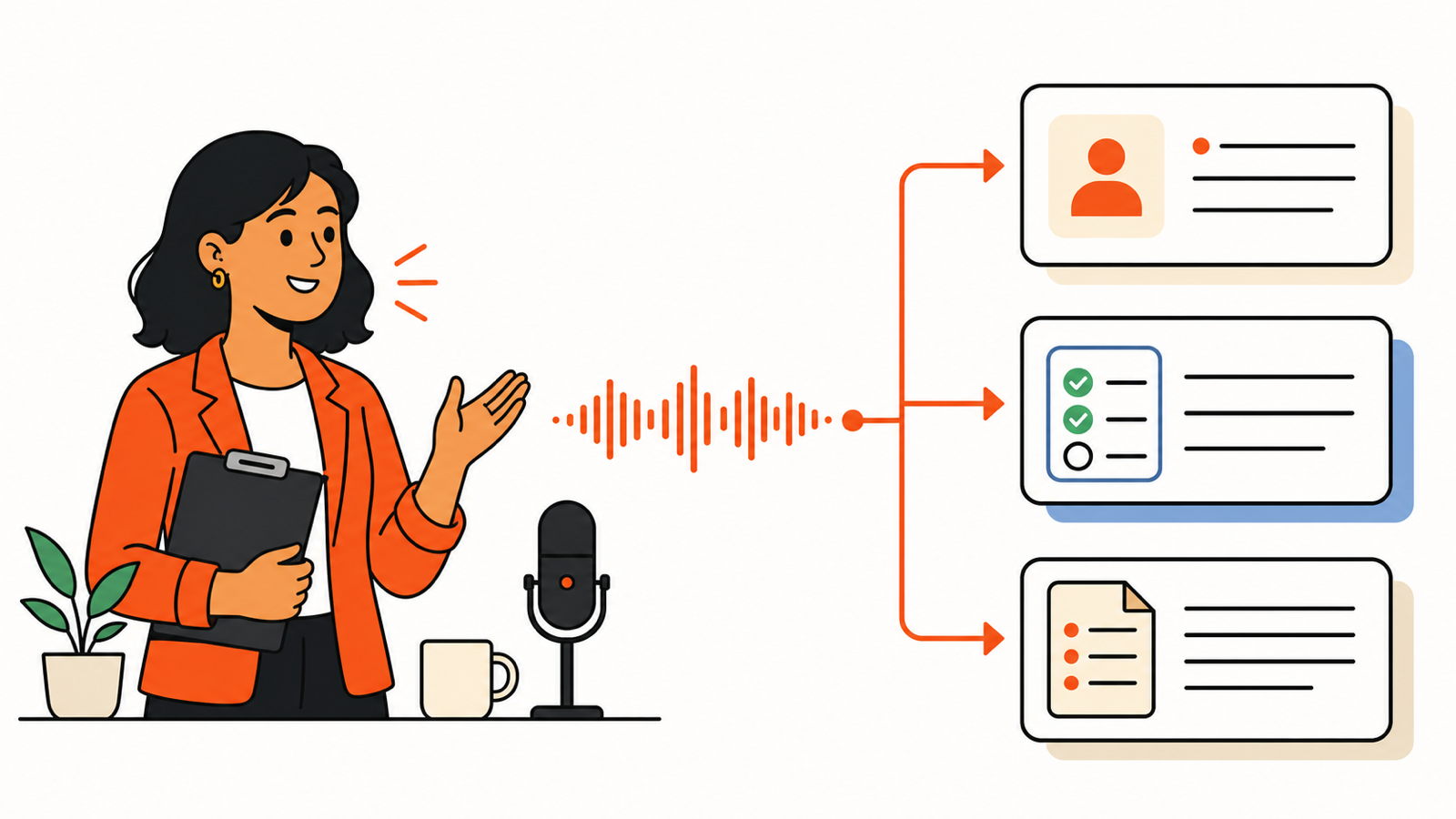
Wispr Flow is a voice-to-text app built for exactly that kind of friction. You speak naturally into the text field you are already using; it turns the thought into polished text, handles punctuation and lists, and can remove filler words as you go.
The point is not to dictate every document. The point is to stop typing the first draft of work that you already know how to say. That is the real value of Wispr Flow for operations: faster follow-through without adding another place to manage work.
Why Wispr Flow for Operations Is Worth Using
Great operators do not just complete tasks. They create clarity for the next person. The bottleneck is often getting what is in your head into Slack, your CRM, Notion, a ticket, or an email while the context is still fresh.
Wispr Flow works in text fields across the apps you use, so it can fit between the work instead of demanding a new workflow. Wispr says it is available on Mac, Windows, iPhone, and Android; it also supports personal dictionaries, snippets, and more than 100 languages.
That matters when your day moves from client updates to incident notes to internal documentation. You keep the same habit: place the cursor, speak the useful version, review it, send it.
7 practical ways operations people can use it
1. Turn meeting notes into an immediate handoff
Right after a call, dictate the decisions, owners, due dates, and risks into your project tool or Slack. Start with: “Decision: … Owner: … Due: … Risk: …” You will capture the detail before the next meeting steals it.
2. Write the first draft of follow-up emails
Do not overthink the blank page. Dictate: “Thanks for today. Here is what we agreed, what I need from you, and the next checkpoint.” Then read it once for tone and accuracy. The goal is a prompt, clear reply—not an untouched AI-generated email.
3. Update the CRM while the conversation is fresh
After a client or vendor conversation, speak the essential context directly into the note field: what changed, who owns the next step, and when to follow up. A clean CRM note saves the whole team from asking the same question twice.
4. Capture an SOP before you forget the edge cases
As you complete a recurring process, narrate the steps into your documentation tool. Include the trigger, the happy path, the exception, and the final check. You can edit later, but you will have the useful raw material while the process is right in front of you.
5. Create better tickets and incident updates
For a ticket, dictate a simple structure: “What happened. Impact. What we tried. What is needed next.” For an incident update, add the current status and the next update time. Voice is particularly useful when you are switching between systems and do not want to lose your train of thought.
6. Build a reusable language library
Operations teams repeat certain messages: scheduling links, onboarding instructions, status-update formats, escalation acknowledgements, and FAQ answers. Wispr Flow’s snippets let you turn a spoken cue into the full approved text. Its dictionary can also help keep product names, team acronyms, and customer names consistent.
7. Clear the “I’ll write it later” backlog
Use a 10-minute voice pass at the end of the day: dictate the status update, three follow-ups, and the outline of tomorrow’s plan. You are not replacing judgment. You are removing the keyboard as the gatekeeper for work that is already clear in your mind.
How to get more value than “just dictation”
- Use a repeatable prompt structure. Say the headings out loud: context, decision, owner, next step.
- Build your dictionary first. Add customer names, product names, internal acronyms, and common tools so you spend less time correcting them.
- Create snippets for high-frequency text. Think: meeting follow-up, project update, escalation response, and scheduling.
- Dictate, then review. Voice can accelerate the first draft, but operations work still needs the human check for accuracy, commitments, and confidentiality.
- Start with one workflow. Try CRM notes or meeting handoffs for a week before turning it into a bigger habit.
Can you try Wispr Flow for free?
Yes. Wispr currently offers Flow Basic, a free plan, and new accounts begin with a 14-day Flow Pro trial with no credit card required. The free tier has usage limits, so check the current pricing page for the latest allowance and plan details.
If you are curious, use my referral link to try it: Try Wispr Flow here.
If you are building a practical AI stack, also see The AI Tools I Actually Use Every Day.
The bottom line
Wispr Flow will not fix a messy process. But it can make good operators faster at the part that matters: turning a decision into clear, usable follow-through while the context is still fresh. For teams that need fewer dropped handoffs, Wispr Flow for operations is a practical tool to test.
Try it on one real workflow this week. Dictate the notes, review them, and send the handoff before the moment disappears.
