Most n8n automation ideas online come dressed up as huge business wins: replace a whole department, save six figures a year, wire fifty apps into one dashboard nobody actually opens. Here are two n8n automation ideas that are nowhere near that ambitious. I built two small bots for myself. Nobody asked for them. They just quietly run every morning and save me about fifteen minutes of scrolling before I’ve even had coffee.
I already run n8n on my own VPS alongside this blog, so building something new costs me nothing but time. That’s the whole appeal of small personal automations. You don’t need a business case or a project plan. You just need five minutes of annoyance and a willingness to build something a little silly.
Why Build Automations Nobody Asked For
Ten years in operations taught me one thing: the tasks worth automating are rarely the impressive ones. They’re the tiny repetitive ones that quietly eat your attention. Checking three different sites for AI news every morning. Scrolling GitHub to see what shipped overnight. Nobody puts those on a roadmap, which is exactly why they’re the best candidates for a personal automation.
So instead of waiting for a “real” use case, I just built two email digests. Both run on a schedule, both do one small job, and both have been sitting in the background running themselves for weeks without me touching them again.
n8n Automation Idea #1: A Daily AI News Digest That Emails Me Every Morning
This one is the simplest of the two, and honestly the one I’d recommend building first if you want to try this yourself. Here’s the flow, in plain English:
- Schedule Trigger: the alarm clock. It fires every morning at 7am.
- Build Date: figures out today’s date so the email header is correct.
- Fetch AI News: calls NewsAPI and searches for AI, ML, LLM, ChatGPT, OpenAI, Gemini, and Claude topics.
- Build HTML Email: takes the top stories, gives the lead story a hero section, and lists the rest below it. Removed or dead articles get filtered out automatically.
- Send Email: drops the finished digest straight into my inbox.
That’s it. Five nodes, no code, and it’s been running every single morning without a single manual restart. I open my inbox, skim the top ten AI stories in under a minute, and I’m caught up before I’ve opened a single tab.
n8n Automation Idea #2: A GitHub Trending Digest With AI Summaries
The second bot scratches a different itch. I like knowing what’s trending on GitHub, but I don’t have time to read through ten repo descriptions every day to figure out which ones actually matter. So I let AI do that part too.
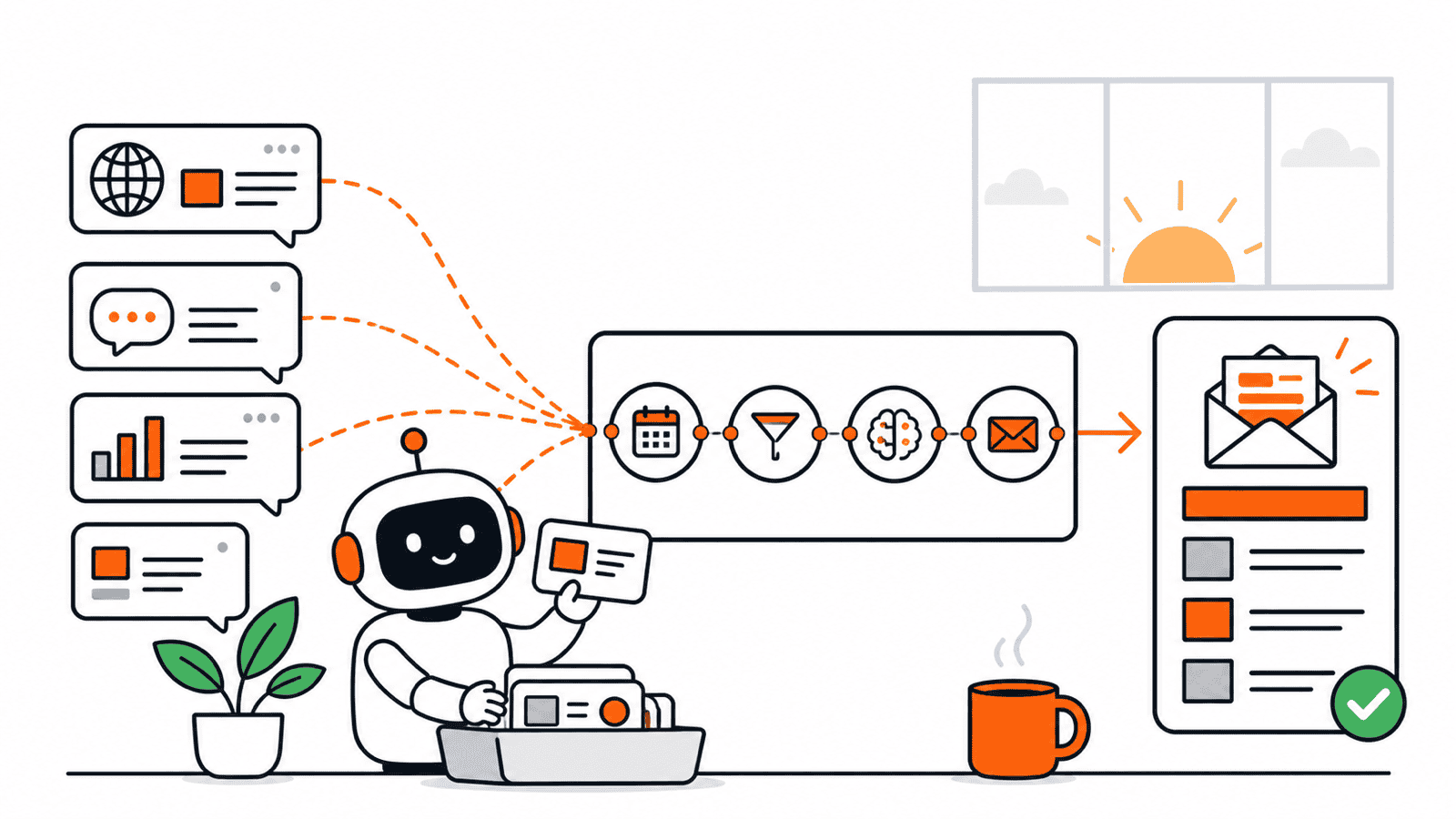
- Daily trigger at 7am: same alarm clock pattern as the first bot.
- Fetch Trending Repos: pulls the top repos from the last 7 days with 50+ stars from the GitHub API.
- Prepare Prompt: takes the top 5 repos and writes a simple instruction for the AI model.
- Generate AI Summaries: sends that prompt to an AI model through OpenRouter, which writes a short, plain-English description for each repo.
- Build HTML Email: formats everything with repo names, star counts, and direct links.
- Send Email: same inbox, same 7am slot, right under the news digest.
Neither of these bots is trying to be clever. They just take something I used to do manually, do it on a schedule, and hand me the result already formatted. That’s really all a good personal automation needs to do.
What These Two n8n Automation Ideas Have In Common
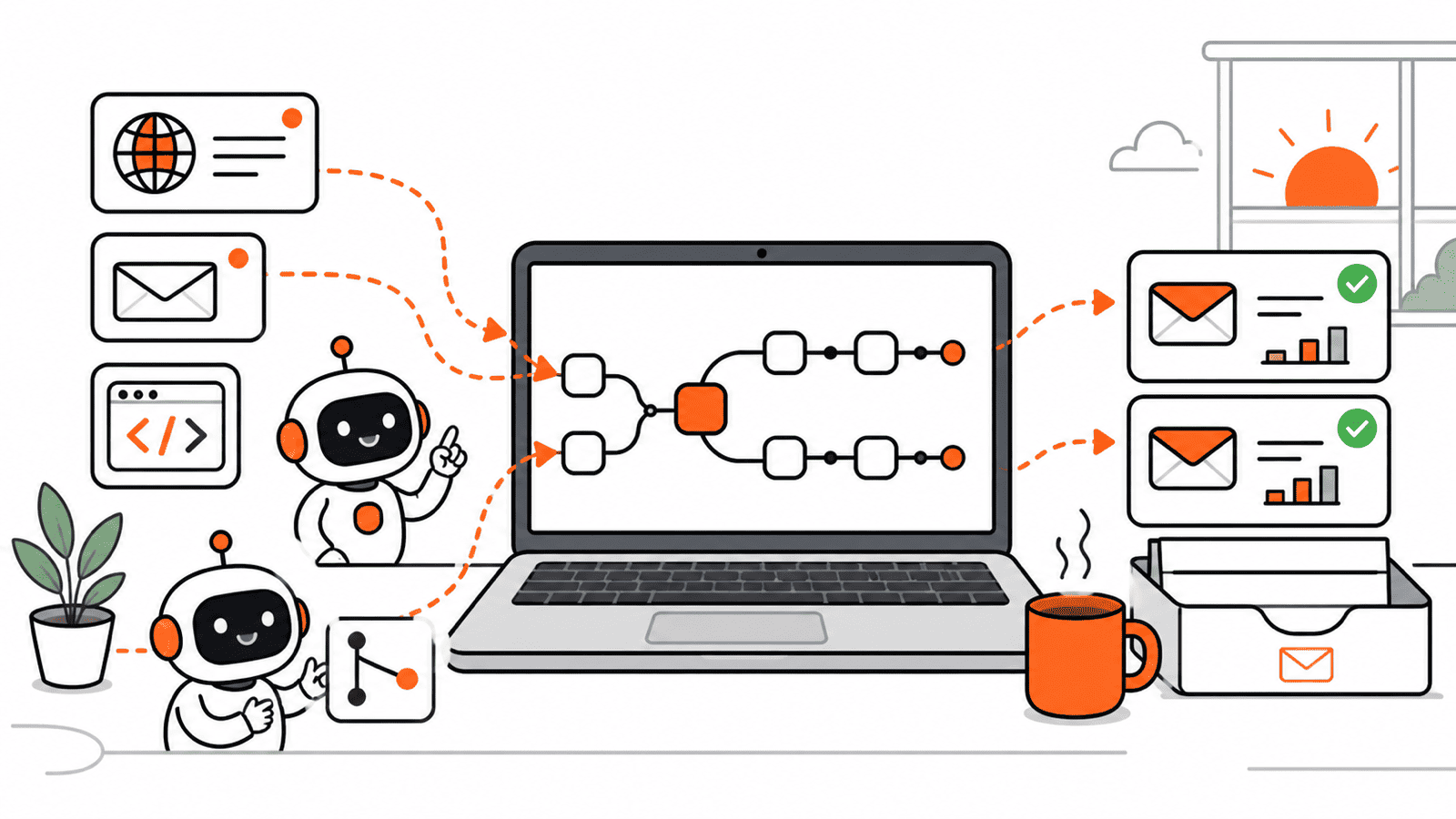
Strip away the details and both workflows follow the exact same shape: trigger, fetch, format, send. That pattern is basically a template you can reuse for almost any personal digest:
- A schedule trigger to replace “remembering to check something”
- An API call to pull the raw data
- An optional AI step to summarize or clean it up
- An email or Slack step to deliver the result somewhere you’ll actually see it
Once you’ve built one of these, the second one takes a fraction of the time, because you’re really just swapping out the data source. Mine happen to be a news API and GitHub. Yours could just as easily be a competitor’s pricing page, a weather forecast for tomorrow’s commute, or a summary of unread emails from one specific client.
How to Steal These n8n Automation Ideas for Yourself
You don’t need a VPS or any server experience to try this. n8n has a free cloud tier that’s plenty for a couple of small personal digests. If you do want full control and no usage limits, self-hosting n8n is what I use, and it’s the same approach I walked through in Build Your Own Tools: Stop Overpaying for SaaS in 2026.
To build your own version:
- Pick one small annoyance you check manually every day.
- Find an API for that data source (most popular tools have a free tier).
- Add a Schedule Trigger node and set it to run once a day.
- Add an HTTP Request node to pull the data.
- Format the result with an HTML or text node, then send it to yourself by email.
- Test it with a manual run before you trust the schedule.
Start stupidly small. Neither of my bots took more than an hour to build, and both have quietly outperformed every “impressive” automation I’ve tried to force into my workflow because someone online said it would save me time.
If you build your own version of either of these, I’d genuinely like to hear what data source you plugged in. That’s usually where the more interesting n8n automation ideas come from anyway: not the tutorial, but the one small thing that’s been bugging you.